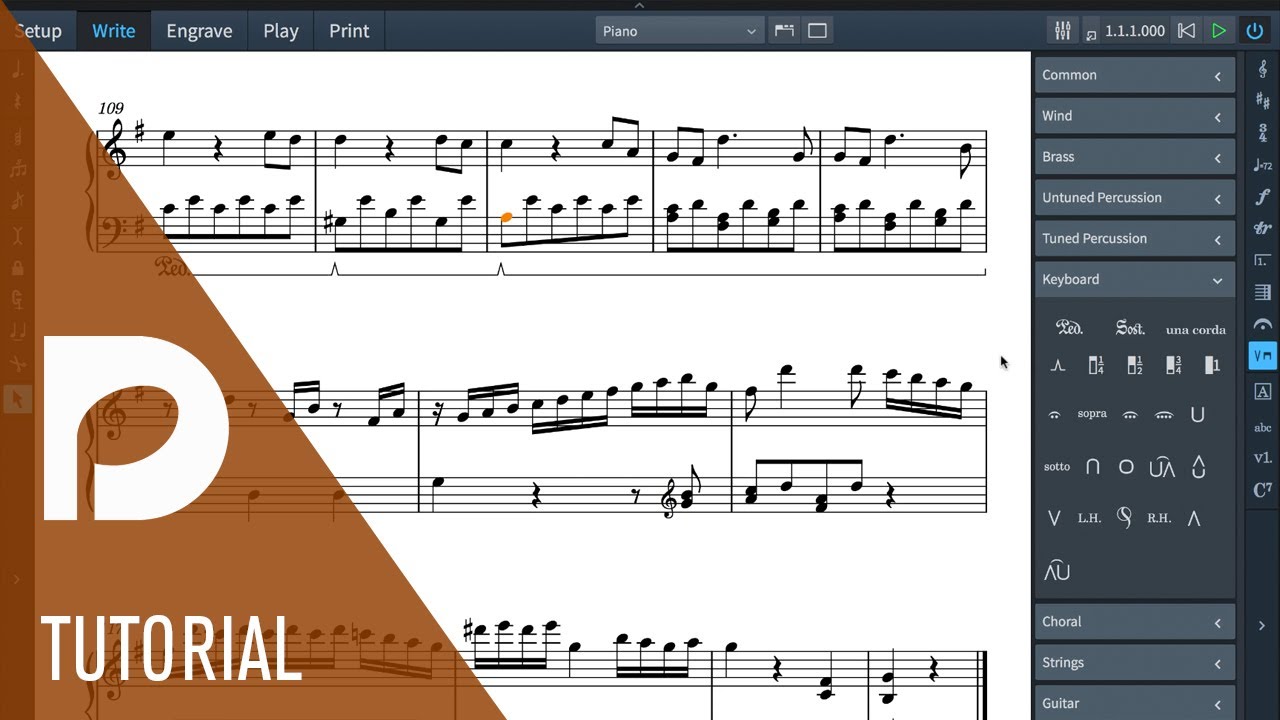
The linked video says that to add retakes, make sure nothing is selected, select the retake mark in the panel under keyboard techniques, and then click the pedal line at the rhythmic position where you want the retake.
In general, I add the start and end of the section where I want pedaling, and then add retakes as needed. This does not work consistently for me.
I entered several retakes successfully; but now I am trying to add a retake in bar 33 on beat 2 1/2 (D#-F#-A) and another on beat 3 (E-G#-B). It does not work. I click and nothing happens. I click again, and the whole pedal line gets selected with all previous retakes deleted.
I must be missing something obvious.
>>In this process I somehow lost all 64 bars of the piano part leading up to this section. Since I was not backing up and checking previous sections, I saved over the good copies.<<
… and combine these shortcuts with moving around with the arrow keys: this avoids using the mouse (if you prefer so), but the suggestion of selecting the desired notes first and then using the shortcut works well too.
Here a usage example recording (sorry for the wrong accidentals...):