When I double-click on the Title Token in Write Mode, the Project Info window appears. I cannot figure out how to prevent that from happening.
Usually this dialog appears

Likely you’ve checked the checkbox and clicked on “Open Project Info”.
I have no idea how to revert this, maybe a flag is set in the preferences file.
Nevertheless you are strongly discouraged from editing tokens or text frames directly on a page. This causes a page override. Edit the page template or the paragraph style instead.


Thanks for the help. After opening the Title Token, I added the code for Dedication and then adjusted the field to allow for the info.
@jk3horn
Please, consider this:
For general tips and advice on how to use page templates to customize the information that appears in your score, do watch this Discover Dorico session if you haven’t already:
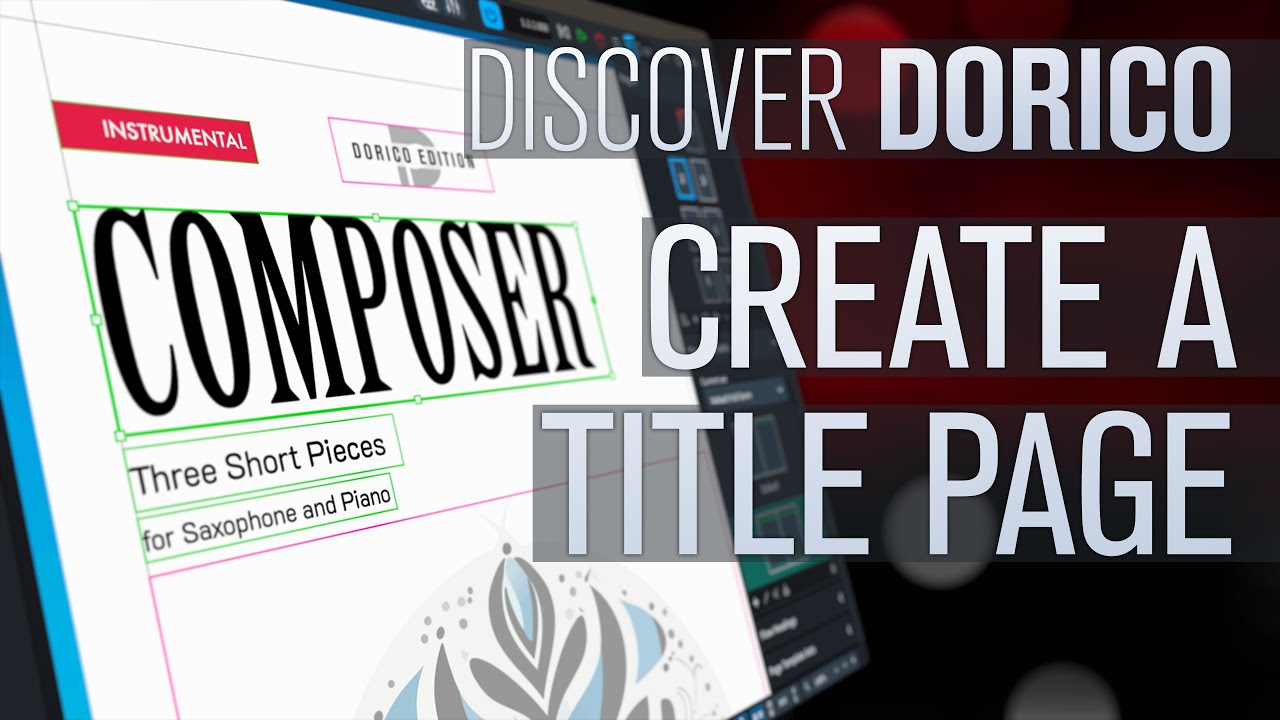
That’s the way to do it, but:
Never do this directly on the page!
Go to Engrave Mode, open the First Page template and do your edit there – and only there.
If you follow the advice above, it will be explained in more detail.
Thank you all for this important info.
To be fair, if it really was never there wouldn’t be a reason why the software lets you do that at all. There are always specific circumstances and edge cases. But yes, the warning dialog is there for a reason.
The specific cases are when you use Dorico SE or
Dorico Elements (because there is no other way).
I seem to remember that @jk3horn is still deciding whether to upgrade.
I’m a Pro user now. 
Creating a page override is not technically a bad thing, but it is just generally considered bad practice. There are several reasons why.
IMHO, using Page Templates is one of the greatest features Dorico has. And, if you need something that is just a tad bit different than other Page Templates you can have as many as you want.
I now understand how important Page Templates and Template Sets are. I wish I’d known more about them when I first started with Dorico.