I’m making a teacher answer key for a method book and using a custom paragraph style with Bravura Text 25pt. staff-relative. For some reason, I’m getting faint lines next to each entry that print. Is there a correct way for me to do these answers?

If you are able to post enough of the project which still displays this, I can have a look at it to see if I can work out the cause. I’m sure that there will be other users who will also be similarly intrigued.
Is it displaying only on PDFs and/or printing to a hard copy, or on screen as well? And, are you printing using the Dorico Export to Graphics capability or the standard Print function in your computer’s OS?
I am exporting graphic slices to PDF. The vertical lines show on screen and on the printout. To double check, I opened pages in Adobe Illustrator and the lines are indeed there, albeit so thin they’re barely visible.
The Dorico file is too large to attach. When I’m at my computer again, I’ll export the relevant flows and send. Stay tuned…
1 Like
It might not be related, but in PostScript format files there is an issue with lines which have been defined as zero-width actually being rendered as hairline thickness which equates to the thinnest line which a PostScript device can produce. Namely, extremely thin but not really zero-width.
Other, more knowledgeable, users might have a better grasp of the details and will be able to correct me if I have misunderstood.
1 Like
Hi Steven,
Following your post and a bit of experimentation, I think I’ve identified the cause of the ghost lines I’m seeing in my PDF output.
As a workaround for the limitation that note coloring only applies to noteheads, I’ve been inputting answer keys as text and then “hiding” the actual black notes by scaling them down to 1% (the minimum allowed). Deleting the notes would mess up the spacing needed for the text answers, and Dorico doesn’t have a “hide” function for notes.
I suspect these scaled-down note entries are what’s causing the faint ghost lines to appear in the PDFs.
Here’s a link to the relevant section of the Dorico file: Teacher Notes
If you can think of a better approach, I’d really appreciate any suggestions, as manually removing these lines in Illustrator after every correction or change would be quite time-consuming.
Thanks in advance for your help and for pointing me in the right direction!

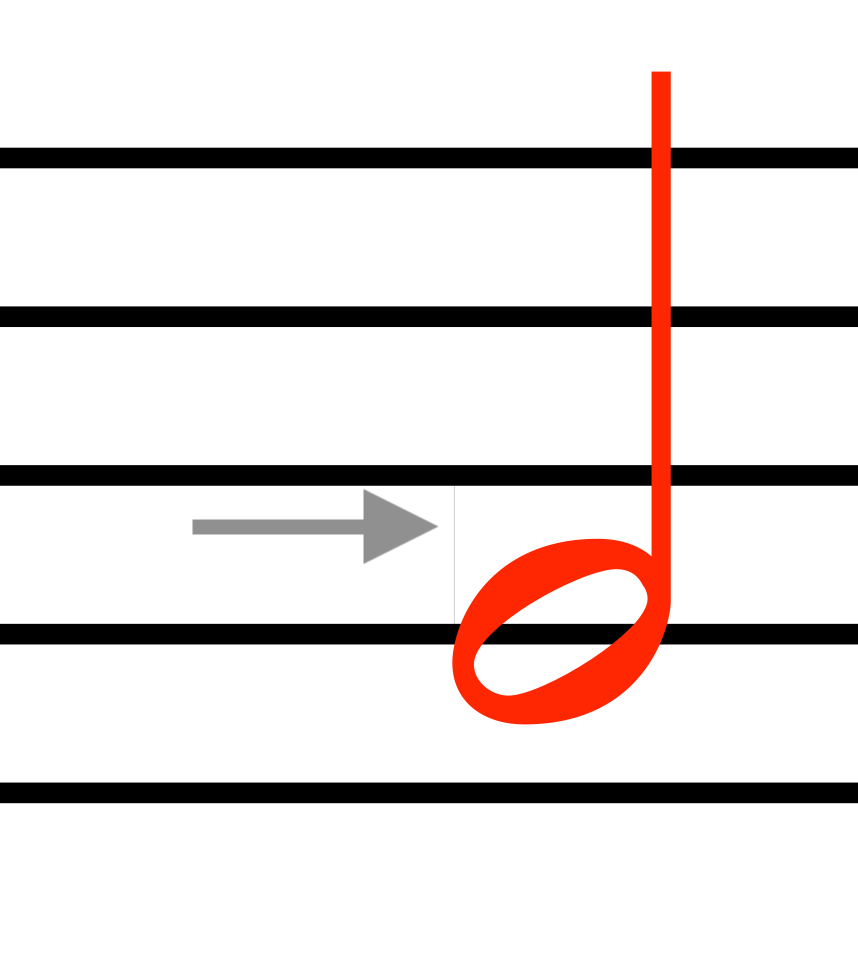
Firstly, the faint line is, I think, a result of scaling down the note which is “hidden” behind the red staff-attached text “note”. I imagine you had originally put this real note there to assist in accurate positioning of the staff-attached text note.
This is a bit tricky, but it might do the job. Do it on one instance first to see if it works.
Select All.
In Properties > Common, deselect Custom scale - this will cause the scaled-down notes to appear at full size
Select a black note in the example, press right- or left-arrow as appropriate to select the note which was scaled-down.
Go into Engrave mode, and enable Hide stem, Hide notehead and Hide ledger lines - this will cause the real note to disappear.
By using the right-arrow key to move to the next note to be treated in this way, you could do one at a time in Engrave mode. You could probably do a few at a time by using marquee select in Write mode (eg those aligned vertically) then using Filter > Deselect text (which should leave the notes selected) and then, in Engrave mode, apply the Hiding of Noteheads, Stems and Ledger lines to all those selected.
It might be possible to marquee-select quite a few more by doing it on a small number, then holding the cmd key (on Mac, probably ctrl on Windows) and drag-selecting to add those to the selection.
(Edit: re-worded some of the above)
I had looked to see if a recent update allows me to hide notes but missed it. I might have been looking for something like Hide Note instead of hiding each component separately. I imagine this will fix the issue. Thank you!
The link I shared of a conversation with Daniel did not have wrong information. I was confusing this solution with my attempt to colorize the notes, which Daniel told me did not include stem and beams yet. Hiding notes and stems, then adding notes in red as text does work and is not in conflict with the info I got from Daniel. Sorry for any confusion from the link I just removed. 