(I can’t check the Elements version just now - I’m doing a major print run!)
1 Like
1 Like
Thanks a lot Jesele! But I wonder if I could do what you’ve done with my Dorico Elements 5. I saw you used a more advanced version. In case you want to hear the song, here’s the orchestral version: https://youtu.be/n7Pu6_EX37g
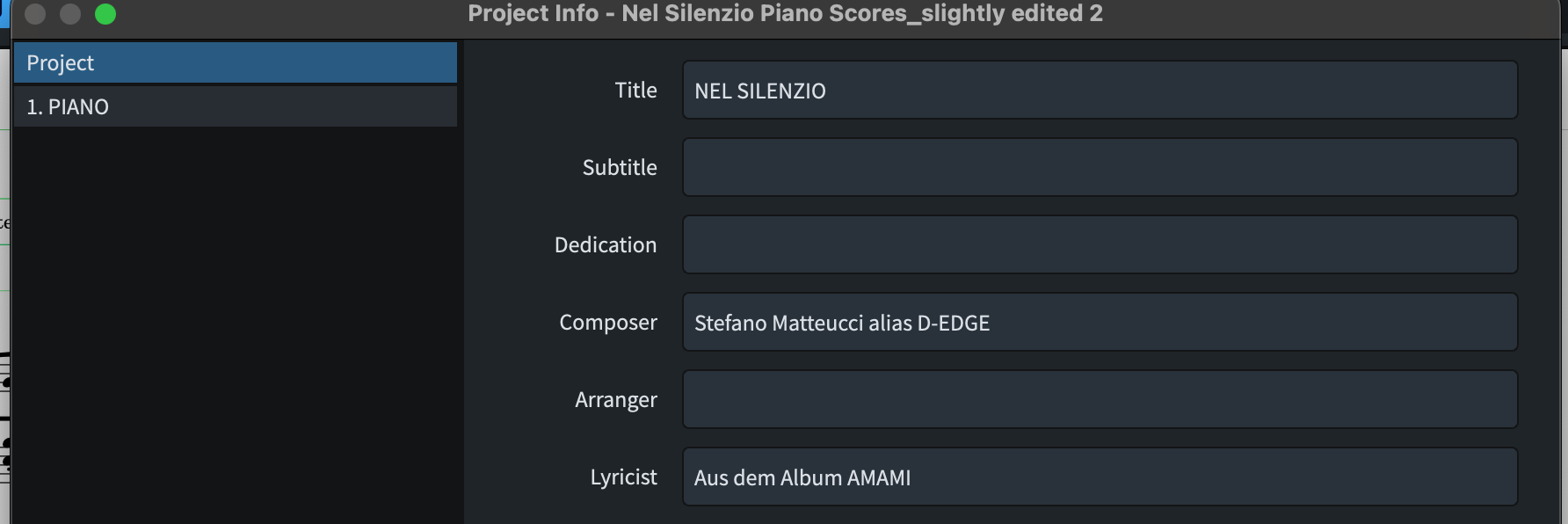
Yes, I think you could. The only thing I did was remove a frame break, change the rastral size to 4, adding title, composer, lyricist to the project info dialog, and remove the page overrides in Engrave mode→right pane. Then again, I used the version that @k_b supplied, else I would have had to reset the layout and manual spacing also. ( I see that elements have remove page overrides in the Engrave menu, but no right panel, but should work all the same)
Jesper
and thanks for the link.
1 Like
With Dorico Elements this is also possible.
I changed the Space size to 6.8 mm
and the Note Spacing just a notch down from the default 4 (to 3 7/8).
Input three system breaks - so there was no text hanging into the margins.
Also moved all Lyric cues to the upper system.
You can do this all in the Elements version.
I wonder, how you manually moved the staves on your first page…
Do you have a trial of the Pro version?
Nel Silenzio Piano Scores_No more overrides.dorico (1.9 MB)