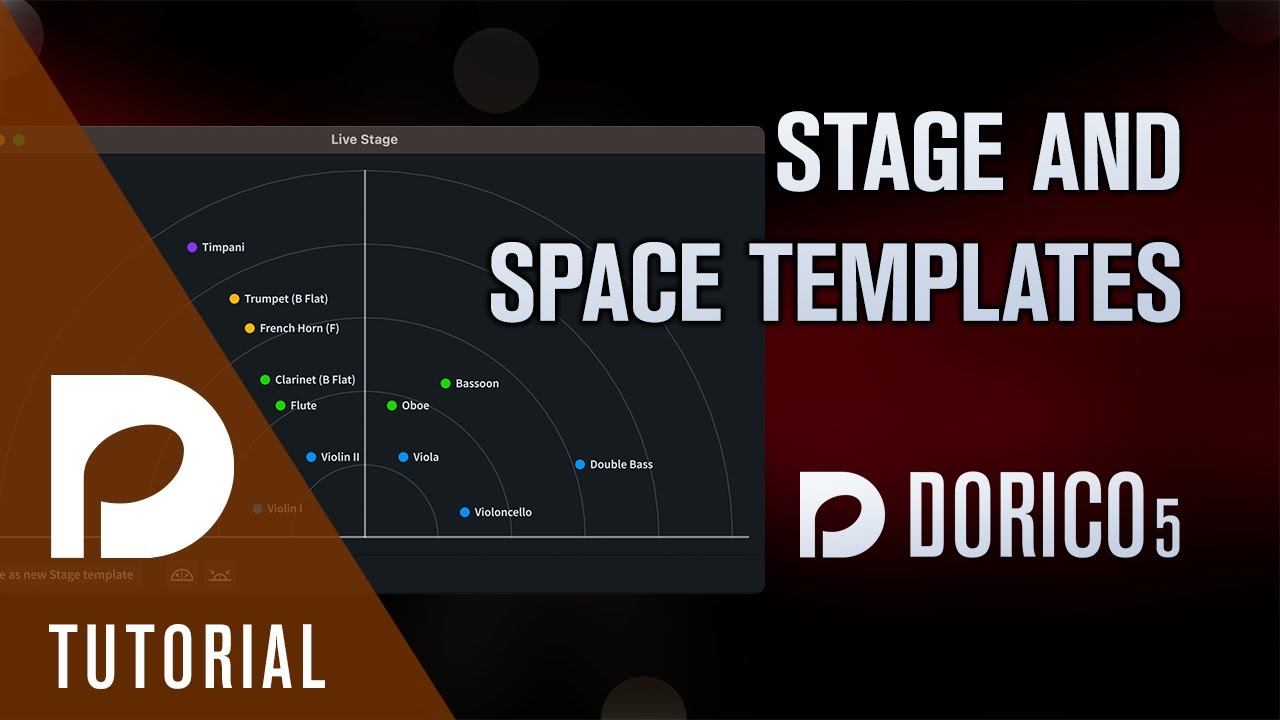
I have used the live stage stereo locator
Saved the project . when I open the same project again the live stage resets to flat, and it won’t allow me to replace the instruments where I want them in the stage.
However, if I create a new template, I can place the instruments wherever location, but again when I close the project and I reopen the Live stage goes back to flat.
How, do I keep the Live Stage locations fixed (saved)??
You have to have a Space to put your Stage into! If you don’t have a Space selected, then you can’t move the players around.
Oh Thank you. How do I select a space to put my stage into?. Normally I just click the Live Stage icon to open the feature.
It’s the button next to stage on the Mixer; or in the Play menu. I’d recommend watching this video as an introduction to Stage and Space templates.
Thank you I got it is the space icon right next to it. Need to crest space . Some how the choice was infilled. Thanks