I changed my layout to scroll vertically, and hitting cmd-fn-right arrow took me to the last page, like an End key would. I’m on a 2024 MBA running macOS 15.4 in beta.

Back a page = fn + ←⃪
Forward a page = fn + ➞

Back a page = fn + ↑
Forward a page = fn + ↓
Ah, now I understand the problem.
My scroll setting is currently ‘spreads vertically’ and the keys are not working as you describe.
When using Spreads vertically, pressing FN + down arrow moves more than one page. This is the problem I am pointing out.
If you use a succession of the four shortcuts above it will work, but its “convenience” will be related to the zoom level. I tend to work in View> Zoom > Whole Page (cmd + opt + 0) and avoid Spreads Vertically. The horizontal view modes strike me as the best, as they “track” completely at whole-page zoom.
(I should point out, we have hijacked the “Dorico 6 wishes” topic here. Probably better if we had made this a separate topic. That way other MacBook users searching could more easily benefit.)
I think you’ve misunderstood  . There are appropriate times when spacing should be tighter, like if I’ve got 4 systems on a page that’s usually 3, or objects that take up more room. Changing the configuration means those 4 systems unnecessarily become 3, or the objects force the 3 to become 2.
But if I put a page break in or it’s the end of the song, leaving only 2, I don’t want those spaced way tighter than the typical 3 system spacing. I also don’t want to justify them. To my knowledge, Dorico does not have a way to say "Don’t justify the 2 systems, still leave room for 4 systems to happen when possible, and make those 2 systems space similar to the 3, so that the bottom part of the page is still empty like when not justifying, without the 2nd crowding up against the 1st at the minimum.
This kind of formatting is extremely common in musical theatre, and it’s tedious to keep manually respacing staves, when we’re adding/deleting material in rehearsals.
I find AutoHotKey (its free) for Windows works very well with Dorico. You can learn the powerful script language in 30 minutes.
This is a case where one might use a page override to raise the bottom margin of the music frame to leave part of the page blank, or in a part one might direct Dorico to fill the rest of the page with empty staves.
I’ll try it. The only programing I ever did was creating a few scripts in Dorico, but life is shorter and shorter, and don’t want to miss something gorgeous:)
Page overrides also get messy with theatre, because we add/delete material and move flows around constantly. Dorico is built on the foundation of global adjustments before instance adjustments, and I think this is a straightforward case where global would be better. Doesn’t feel like this wish list request needs further ‘justification’. 
Hello dear Dorico team and colleagues,
I’m going to share my post from another thread here, in order to combine both threads, and I’m going to add more requests hare.
Having in mind the 8 request from the topic linked above, I’m going to expand the list here:
- X/Y Grid in Engrave mode, just like in Affinity Publisher, or InDesign, or any Office Software.
- Would be nice if there is an optional function for snapping to grid for objects like: Music, Picture and Text frames; System / Staff bar lines, text objects…
- Dorico Hub improvements in various areas:
- Time Signatures like 1/1, 2/1 (a.k.a. ala Breve), 4/1…, as well as Open, Alternating, Interchangeable, Aggregate and Additive to be possible. Option for grouping the Irregular ones, like 7/8, 9/8, 11/16… would be very welcome.
- Check box for Pickup bar creation.
- Microtonal Key Signatures. Would be nice to have them available.
- Would be great if we are able to share custom Project Templates, Microtonal Key Signatures, Playback Templates, Expression / Percussion Maps, custom Instrument sets… with the other Dorico users directly through the Hub.
- Opportunity to connect multiple Dorico users into a single project. The same way as VST Connect Pro works for Cubase and Nuendo.
(A function that I need due to my work with other people. Very often I don’t have the time to meet the people personally in order to do the job together.)
- In case Dorico SE, or Elements is connected to Pro, over internet, it is supposed to work in Pro mode.
- Copies of the same project needs to be available on both sides, but in case the host / owner of the project allows it, otherwise projects with Silent Playback Template needs to be saved on cloud. Here is an opportunity for Steinberg to offer paid Cloud storage above 5GB e,g, for those who need to keep their projects + playback templates accessible through Internet.
- Would be nice to have an AI Playback Engine, that works the same way as MuseScore’s one with option to purchase a far smaller, and yet amazingly sounding versions of the high-end libraries available on the market.
- I don’t know what NotePerformer 5 will offer. NP, in general has an amazing playback, but only when it comes to it’s own sound library. NPPE isn’t bad, but still nowhere near what MuseScore offers with the third party libraries.
- Another non-positive side of NPPE - one needs to purchase the full instrument library, and then to pay extra for the playback engine. Many notation software users don’t need the full libraries, which are often very expensive. They need decent enough sound, to serve as a good demo.
- MuseScore Studio rapidly becoming the major Dorico competitor. There are many new and serious things in the latest version.
-
Option to import .cpr, or .npr into Dorico.
-
MIDI v2.0
- Eventually it will bring more possibilities for scoring Orchestral music which includes modern synthesizers and sound design that have their own notation method.
Best regards,
Thurisaz
I agree. 
I fail to understand the benefit of doing this in the hub.
Hello @Janus,
No problem, I’m going to explain why it is beneficial in the Hub.
- Dorico has the least amount of features at the Project creation stage, of every professional notation software on the market.
- Currently it is not possible even to create “Ala Breve” 2/1 Time Signature at the very beginning.
- In case we are working on Microtonal - Middle Eastern music, it’s important to define the tonality system at project creation.
Why these things are important?
- Saves time
- One doesn’t need to go through the same procedures multiple times.
- Once the desired TS and KS are set up at the Project creation point, then one needs just to open, or create an instrumental template, and that’s it. No need to make additional TS or/and KS editing when the project is created.
- Currently the Hub offers the very basic project creation tools. In case we need something more advanced, we have to do the same procedure twice.
Finale, Sibelius and MuseScore offer an advanced project creation tool at the very beginning, which is great. I would like to see it in Dorico, too.
- Keeps the creative flow straightforward
I seriously doubt that. It is quicker to use the popovers than scroll through different fields of the Hub.
I think the Hub is targeted at Novice users.
But we can agree to differ.
@Janus,
When we are thinking about and requesting improvement, we need to “forget” about our habits related to Dorico. By the time we are all getting used to workflow that Dorico offers. If we would like to help the workflow improvement of the software, we need to always look at it from the point of a novice.
Of course the existing method could be more comfortable for one, the one I’m offering could be more beneficial for other, both should be available.
It’s all about the way we are thinking.
Best regards,
Thurisaz
I am thinking about the novice. Without being too judgemental I doubt they want to be presented with a plethora of options in the hub. Few novices want an aggregate 4/1+6/8 time signature, nor need microtonal key signatures!
The microtonal key signatures are only beneficial for those of us, who are writing, or arranging Middle Eastern music.
As one of those people I find the current way of creating microtonal Key Signatures very time consuming and uncomfortable definitely there could be much easier and faster way, even in the hub.
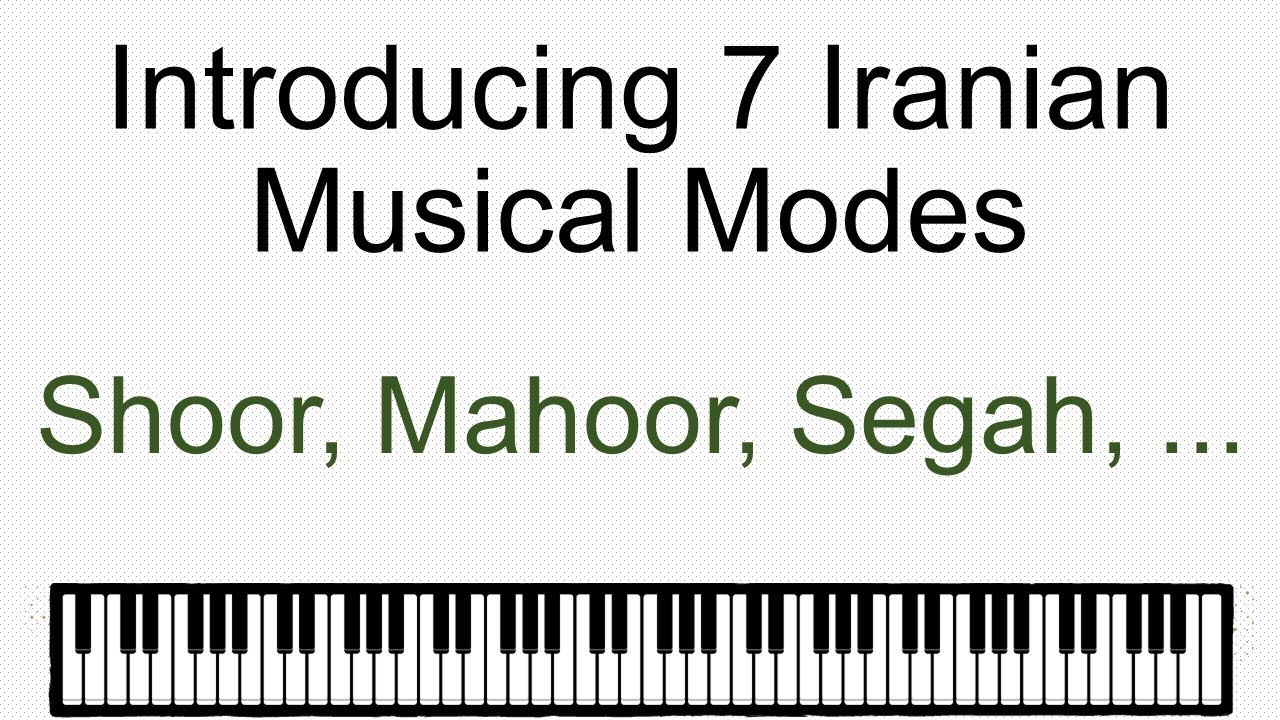
The Maqam tonal system could be even integrated. All the possible maqams are listed here, and all they are somehow related to the Ancient Modes:
About the Persian versions of the Arabic Maqams:
May be but… when we have created nany templates, for example, it would be fine to set some items in the hub, in order not to have to do afterward.
I have many templates. I never change the Key/Time signature in the hub. I do it in the project - where it is always quicker!
(Often I will not even use the hub, just File>New from project template…)
Fantastique