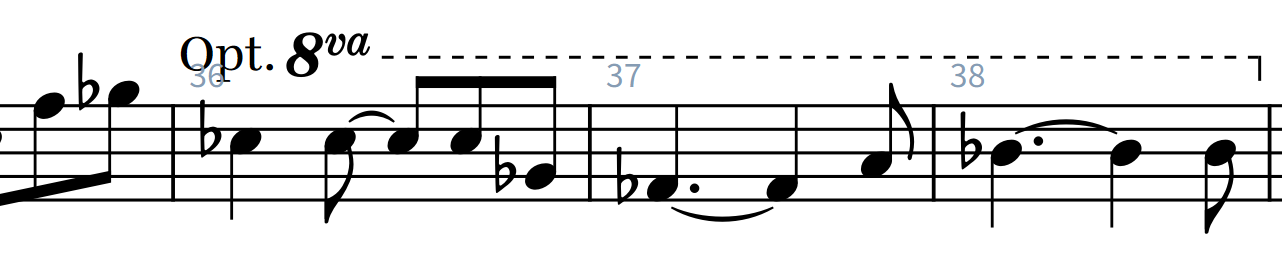
It’s pretty simple to just do the whole thing as a line, and then there’s no fiddling with positioning and alignment. In the Edit Lines window, pick the line style you want and click New from Selection. In your “new” line click Line Annotation Editor, then under the Category drop down select Music Symbol. Click New, then add your elements and position them however you want:
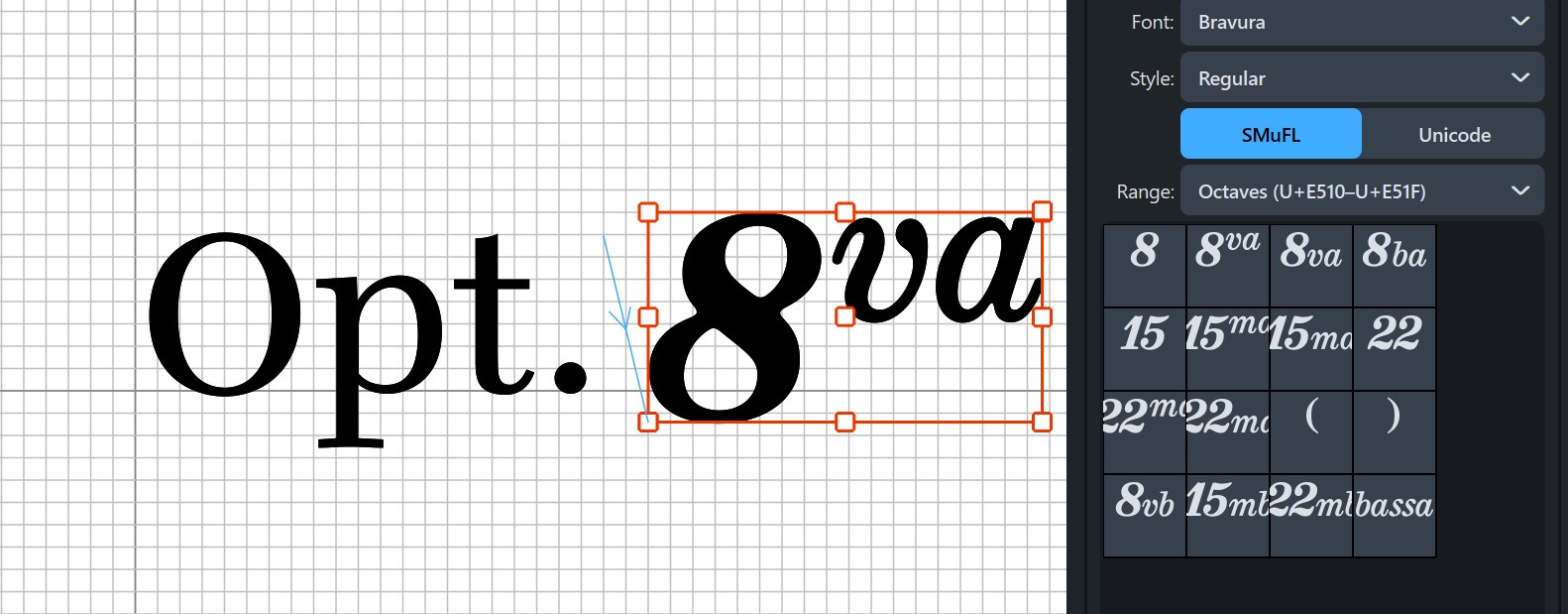
Back in the Edit Line Annotations window you’ll now probably want to add some value to “Gap on the right.” If you’re happy with how it looks in Edit Lines …

… go ahead and apply it in your score.