I’ll give you that.
I’m relatively new to playing from a tablet and frankly still prefer playing from good quality paper sheets. Regarding repeats it is easy (with Mobilesheets that I use on my large Samsung tablet) to make it display pages e.g. 1-5 twice before going to page 6 so that I don’t have to turn backwards for the repeat. I see the advantage of being able to play from the score - especially for complicated contemporary music. This summer at a chamber course I played from the score on my tablet and at some point had a discussion about that with one of the tutors. My point was that when things don’t work at a certain passage it is often because we as players are not aware what the others are doing and therefore it is an advantage to play from the score where I see that the viola is playing triplets or whatever the issue may be. He argued that if it is not clear to everybody else that the viola has triplets the violist is not doing his job!
Agreed. People are using tablets for good reasons; there are different tradeoffs to paper; if we’re performing, writing or engraving music, we need to understand those tradeoffs, regardless of our own personal preferences.
I’m grateful to everyone who has contributed to this thread because it really gives a good diversity of perspectives on what can make performing from a tablet easier or harder.
From my perspective—that of a conductor—there’s no alternative to paper. Especially for operas and (late) Romantic works, you need double-page spreads and at least B4 (even A3) page size; otherwise, you’re constantly turning pages and need a magnifying glass.
The second problem is the immediate editing. With a pencil, you can jot down anything very quickly, be it notes or musical symbols. I always see orchestra members using tablets lagging behind with their notes. As a conductor, you can’t afford that.
On the other hand, I’m very envious of the musicians who can use tablets…
The ideal situation for the conductor would be something like VR glasses that project the score “by ear” and the surrounding environment, and…
Wait, no, at the moment there aren’t any.
You’ve stumbled across a long-standing open feature request there… For the time being, this does require duplicate flows I’m afraid.
Hard disagree. Musicians are not player pianos, they read ahead and process the notation in chunks. It looks fun for a score-following video on youtube but after watching one of those the whole world appears to slowly drift to the right in your vision for a while. For practical performance use, notation should be static, on whatever medium.

I noticed that Joseph.wakeling mentions the generic term “Tablet” and yet all the comments I’ve read so far reference iPads.
Has anybody got any real experience with working from an Android Tablet? (like the Samsung Galaxy 12" S7 I run off)
I’m currently using PDFs and a piece of free software called PDFSAM which knits several scores together into a single PDF and then I use the Librera PDF Reader to navigate around the music as that has a couple of options specifically for musicians use.
I currently have no means to annotate on the fly since Forscore is only available for Apple products.
What do other Android Tablet users use to achieve their goals?
Phaz
(Sorry to hijack your post Joseph but some of the answers I might get back for Android Tablets may be of interest to you.)
Mobilesheets has an Android version. Quite nice to use 
Edit: I actually have it running on my Tab S7  . If you prefer, download the companion app for your computer to set it all up.
There is also a Windows, Mac/iOS version also (separate purchases). I’ve had it running on my S7, iPad and Surface at various times, but prefer the proportions of the iPad.
[Deleted by User]
I don’t think this is hijacking at all! I’m also interested, particularly because different platforms and different software come with different requirements and benefits.
A particular curiosity of mine is w.r.t. e-paper displays and where they stand w.r.t. serious musical usage. (A whole bunch of folks I’ve seen over the years in different fairly high-profile contexts seem to have been using e-readers of various kinds.)
Genuinely curious about the finer details of what is practically available here, because a 24" screen is fairly comparable to A3 and B4, and bigger screens are readily available, including with touch support. Of course, they’re not as portable as tablets … but it’s a surprise that there aren’t conductor-focused solutions readily available. (Android tablets of 20" or more are apparently available too, but I’ve no idea how viable they are, they might be more at the “specsmaxxing gimmick” end of the market.)
Obviously a conductor’s needs are different to an audio tech’s, but my concert-going experience would suggest quite a lot of the latter seem to be following the score on computer screens (varying from small laptop screens to quite large external monitors), and have been for quite some years by now. So I wonder if the lack of conductor adoption is perhaps more down to somewhat understandable conservatism (“I know this works, I know how it works, and I know it’s not going to power off on me…”) given the stresses and responsibilities of the job.
If I was stronger on the graphical end of software development, I’d suggest that a bunch of us here should start a collaboration around the VR glasses for conductors! Its sounds like a fun idea.
Who could resist? 
In seriousness, I know that forScore has a package called Cue that (if I understood right) allows spreading the music over a pair or more of tablets connected by Bluetooth. Has anyone got any experience of using that, and if so … how did it work out?
I don’t use any of these, but some year(s) ago the ForeScore seemed unreliable, but another software worked fine
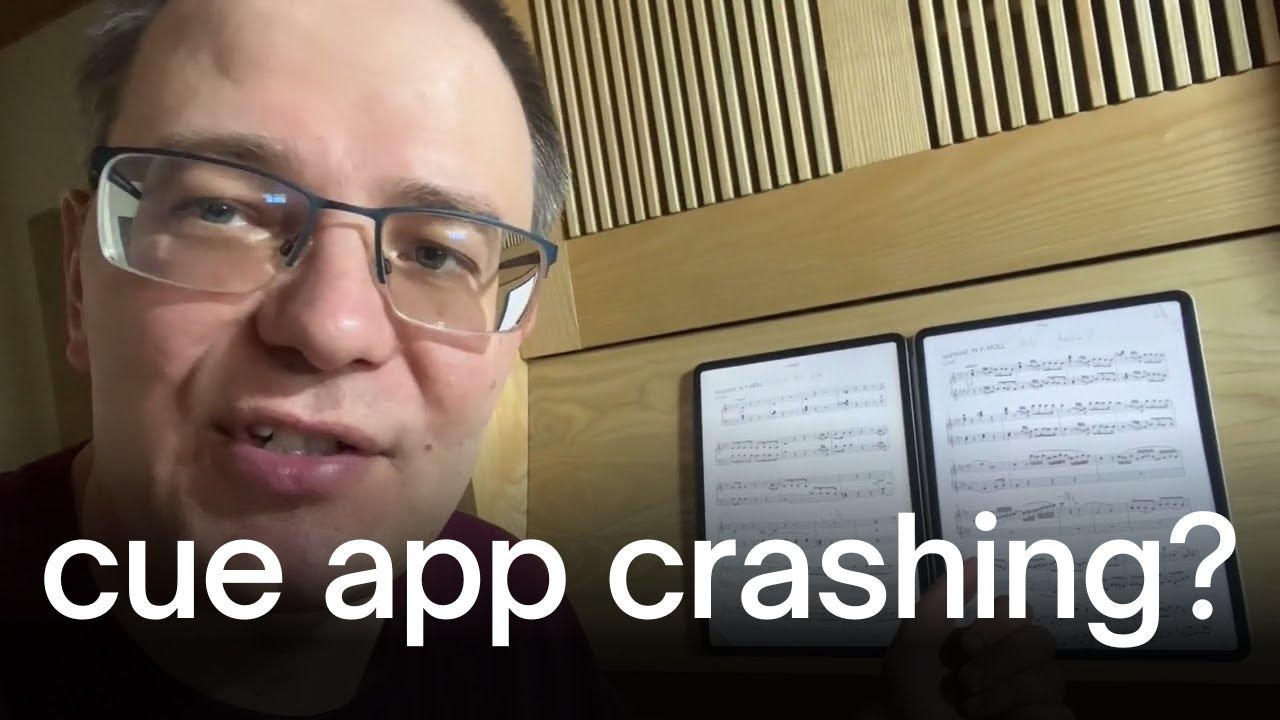
Naturally, a new app update might have solved any old issues.
Because the world needs more conductors who make absolutely no eye contact with the players. 
Regarding Android tablets, my wife recently bought a TCL NXTPAPER 14 (a 14.3" Android tablet) and uses the Mobilesheets app. It has a matte anti-glare display and comes with a stylus. So far she’s very pleased and its dimensions work well for the A4 part sizes that are common here. It’s a larger size tablet solution that doesn’t require one to sell a kidney, but I’m sticking to paper for the time being.
Yes, that’s exactly the reason why I aborted my imagination.
You cannot use screens in an opera pit because they create too much scattered light. No, dark mode is not a solution.
I wonder if someone will be able to come up with an effective solution to this? I prefer paper anyway, but I’m old (85) and realize that paper parts may not be standard for very much longer.
E-ink is still being developed, colors are muted in the color versions but slowly getting better. Boox, Remarkable, Kindle tablets and some e-ink monitors available but expensive for now. I’ve used my Kindle and Remarkable with pdfs for music, but actually I prefer paper, but then I like fountain pens to write letters and still use pencil on paper for thinking, planning.
I was referring to the conductor. It’s not as critical for the musicians, because the music stands are angled to the side or facing away, so the scattered light isn’t as bothersome.
However, directors who love using blackouts—killing the lights on stage and in the orchestra pit—won’t be happy at all about it, because the tablets can’t be controlled from the lighting console.
Of course, they’re not as portable as tablets … but it’s a surprise that there aren’t conductor-focused solutions readily available. (Android tablets of 20" or more are apparently available too,
I’ve been looking for something useable for scores on a conductor’s stand for years, but an affordable and workable option does not yet exist. What’s needed is an e-ink option with a screen size of at least 28", battery powered (easy with e-ink), and fully portable that supports the current flavor of android or has a built-in PDF reader. And by affordable, I mean under $1,000 US. A lot under, if I’m to get my group to purchase the thing.
I make rather simple scores for three instruments, and I only sometimes have to deal with repeats of short phrases, to keep them on one page, so switching back is in that case not necessary. Furtheron I just make my scores on A4.
I am also using MobileSheets on an Android tablet. Pdf’s in A4 are good readable with rastral size 5 or less. Next to the possibility to program the display of repeated pages, even in strange successions (e.g. 1-5 → 2-3 → 5-7) one might at some point in the score make a button, which makes the score jump back to another button somewhere in the score. Which means that one has tot touch the screen to make the jump.
A colleague even manages to connect two tablets to MobileSheets, so he always watches two pages (e.g. 1-2) and might at any moment with his pedal make a switch to the next page and than sees 2-3.
In the free MobileSheets Companion it is rather easy on the PC to manage scores on the tablet.
My latest recovery is the possibility to split a big pdf-book in seperate pdf’s for each melody in MobileSheets - so on the tablet easy to find and play without having to browse through the whole book. ChatGPT made from the book a csv-file that did the trick!