I picked up my Jazz drum book again and want to try and fix these Flow Heading errors.
You may be able to see the Pages with the Red flag - Over-Rides.
It is on all pages of this 20 chapter drum book.
I tried and remove them from Chapter one - It messed with the format and was not sure what to do; I think it deleted the front page - a graphic and the TOC - which you can’t see.
I did the Right Click " Remove all Overrides" , and the program deleted the Front page, TOC, all the text between the chapters (Flows), and the back page graphic.
I did find the new Flow Headings information on pg. 565 = 567 for my 5.1 version of Dorico. Helpful, though …
I wanted to ask a few people in the Dorico Community if they have had this type of problem.
Any suggestions how to fix these type of errors ??
Hope to hear from you; make sure to send any details to my other email also: kerry.kennard@Gmail.com
Thank you for your help.
(Yes, I did post in the Dorico FB Group; didn’t know this Forum existed- until today).
Kerry Kennard
If you want to avoid page overrides you have to create page templates for all special pages like the title and the chapter notes and insert them as Page Template Changes.
Can you upload the project so somebody can point you in the right direction?
Creating page templates is not that hard but there are a few traps.
If you added your title page by inserting a blank page and drawing frames onto it, then yes that page is technically a “page template override” and will be removed if you remove the override.
You shouldn’t need to edit every single page in your layout, either! That suggests you’ve missed an opportunity to streamline something. Can you explain what edits you’ve made to every page, that have resulted in overrides the whole way through the layout? Ie what did you need to change?
If it’s the title displayed in flow headings, and the title shown in small text at the top of every page, first of all – go to the Project Info dialog, and put the correct title for each flow into the Title field for the corresponding flow. Dorico uses tokens to display that title everywhere else, automatically.
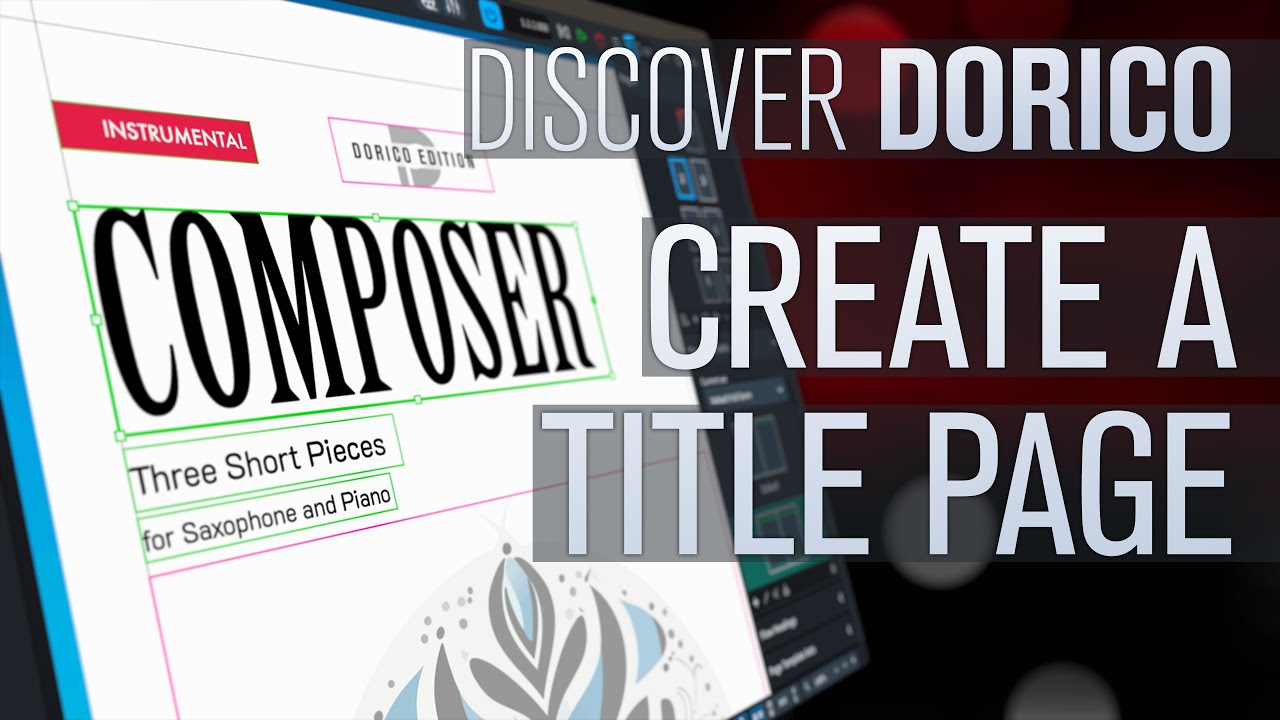
Here’s a tutorial video about how to create title pages:
Finally, I know you’ve been using Dorico for a while @kennardk , but have you ever followed our First Steps tutorial? It explains a bit about flow headings and page templates in there.