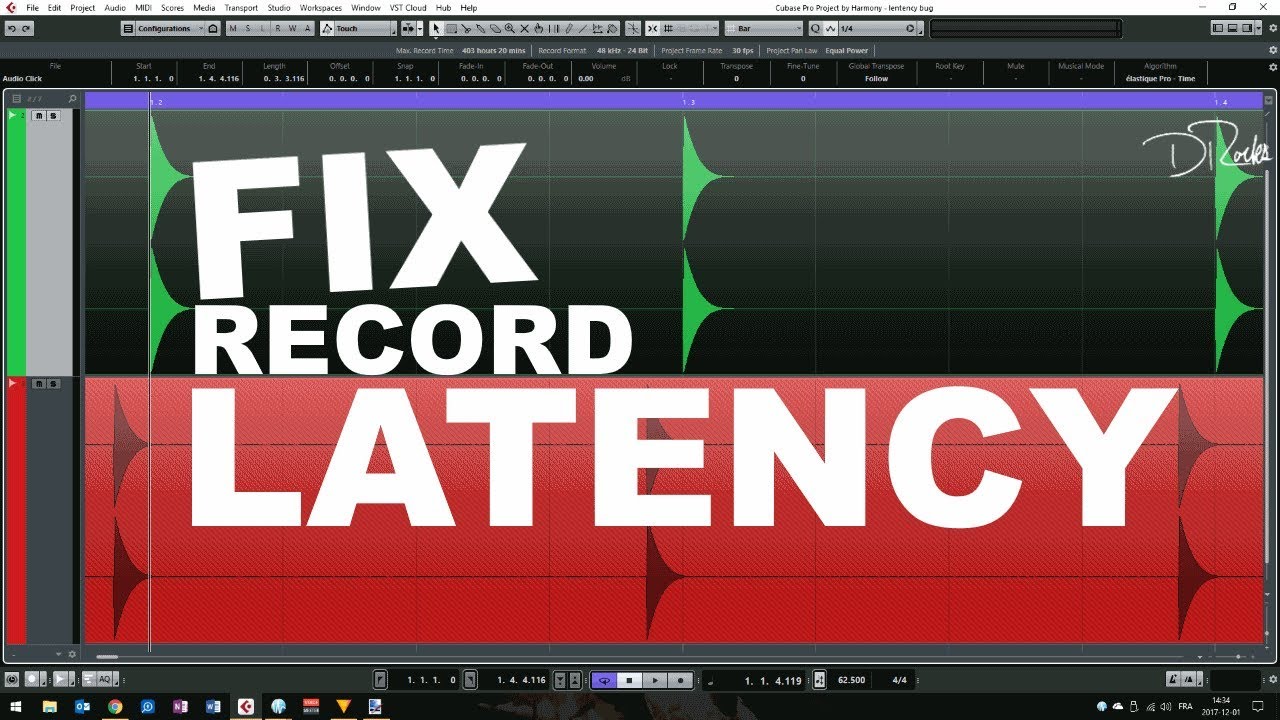
So I was reading the manual of Cubase PRO 10 and in the section STUDIO>Studio Setup>VST Audio System there is an option in the end as Record Shift. Cubase manual shows that it allows you to shift the recordings by the specified value. I am totally clueless about what it means. Can anyone please explain this…??
Good vid, I think you might just be compensation for “Adjust Recording Latency” -which is the setting that does the offsetting of the recording in the first place. Just a hunch - but I’m thinking that’s how it works.
I’m assuming record offset is to actually deal with the error between the latency reported by the sound card and it’s actual latency.
Actually done some testing, and I think I was wrong about the “Adjust Recording Latency” checkbox. Doesn’t seem to make any difference in these tests.
Also looping back a VST Drum Machine (XO) and that is coming in early despite getting my record shift value right (-76 samples for my EVO 4).
Note on the video, for Cubase 13 at least, you specify the record offset in sample. This can be measured exactly using the range tool , and right clicking on the timeline ruler to choose: display in samples. So things have somewhat improved in this area since the video above was published.
Yes, this seems like odd behavior. With Record Shift at 0, my looped-back recording like the video arrives early. Why does Cubase shift the recording by default? And why does the “Adjust Recording Latency” checkbox seem to do nothing?