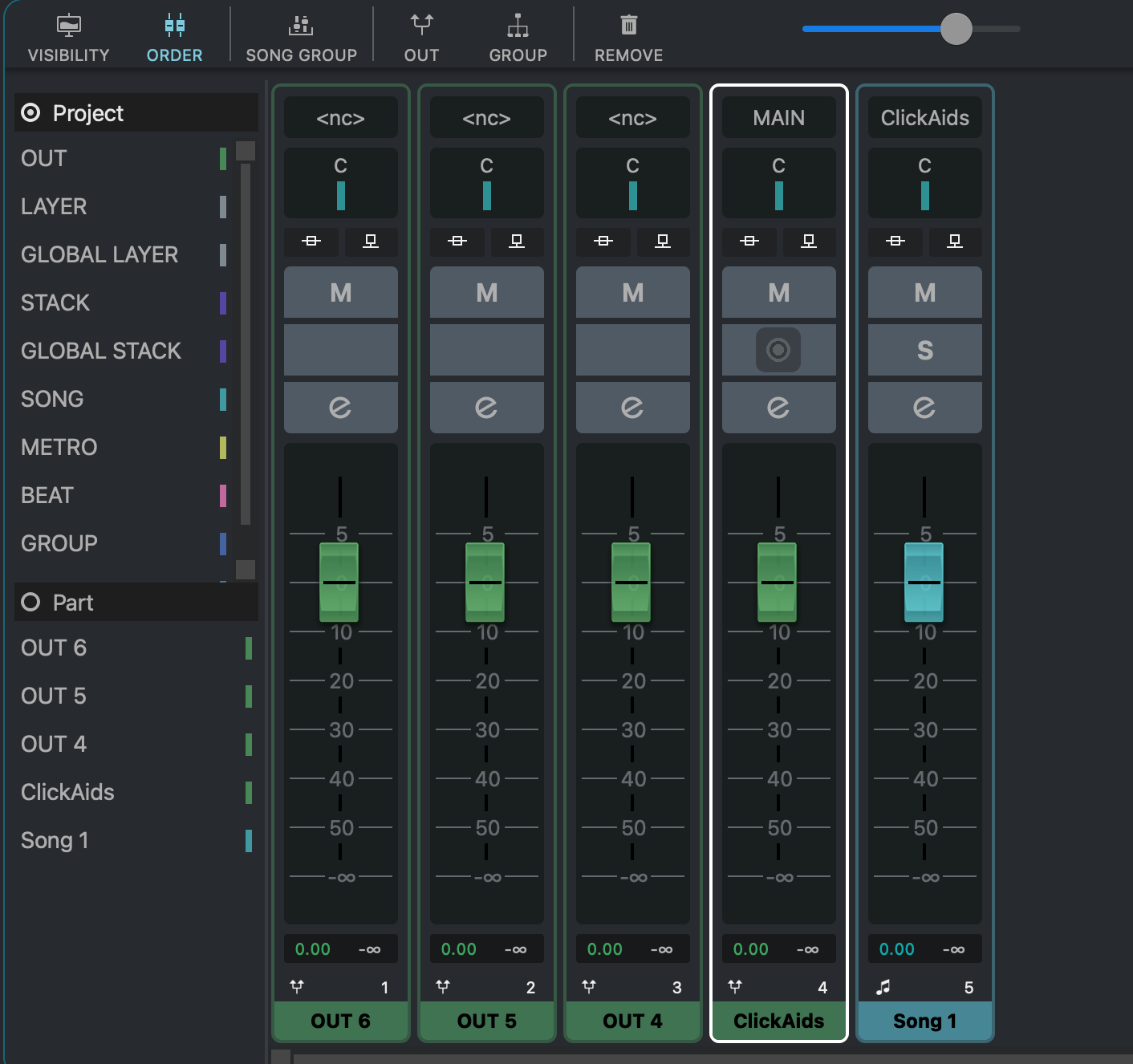
Regarding this thread: VST Live 2.2.49 Channel Order Changed - #8 by Adam_Viusa
This was only happening in Mac platform. In Windows it is working as expected.
Still this situation is happening on new version
Regarding this thread: VST Live 2.2.49 Channel Order Changed - #8 by Adam_Viusa
This was only happening in Mac platform. In Windows it is working as expected.
Still this situation is happening on new version
I can confirm when starting a new project from scratch, this situation is also happening using MAC platform.
What about that? any news?
Could you please describe the exact steps you took to reproduce the issue?
Thank you,
Michael
Yes, sure.
Create new Project.
Create new Song
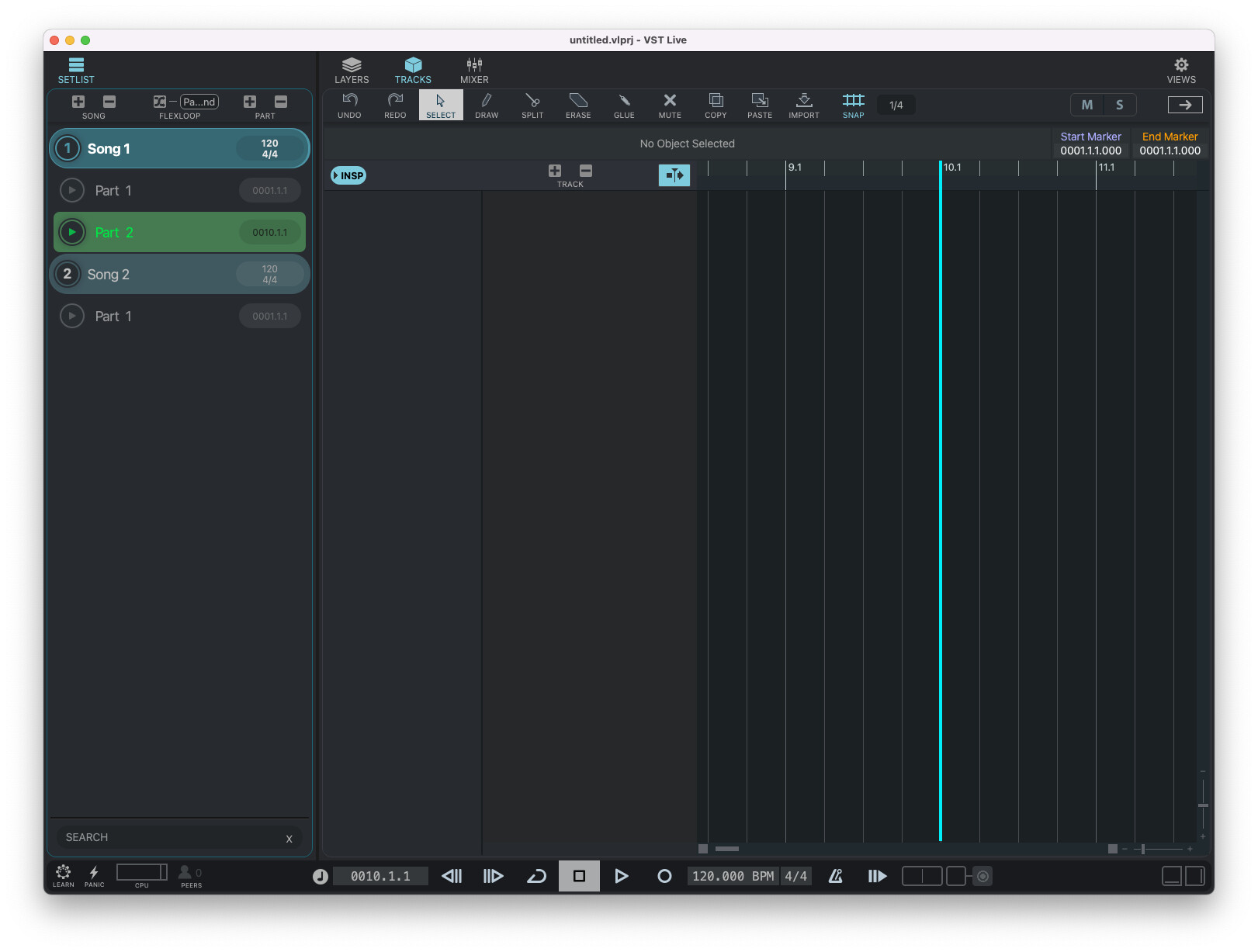
Create a new part in Song 1, for example Part 2 starting at measure number 10.
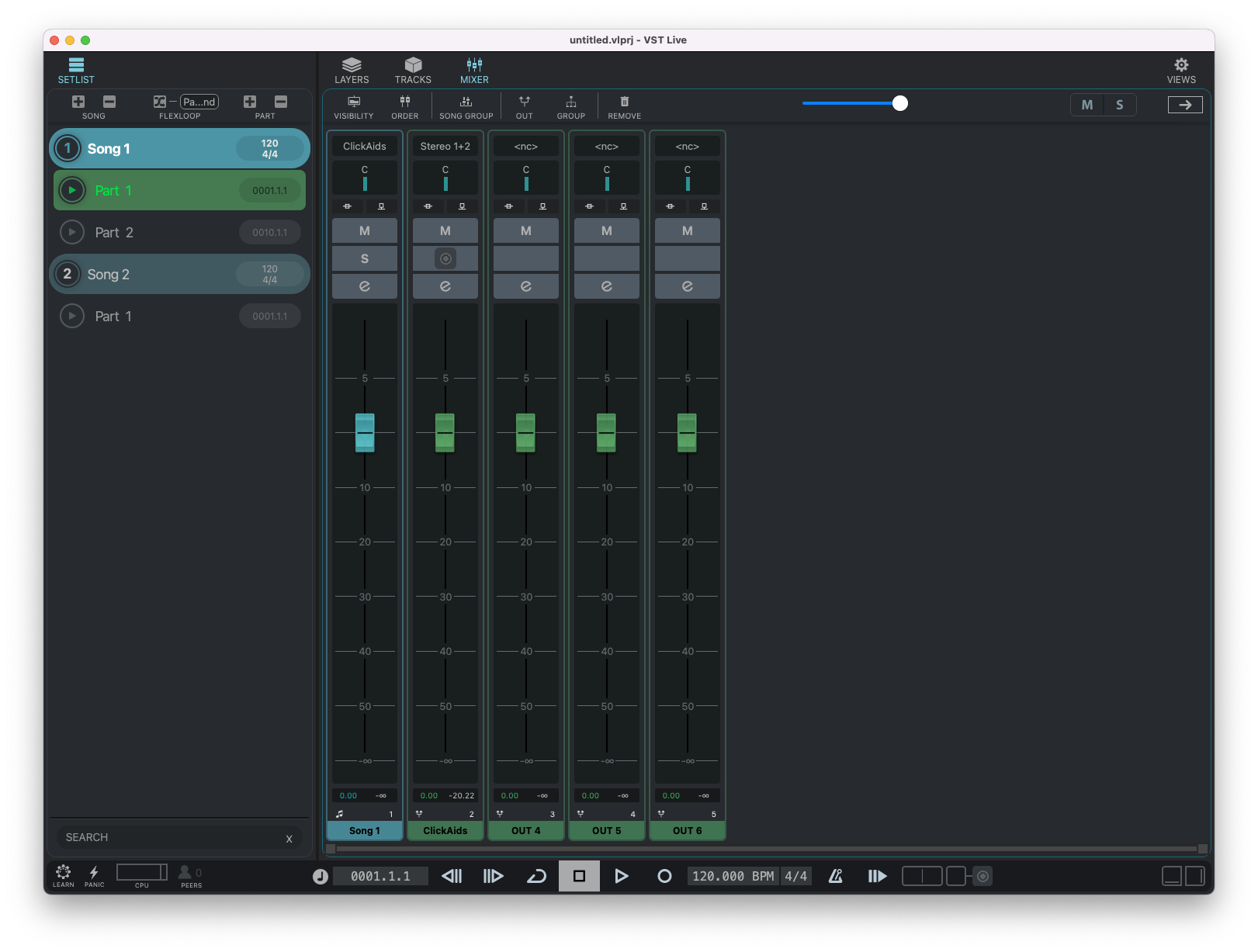
Go to Mixer and Add some new Outs.
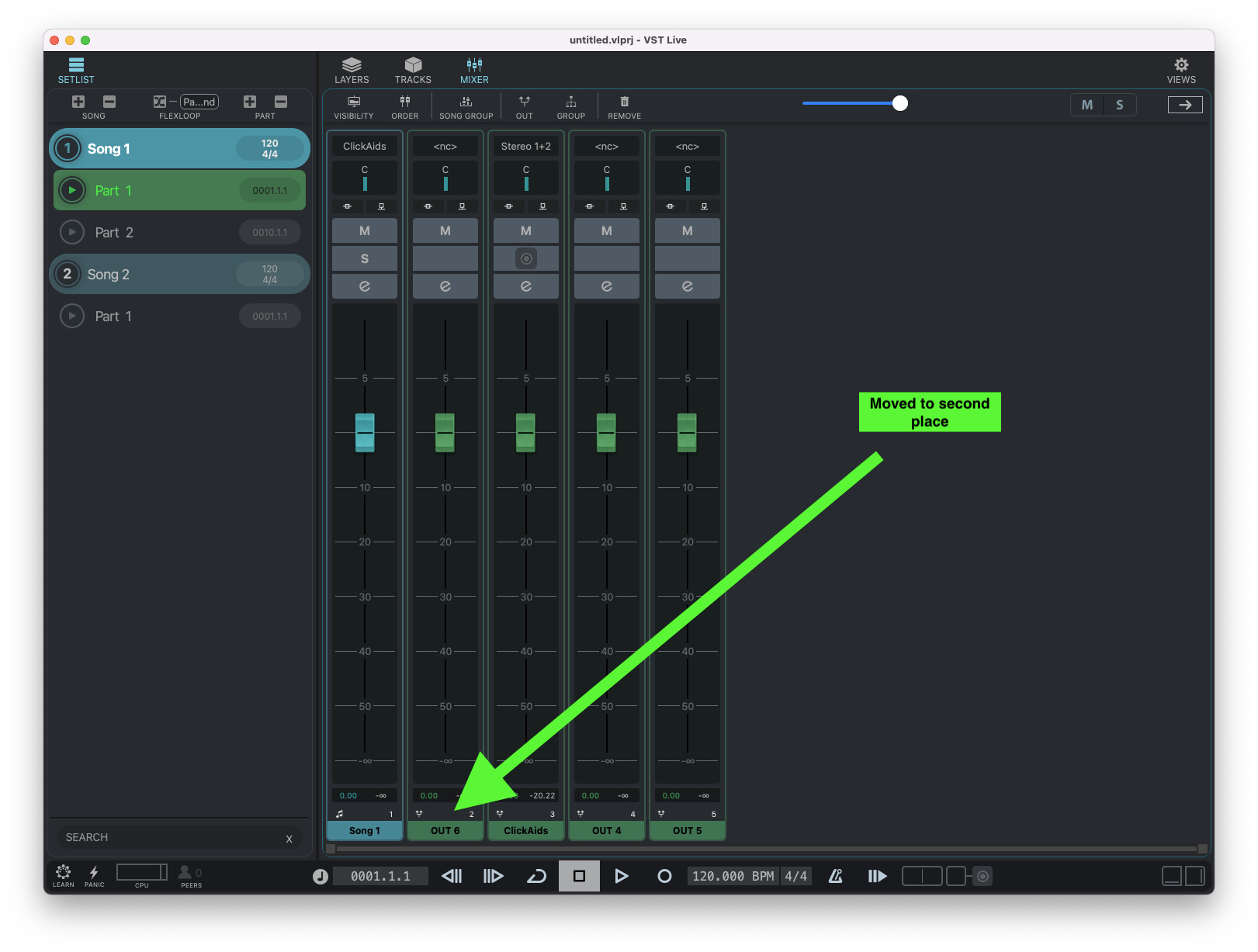
Now, for example, put OUT 6 as the second in the mixer order.
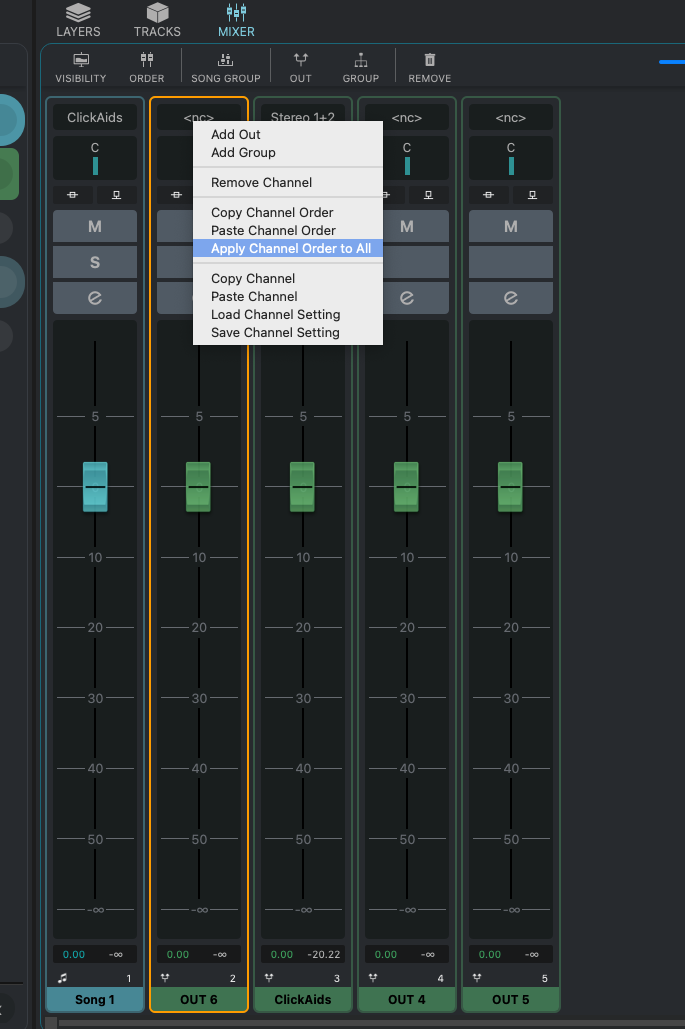
Now “Apply Channel Order to All”. So after that if I click to Song 2 the channel order is copied and retained. This is true also for Song 1 and its parts.
Save Project and close VST Live.
Reopen VST Live and click on Part 1 of Song 1. Now Channel order is lost. But if click to part 2 of Song 1 or Part 1 of Song 2 then it’s retained. This is the bug and this is not happening on windows.
Hope it helps.
Test Project attached. In my Mac channel order on part1 of Song1 is not saved.
Now I’m using 2.2.54.422 (Mac Arm). I can confirm this situation is not happening on Windows Platform.
Untitled.vlprj (12.6 KB)
… thank you, @Adam_Viusa. We’ve identified and resolved an issue that may be related to your problem. Please try again with the upcoming Pre-Release version (2.2.55).
See you,
Michael.
I just tried 2.2.56 (Mac Silicon) and problem is still there. 
This is also happening with 2.2.57 Mac.
Still happening with 2.2.60 Mac. When is it supposed to be fixed?
We’re having trouble reproducing this on our side. Could you make a screen video and share it with us? Maybe there’s a step we’re overlooking.
Thank you,
Michael
Done, here you can clear see the bug
This issue/bug is still happening with 2.2.62 Mac.
Cannot for the hell of it reproduce this one. We cannot fix it if we cannot reproduce it on any of our machines (testing with 2.2.61).
It may have to do with your connections, although nothing of this is logical, but maybe show a screenshot of those.
Can you reproduce it when you start from scratch with an empty project?
… yes, and can screen video again? And can please open the “VISIBILITY” and “ORDER” section, too. Maybe there is a missing hint?
Thank you,
Michael.
Here it is.
Hope it is clear. New project… new everything… bug is there.
I have had a similar problem. It occurred after updating to the latest version, and as I was grouping my songs into 3 setlists. Had to manually re-arrange the mixer channels for the individual 22 songs.
Hi @Adam_Viusa
Yes! Thank you so much — we were able to find and fix the bug. The Audio Tracks were the key hint. Please give the next Pre-Release a try and let us know how it works for you.
Thanks again for your patience,
Michael
Wooowww …. great news…. I’ll try the next release and let you know.
Thank you so much.