How do I get the rests of the timpani in the percussion in bar two? I can’t find a trick.
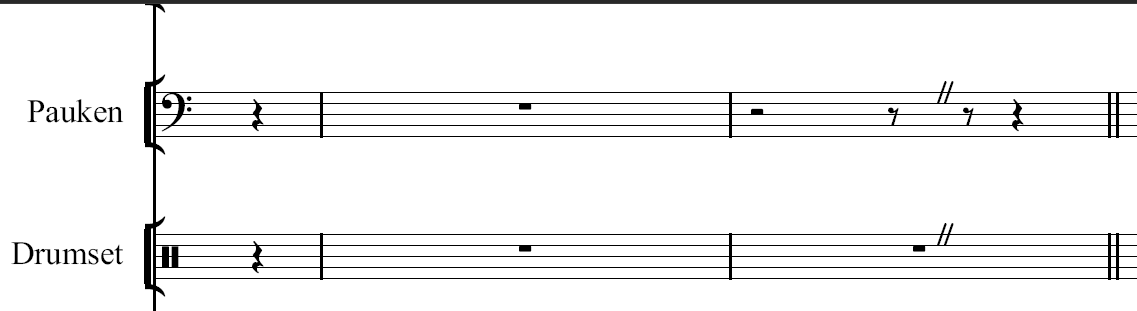
Obviously the rests have been entered with force duration.
To copy the rests into the staff below
- Select the rests in the timpani staff.
Menu Edit (or Right-click) > Paste Special > Duplicate to Staff Below.
It doesn’t work in this case.
OK, this style works with wind instruments, of course, but not here. I think it’s because of the pecussion clef, which doesn’t like the insertion. Force duration doesn’t help me here either. No idea ??
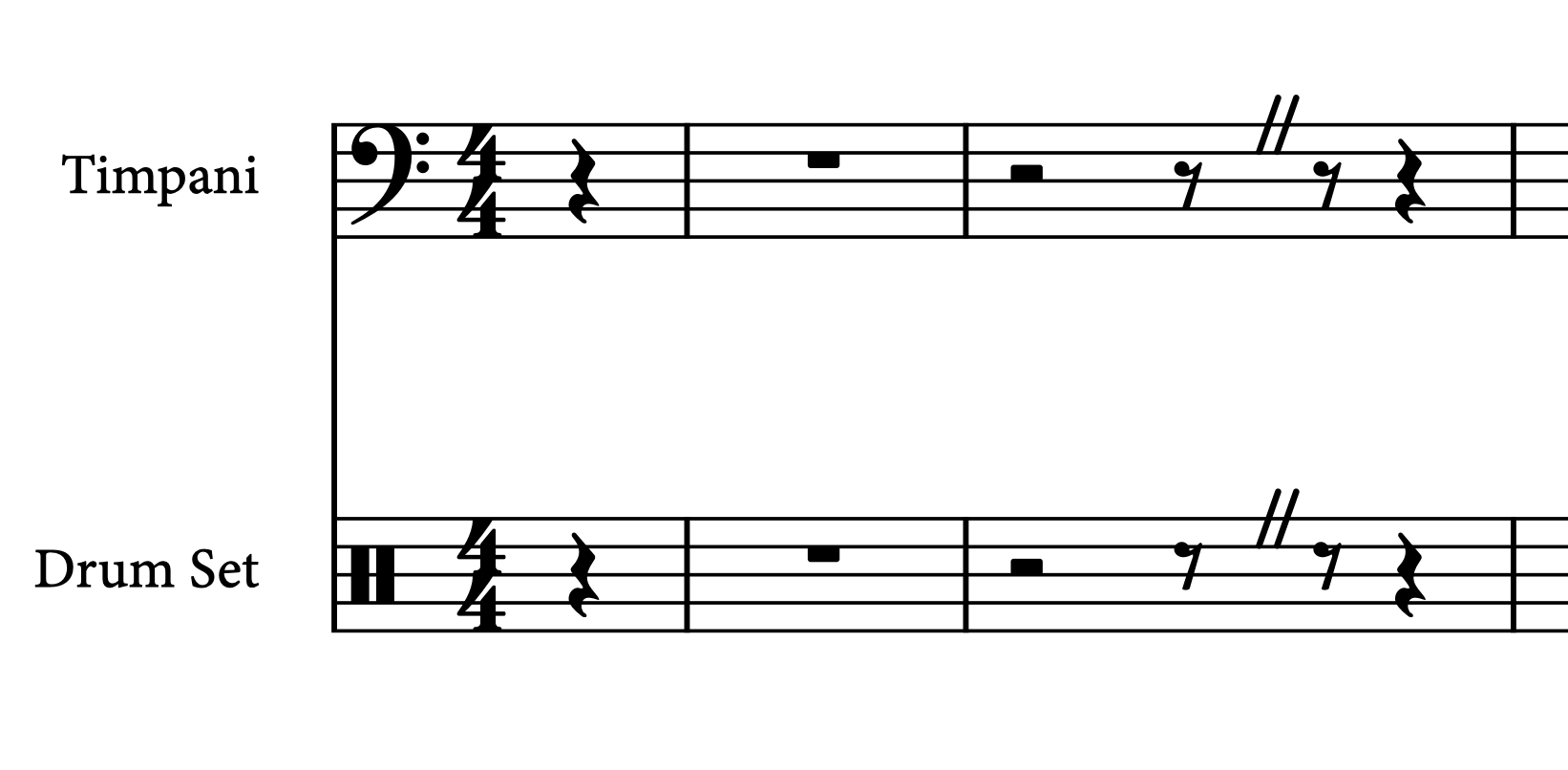
Sorry, I didn’t notice that Drum Kit staves behave differently.
Here is a workaround:
- Enter a half note and an eighth note with 7 Y 5 Y, the vertical position of the caret is irrelevant.
- Select the implicit eighth rest after the caesura and press O to force duration.
- Delete both helper notes.
That’s brilliant @Vadian
Jesper
Thanks, Vadian, I’ll try out your version straight away. I have now found a possibility myself. Enter two eighth notes around the caesura and move these notes up to another percussion instrument. This creates new rests in the system, then force Duration. Delete the shifted notes, the rests remain. I think it’s almost like your variant. There is no such thing in any manual.
I just want to share my solution in a similar situation. At first I tried to use the method with helper notes, but could not get the rest on the first beat to show up.

Then I discovered that explicit rests can be moved, which solved my problem: I simply moved the quarter rest to the left and changed it to a half rest
 !