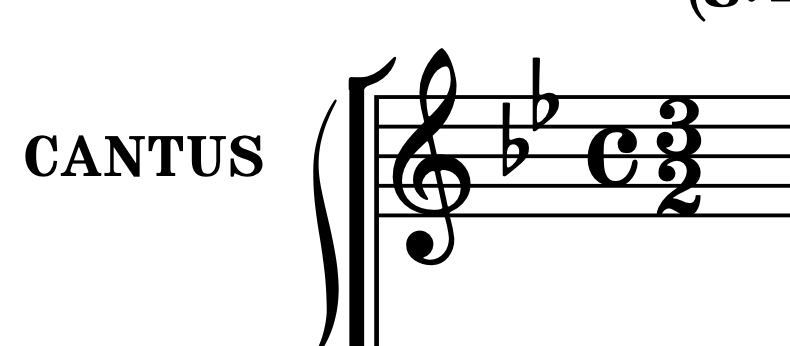
Is it best to create a 3/2 time signature and add the cut-c as something like a playing technique and align those elements in Engrave Mode?
Thank you for good workarounds
Fantastic Charles, even Dorico native, thank you!
I am also interested in what these time signatures do actually mean. The example is from Fontana’s Sonata Prima (1641).
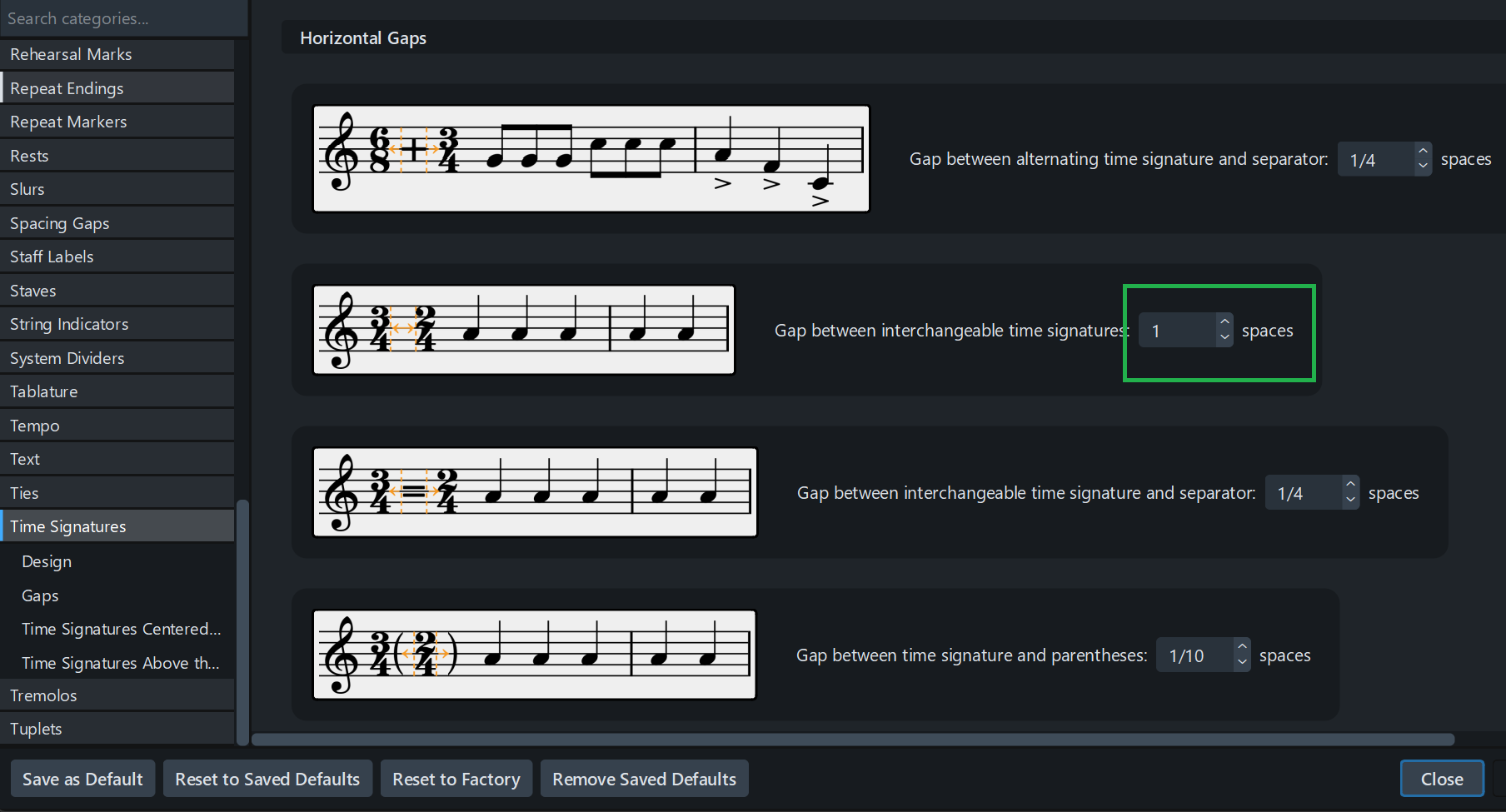
Those are interchangeable Time Signatures — i.e. you display 2 different Time Signatures in a bar, meaning that from this spot onwards, TS is meant to be either the first or the second one, without fixed pattern (unlike alternating TS). The first bar (the one which contains the TS) will be in the first TS meter, the next ones in the first or second, as you wish.
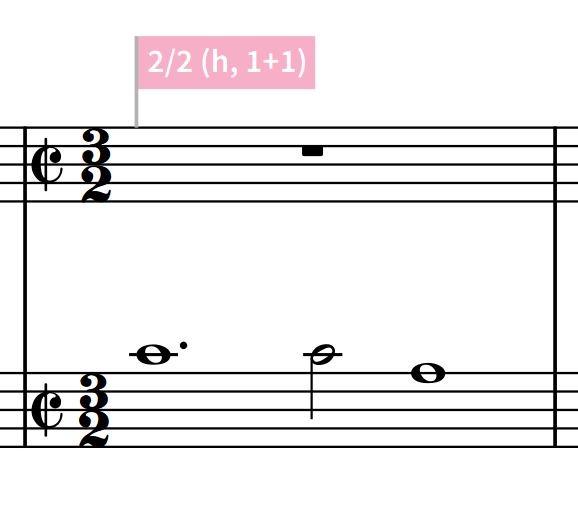
So what I’m doing here is setting an interchangeable 2/2 / 3/4 TS. Thanks to the properties, I change the 2/2 into Cut-c (cutc in the popover dosn’t work with Interchangeable TS), and the 3/4 into 3.
To make this bar containing 3 half notes (instead of 2 — as said above, this first bar is a Cut-c bar), I add “,3” like for a pickup — the denominator Dorico takes in account is the first one, i. e. 2. So by adding “,3” at the end, I ask for 3 half notes in this bar.
Charles, thank you for the thorough technical explanation, which will help, using this in other combinations, too.
The musical meaning of it is still unclear to me.
In the same sonata we have [cut-c]/[3/2] as well as [cut-c]/[3]. All bars have different lengths (one has 24/2 f.e.), so these time signatures must have to do with the rhythmical feel (?) rather than the amounts of notes in those bars. Fontana_Sonata Prima_Violino.pdf (3.5 MB)
To me as well! Sorry, I’m really not a specialist in early music, so I’m afraid I can’t give you a proper answer… But I’m sure there are people here who will know ant tell you!
Thanks for this thread. I am currently editing Charpentier, and I really do need the C common time elsewhere. In fact, I need:
2
3/2
\C [cutc]
3
\C 3/2 [cutc + 3/2]
C
It would be so nice if it would be possible to create an aggregate/intechangeable/alternating time signature and chose Properties→Common/Cut common only for one of the signatures. This would in fact solve this whole problem, no?
Neat. Thanks, Ben! How do you do this when changing often inside a piece? (New to Dorico, so may miss obvious things).
Btw. do you have any neat and good solution to french white notation? Editing Charpentier right now, and have only seen pretty complicated workarounds.
Ah, smart with the 7. Could you explain exactly what the 2/2 - 7/4,3 does? (New to Dorico).
In the meantime, I redefined the 6 instead to represent the whole symbol. But your solution is indeed much cleaner. However, I wonder, in the Music Symbols, how do you get an absolutely pixelperfect copy of the 3/2. Can you copy the whole and modify, or is the only solution to add the two numbers separately and eyeball?
And lastly: how do I save such a setting/symbol for another project?
Haha. As a matter of fact, it is for New Year’s Eve. But, I am already done with a playable version with all the correct time signatures and otherwise modern notation. But, being completely new to Dorico, I take it as an etude, to make a nice complete edition without any haste.