I have a lot of albums that I bought on HD Tracks and Qobuz, some of which are 24 bits 96 Khz, most 24-48, and I would like to burn some of them to CD.
In Wavelab Pro 12, what filter/s should I use to downconvert the files to 16 bit 44.1 Khz?
I have a lot of albums that I bought on HD Tracks and Qobuz, some of which are 24 bits 96 Khz, most 24-48, and I would like to burn some of them to CD.
In Wavelab Pro 12, what filter/s should I use to downconvert the files to 16 bit 44.1 Khz?
There is a high-quality resampler in WaveLab that you can use for this purpose.
Thank you guys, I’ll give that a try.
@Sebastian_Alvarez For the lin pro dither settings you might also like to try the ‘Universal Old Skool - 16-bit’ or ‘Universal [perceptually quieter] - 16-bit’ presets.
Whoa, I hadn’t realized that there is a Resampler plugin for the final plugin slot. I’ve always used the Resampler above the Master Level - is there a difference?
It’s the same resampler, the difference is that when the Resampler is in the Playback section, it’s only for playback and not when we do a file rendering.
Now I’m confused. Which is the Playback Section? In the German version of Wavelab there is a “Wiedergabebearbeitung” (Playback Editing?) below the “Finishing Effects/Dithering” section, but the Resampler I’ve been using is above the Master Level section.
Check here in this video…
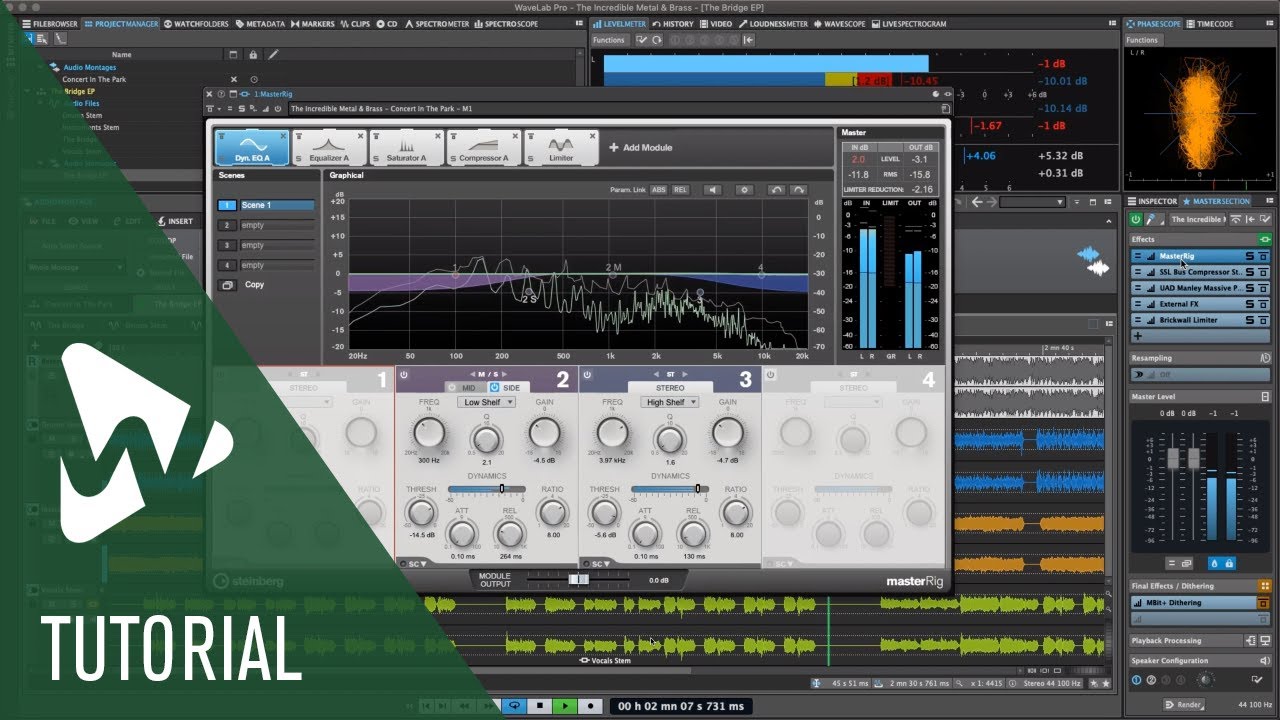
regards S-EH
Are those tutorial videos available without backgroundnoise/music?
Try this…
put subtext on
turn gain off
regards S-EH
Thanks! So the Resampling pane above the Master Level is used for rendering, it seems, unless I have activated the “Use preferred sample rate” button (looks like an inverted CC) button?
Yes I think this is the only way the other one I don’t know if file is Rendered then!?
regards S-EH
The Resampling pane is rendered. The Final Effects / Dithering pane is rendered. The Playback Processing pane is NOT rendered.
I assume that there would be a significant advantage in using Wavelab Pro to resample as opposed to most other software that is not specifically made for audio processing, right?
In the last couple of years I bought a lot of albums in digital Hi-Res and others in CD quality, just because CDs are barely made anymore, especially for my favorite genre, film and TV scores. But I’m old, so I’m used to have my music on physical media. And I also like to just put in a CD and have it play without having to turn on the TV set and navigate to the folder where the files are stored.
This week I realized that a long forgotten program that I had used over ten years ago, Sony DVD Architect Pro 5.2, allows me to create DVDs and Blu-rays that I can simply set to play automatically, so I don’t even need to turn on the TV to press play, just turn on the 4k Blu-ray player, the receiver to the right input, insert the disc, and it plays.
Now, the only good thing about buying albums in digital from HD Tracks or Qobuz is that most of them come in Hi-Res, mostly in 24 bits and ranging from 44.1 Khz to 96 Khz, and in the case of John Williams’ Star Wars scores, 192 Khz. So it feels silly to crush those down to CD quality, even if most likely my ears cannot hear the difference because of my age.
Now, DVD Architect can author the disc at 24 bits, with two options, 48 or 96 Khz. If I feed it FLAC files that are the same bit depth and sample rate, it doesn’t touch the audio file at all (well, if it’s a WAV file with metadata such as title, album and all that, it strips it down to plain WAV), but I can’t author a disc with 24 bits/44.1 Khz for example. It has to convert to 48 or 96 Khz, depending on which I choose.
So far I only did that with the score for Midnight Mass by the Newton Brothers, set it to 24/48, and authored a DVD, that I’m listening to and sounds perfect to my ears. Obviously the easiest path is to just drop the original files in DVD Architect, but I wonder, would batch processing them with Wavelab Pro 12 with the filters and settings you fellas mentioned in this thread give me a real advantage as opposed to just DVD Architect?


