did you try the new script I linked above? it fixed the DATA/MENU and Learn modes for me. now I can finally use all my 3rd party plugins. I also got into Nectarine for assigning new pages, unfortunately Nectarine has no UI for selecting colors (yet).
Mine works really well too.
Sorry about your experience.
[SOLVED - FOR ANY FUTURE READERS THE ISSUES I POSTED ABOUT WERE A MIX OF FIRMWARE NOW FIXED BY NEKTAR AND BAD POWER SUPPLY AT MY END - You can buy the CS12 for Cubase with confidence]
Hi Tim.
So - I have unboxed the CS12 again, it was going to be taken to the post office today.
-
Yes the green circle icon was lit in the top right of the screen. There are no power issues and it looks like basic USB comms is active. You mentioned lightning symbol though and it is grey when the CS12 is powered up but not in CUBASE mode. Once Cubase mode loads (when it does so) I can not see those icons any more.
-
Select Control Room mode was not working whether select was already enabled or not so that is not the issue.
I have connected the USB cable to a different USB port on the back of my PC case. Loaded once successfully this morning. Subsequent loads of projects and the CS12 is non responsive meaning it is not going into Cubase mode.
SHIFT SELECT for Control room definitely is not working consistently. I made a video, how can I get it to you? I then loaded a new project and control worm selection works fine so the issue seems intermittent.
Next I am going to try the SCRIPT suggestions other people have made. Noting this is a near new WIN11 build and there are no KVMs and no USB hubs between the CS12 and my PC.
I am doing new script testing now, thanks Real Raven, I will provide feedback in thread below.
[SOLVED - FOR ANY FUTURE READERS THE ISSUES I POSTED ABOUT WERE A MIX OF FIRMWARE NOW FIXED BY NEKTAR AND BAD POWER SUPPLY AT MY END - You can buy the CS12 for Cubase with confidence]
Hi Tim,
so the new script loaded (NEKTAR FOLDER) seems to have improved things somewhat with regards to the CS12 entering Cubase mode. It does so more reliably but sometimes requires a turn off, and a Cubase restart to get them happy again.
The green circle connector is ALWAYS on, but the lightning bolt is ALWAYS grey…
SHIFT SELECT for Control Room works more often in NEW projects, but not always, and NEVER in existing projects that I am working on.
I wonder if there is something wrong in that project or template that I need to diagnose? Either way with SELECT unlit, pressing SHIFT AND SELECT doesn’t work (ever) in this project.
What should I be trouble shooting within Control Room setup? Link to video of the symptom below.
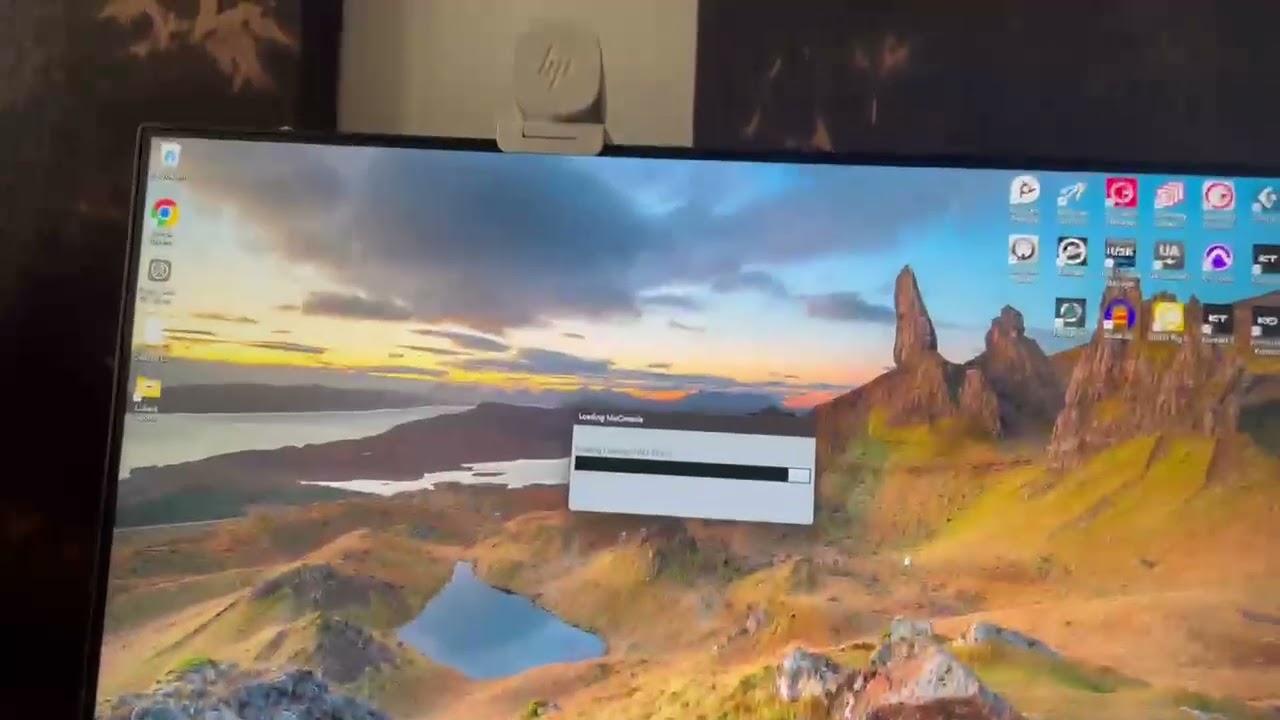
I have edited my original post. Thanks for your time. And yes I emailed Nektar support yesterday.
Steve, thanks for the videos this helped a lot.
I was able to reproduce the Ctrl Room not working. It is the existing API issue with subpages. This is the same issue that was preventing plugin button selection called out earlier in this thread. The patch you installed, works around the issue by detaching the plugin loading from API sub pages entirely - so the plugin buttons can load their plugins as expected reliably.
The Ctrl Room mode internally is an API subpage and I won’t be able to work around this requirement so easily. I think the fader going wild in the second video is due to a mis-match between the API’s current subpage mode for the control and what the script is expecting. I’ll address that part of this issue with our next update as that’s messy.
This API issue comes about when initialising a project whilst Cubase is still running. Unfortunately projects can get saved in this state too - but the next update for v14 (about 2 weeks away) has addressed this issue.
I don’t think you have a faulty unit looking at this, but the fact that the lightening bolt is grey suggests CS12 is not detecting a high power USB source. If you have a powered hub, perhaps try that. You want that icon to be green ideally.
That said, the CS12 runs fine in low power mode in most cases all be it with slightly increased noise from the motor it has to work a little harder with less power to drive it. If you notice regular connection drop outs or the backlit buttons dimming when the motor is active, this suggests the CS12 is struggling with the USB power it is getting.
Best,
Tim
Tim, I have responded via DIRECT MESSAGE.
Noting that I have NOT seen any power drop outs or anything like that. Maybe a power supply for my Elektron Overhub will improve noise of the fader but I think the other usability issues are not due to power.
I tried a powered USB hub today and it made no difference, nor has connecting straight to the PC which has ample power per USB port.
Thanks for your time.
Steve.
A few minor things:
-
see if you can restart the CS12 by simply clicking the “reload script” button in the lower zone (midi remote) of cubase - you can make this visible in the lower zone by editing the controls that are shown in the toolbar
-
there seems to be some delay of the CS12 connecting to the Control Room. it definitely needs some stability work there - hopefully Cubase 14.0.20 will address this better. I also see random jumps in the motorized fader sometimes, when I try to get into control mode it’s like it switching back and forth between that and a channel setting. Also it is not clear to me what should happen if we select a track that has no volume fader - such as a folder track.
-
Sometimes I see 2 nektar controllers in the REMOTE panel of cubase, make sure you only have one, and if you want to remove one you can only remove the first one (the one that is lit). I think that behavior can be caused by previous instances of Cubase not having fully shut down (I had a few broken projects or other things causing Cubase to crash).
[SOLVED - FOR ANY FUTURE READERS THE ISSUES I POSTED ABOUT WERE A MIX OF FIRMWARE NOW FIXED BY NEKTAR AND BAD POWER SUPPLY AT MY END - You can buy the CS12 for Cubase with confidence]
@Tim_Chandler so I have plugged the CS12 into my PC directly via USB, and also via 2x powered USB HUBS including the Elektron. The lightning bolt NEVER lights up.
And the recognition of the CS12 is extremely patchy when starting projects in Cubase. Sometimes it jumps to the cubase mode, mostly it doesnt.
SHIFT SELECT for Control Room works in NEW projects but not in any existing projects.
I appreciate your help on this public forum.
I am frustrated becuase I have spent money on various USB power devices, and also ordered some shoulders (100 USD) for the CS12 which is about to be returned to the retailer. It is not working reliably enough for me to use it as part of my work flow and that is a real shame, because when it works it is great.
Do you make sure to not only start or activate a project, but to completely close Cubase in between? (incl. the Steinberg Hub)?
Yes, all that. It just does not reliably notice a Cubase project has opened. It is going back to the retailer. I have tried multiple power sources and two different PCs (Cubase installed, both W11).
Hi, I have purchased the CS12 last week I’m running Cubase 13.0.51 and the CS12 is great when it works but constantly loses connection and crashes. I have been in touch with Nektar support and gone through the install etc… I’m using an external charger as the power light would not illuminate with just USB cable.
At present it is unusable as a midi controller
Any thoughts on what to try next ?
Welcome to the forum, Martyn. For me it works with Cubase 14, so that might be worth a try, if you would want to invest into the latest Cubase release anyway
Sometime in march with the release of Nuendo. It’s now been officially announced here:
Hi Steve,
Do you know if the script you are trying would be ok to try with Cubase 13.0.51 I’m having continuing issues with the CS12 losing connection and shutting down. It seems to become unresponsive initially but the transport controls still work the right hand side buttons don’t illuminate properly and all the controls on the right stop working followed by it rebooting it’s self and going back to the start screen with the connection and power lights on!
I see Tim Chandler seems to be helpful in getting back with support etc. Hopefully he will get back to me at some point.
Appreciate any thoughts as to what to try next?
Kind regards
Martyn
Hi, I didn’t see where in that site they linked the Nuendo release to Cubase 14.0.20 … did I miss it, or misinterpret you perhaps?
Thank you!
I don’t remember exactly but someone from Steinberg did confirm they would release Nuendo with the 14.0.20 branch of Sequencer, which makes sense, Nuendo is lagging behind in terms of release for this purpose.
I would try it in any case. you just replace a single js file. it’s easy to make a backup.
from what I hear CS12 is designs to support both 13 and 14 latest versions. I could imagine Steinberg dropping a maintenance release for 13 if 14 proves successful.
Axel
Axel
Lately I have been trying the benefits of nektarine. I have realized that I cannot open (or I do not know how to do so) the maps that I have created from CS12, to add pages, for example. Also, and something that is personal, I tend to use modified names in various plugins (shorter and more understandable names) by modifying the corresponding xml file, and since Steinberg does not want to implement it after all…
Well, there seems to be some kind of conflict when creating maps in Nektarine (it uses the names of the plugin, not the user). Would there be any possibility for Nektar to make this possible?
great. it fixes the bug that prevented cs12 from controlling plugins in some of my projects.
I thought it was due to the steinberg api and that you had to wait for the cubase update?