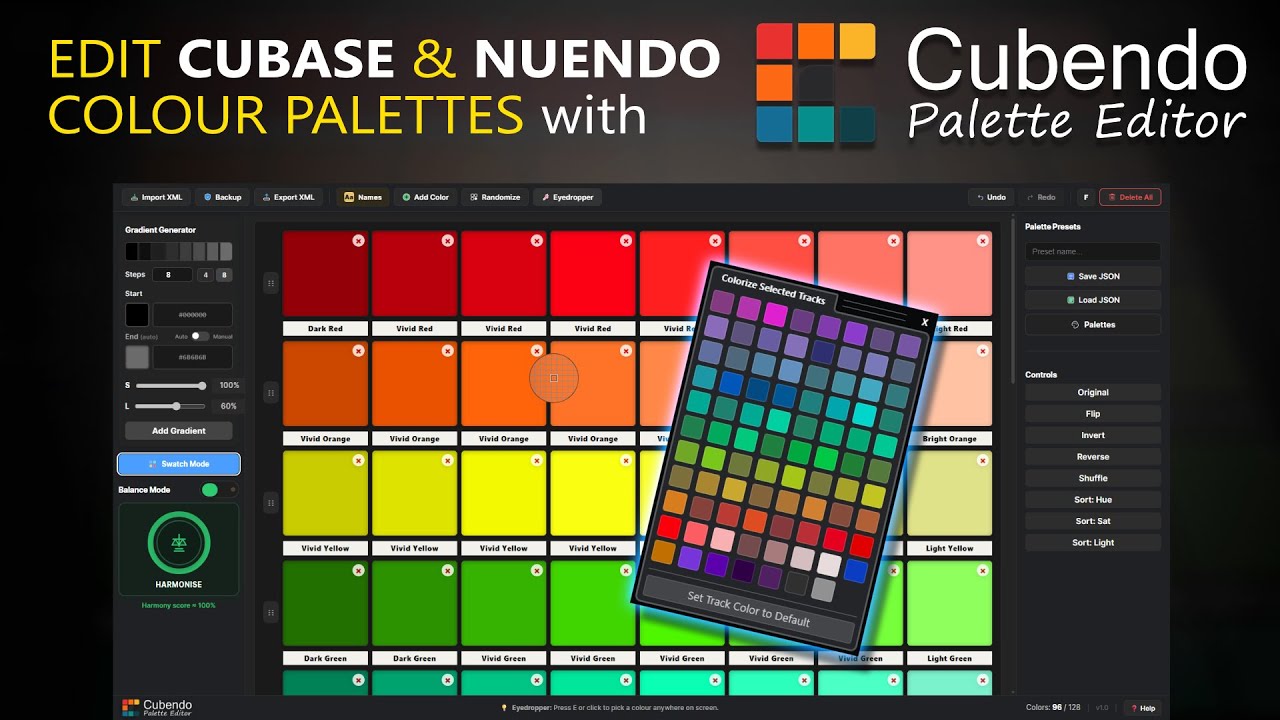
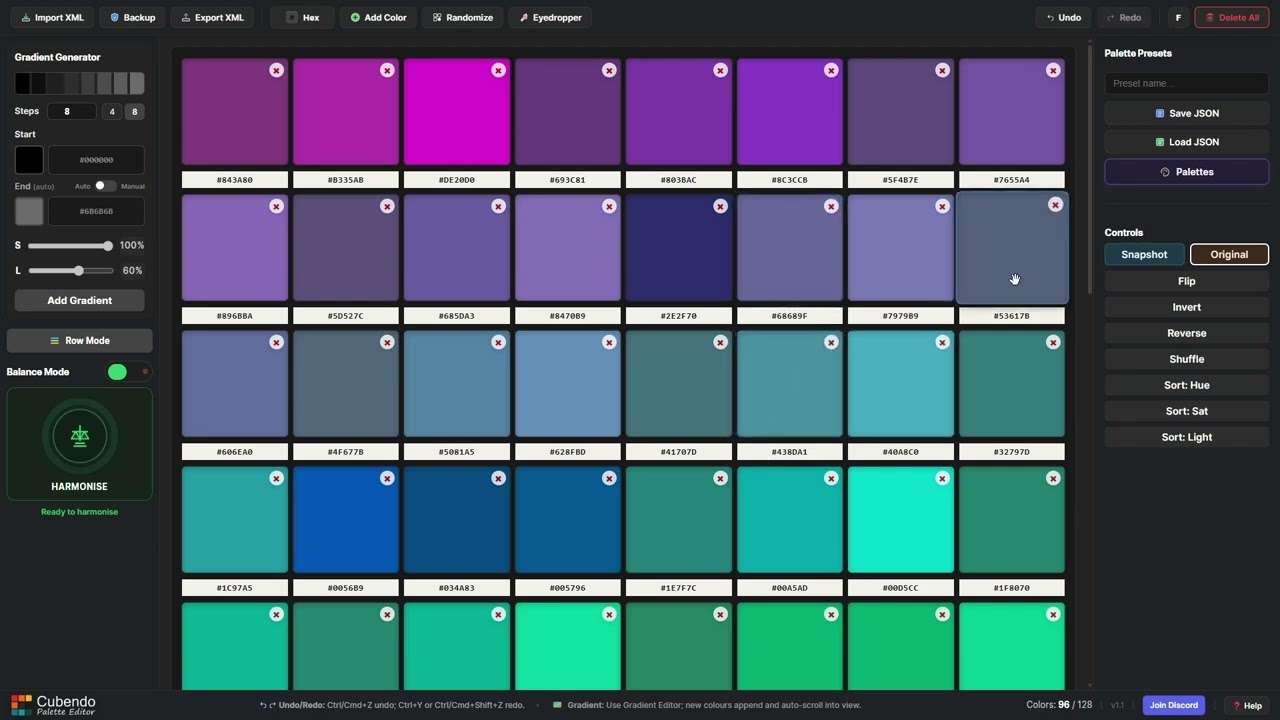
The colors in Cubase are still bad. (My opinion.)
You can adjust them, but it’s a time-consuming task.
Below is a link to the Poundsound website, which has written a great piece of software, a link to the YouTube tutorial, and a link to a website where you can easily find the color codes and copy them into the program (you’ll need to manually select the setting).
It’s completely free and it works really well.
I’ve now customized my Cubase 14Pro with the colors
just the way I want them.
Thanks for sharing this, I patched the tool today. For friends across the pond (German, Swedish, Norwegian, etc.) non-ASCII characters (like ä, ö, ü, ø, å) in Cubase/Nuendo Defaults.xml files were causing import failures for some users. The import function should work fine now!
Thanks, it’s come a long way over the last month or so. The original release was to test the functionality mostly worked for people - before getting stuck into the interface making refinements. Another patch will be made this week as I’ve added a couple extra things.