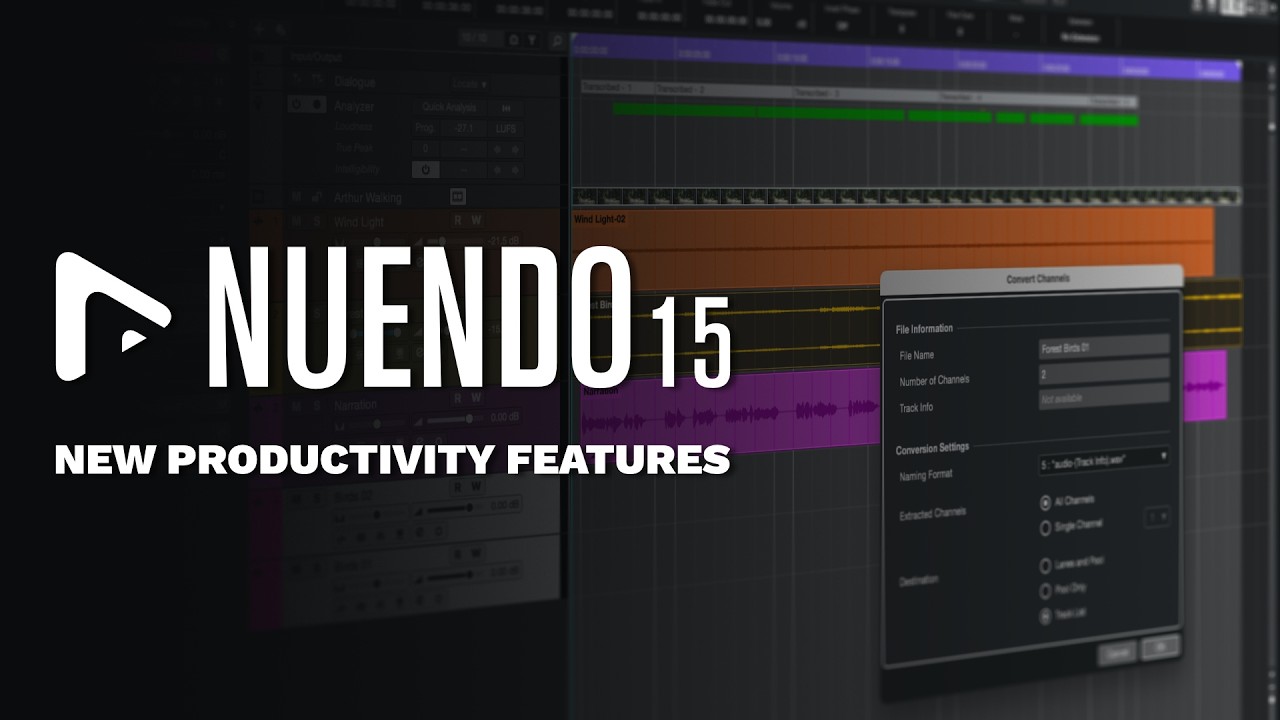
I thought that “convert channels “would be a substitute for the missing drag and drop capabilities of multichannel files to split mono tracks and vice versa.
But it seems to ignore edits like clip gain, crossfdes and cuts and also the name is the one of the target channel?
I imported an aaf from media composer and converted the clips from the two mono “Musik” tracks to the “Audio 01” track.
Just to clarify and separate Issue from Feature Request
Converting to channel doesn’t render edits.
Feature Request is to include edits in the render, so that the user doesn’t have to bounce their edits before they convert, as they might want to keep their original edit.
Secondly, this would be a good use case for Multi-Channel Tracks to be open individual channels the user can drop multiple mono channels onto, edit on, etc?:
Anyone in post who imports stereo content from AAFs probably already knows what I think about that…
Once again, I and others just asked for doing it the way PT does it.
What’s the over under on how soon after v15 release we get handles, clip gain and fades? A year? Three?
Same but I AM getting crossfades, edits and handles when I use “convert mono to multi channel”. Just tested it to make sure I wasn’t missing something, works as advertised for me. FWIW, I’m on Mac OS15.7.4 Sequoia and I’m running in Rosetta due to the Nuage. john
Well, when I execute the command the result is “bounced” (consolidated) files on a new track with the crossfades rendered into audio, and the boundaries of the original events become “hard” with no handles.
My system is in my sig.
I absolutely hate that there is so little participation by Steinberg on this forum. It really, really sucks and it’s really getting on my nerves.
I had coffee and I think I see the problem here. We’re not talking about the process you put in quotes above, we’re talking about the new feature in v15.
“convert mono to multi channel” is the old feature that creates a new track for the newly converted audio, “Convert Channels” allows you to select mono events and then select a stereo audio track to use as a target.
Can you just confirm that we’re talking about different things so there’s no confusion?
I just checked and it’s the same for me on OSX as it is on Windows.