For the first time ever since I started use Cubase about 20 years ago I suddenly got a series of crashes. It does not look like Steinberg offer any kind of support for this version of Cubase anymore.
This is a problem since I am in a critical transfer of all files and instruments to my new computer.
Its not enough that Cubase having huge problems to locate recorded wav files or missing files on the external backup hard disk it also had to serve me crash files like never before.
When the crash report files pops up in Cubase 12 and tell me to save them and send to Steinberg I find it strange that there isn´t any functional direct link to the place you are supposed to deliver the crash file to.
Any one knows how to get in contact with the support team by e-mail?
If you chose to send the report the file will be transferred automatically to Steinberg.
The following is my assumption.
The crash report file goes to an automated system. It is anonymised. The purpose of the system is to gain general knowledge of crashes, not to deal with individual cases giving tech support.
Since Cubase 12 has dropped out of support most likely your reports won’t draw any reaction from Steinberg.
Sorry if this sounds unpleasant but this is what I believe how things work.
You can, however, upload your latest crash report file directly here in this topic and others can take a look at it spot something that will help you.
As @Johnny_Moneto already wrote, these files are uploaded to an automated analysis system, not a system to get direct contact.
You asked for help because of crashes with Cubase 12 some days ago already and I offered you to have a look at the crash dumps. Unfortunately you did not even answer anymore.
Take one or two of these crash dumps and upload them here.
No, you can open a support ticket in your mySteinberg online profile, that is the way to get in touch with support.
Actually couldn´t answer earlier but Cubase 12 Pro succeeded in crashing more song files that is impossible to re-create yesterday I had my hands full of technical problems as a non-technician
But maybe the new way of support is kind of strange in from my perspective I can understand why people in here have written that the more crash reports that arrives to support the larger chance that someone in the invisible support reacts and acts for a certain problem.
Maybe I have no intentions to change the world and maybe I am old enough to have experienced the old world of support and communication when interaction between tho parts of a business deal where I wasn’t
reduced to a small insignificant part of a chicken coop where I lay eggs, in this case the eggs are symbolic of money…
So maybe the only solution is to buy Cubase 15 PRO since the support for an old tool seems to be too time consuming and humiliating during the process.
What we can detect is if a plugin is causing the crashes. Then we could tell you which one and you could take it from there.
If you rather not upload a crash report then wr have given you all the help you can get from this forum.
Good luck to you.
Today I will skip Cubase 12 PRO and buy Cubase 15 PRO instead. Guess it was time to upgrade anyway.
Just a question about plugins to old to work with Cubase´s new standards. How can I avoid to install these in the new version of Cubase 15 PRO before they cause problems? Is there any restrictions even to VST3 plug-ins that would be good to know?
Maybe this is the wrong part of the forum to ask this but I’ll do it anyway.
Is it a good thing to eliminate all tracks of Cubase 12 PRO before I do a clean install of Cubase PRO 15? If so, do I have to do more than just remove it from the Control Panel in Win11?
No, it is no problem and usually advisable to keep the old Cubase installations.
If you install C15, it is also a good idea to check if there are updates for your third party VST plugins, as some of them might not work correctly in Cubase (or even crash). You can of course also just wait until you run into problems and then install the plugin updates.
VST2 plugins are not supported anymore (they can work but you have to activate VST2 support in the plugin manager).
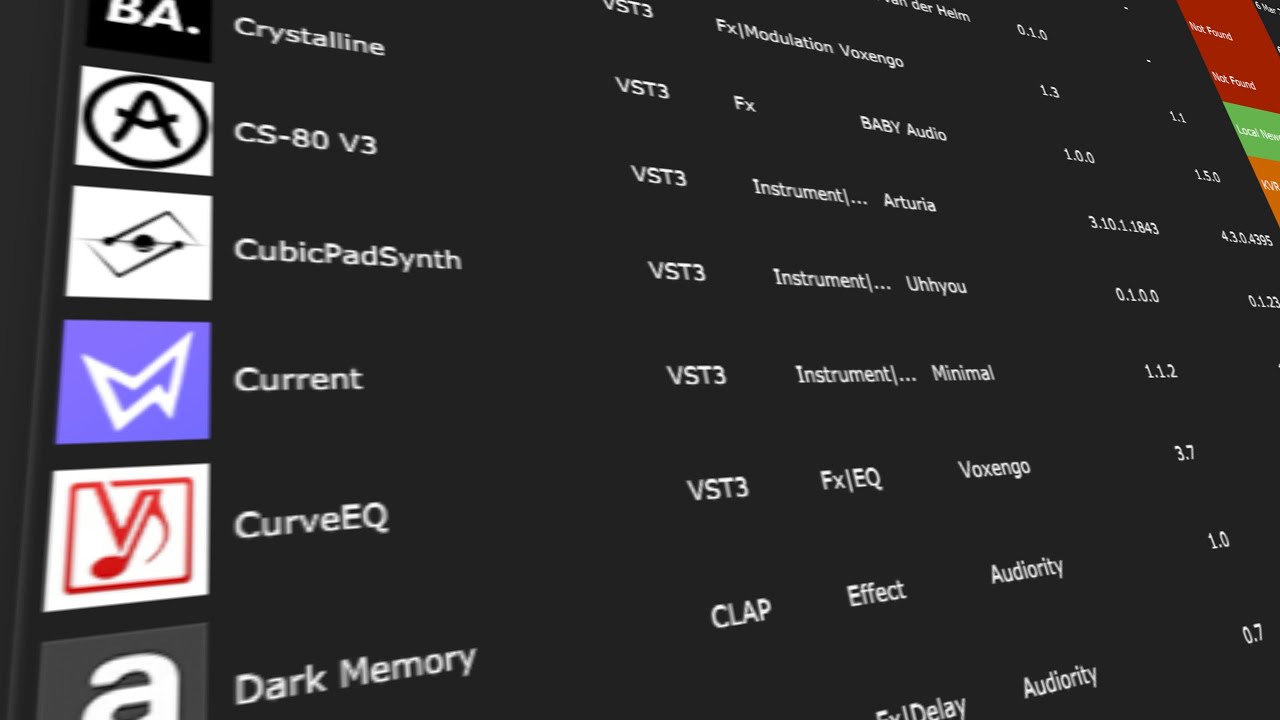
For the past month I have been using this to determine updates:
It’s best to open the Cubase Plug in Manager and select the VST so you can verify your version number. Sometimes it says you are not up to date, but Plug In Manager shows that you are. There are a few other strange issues, but for the most part I find it helpful to run on occasion.
Now I bought Cubase PRO 15 but when opening the old song files that earlier crashed after I recently updated my version of Cubase PRO 12 with Activation Manager they act just the same.
They crash even in Cubase 15 PRO.
But when I read this thread I don´t get what you mean by telling me to “take a look at the crash dumps.” I don´t even know what they are or where to find them. By the way you also told me that they were sent directly to the support team that was not possible to contact. What is this place? Area 51 in disguise
And even if I would find the mysterious crash dump files I am not sure I am a skilled enough technician to understand what they mean. I´d rather see me as a composer, but you may tell me if I would change profession before I go further with the technical aspect of buying another version of Cubase after using it since 2000.
So now when my newly purchased version of Cubase acts the same way and crash my songs, can I rely that there is a support team that can take a look at it. In case not I compare this situation with my car repair team and how they act when car problems occur. They would never even think of asking me to look at the problem what excuses they ever would have. This would probably only make things worse because my lack of expertise.
Ok, that sounds reasonable and even if I feel a little bit lost here I try to find the plugin-manager but wonder if it is possible without opening my newly purchased version of Cubase 15 PRO?
Don´t wanna se it crash again because its so depressing to experience when new stuff doesn´t work
PS
Sorry, I found some information about the Plug-in manager and chose a video tutorial first. Thanks anyway!
You can find these crash dumps using the Windows explorer in
C:\Users\\Documents\Steinberg\CrashDumps
There you find files with the extension “*.dmp” and this is what you can upload here.
It is a location somewhere in the Steinberg servers where all crash dumps from all users are uploaded (anonymously) and where an automated analysis system scans them.
That is absolutely ok (they are some binary stuff) and not what you should do, but that is something several users here in the forum are able to do and possibly can tell you what the reason for the crash is.
Of course you can, just login to your online profile and open a support ticket.
So instead of continously writing about your problems, pick one or two of these crash dumps, upload them here and lets see what can be found in them.
If you had only brought this information from scratch the word “continously” would never had been necessary. This is not something a common user knows from birth as you most probably would understand.
Thanks for the information!
You can find these crash dumps using the Windows explorer in
I didn´t find the Crash Dump Files only at the place you directed me to, they seemed to have been spread out with different names. But I send them all to support by creating a ticket as you mentioned.
Ok, when you get a crash you probably see a dialog box asking you if you want to upload the file. In this dialog box you will see the concrete path and file name, maybe that makes it easier for you to find them.
Maybe something is scrambled in the settings. These will have been carried over to the new install. Have you tried deleting the settings?
On my system (Win 10) dumps are in two places, that I know of:
C:\Users[user_name]\AppData\Local\CrashDumps
and
G:\Documents\Steinberg\CrashDumps
The second one being wherever the default documents folder is. I’ve moved mine from the C: drive because I don’t have anything there that can’t be stored elsewhere. There are dumps there going back to 2015. There’s only one (for C15) in the first folder.