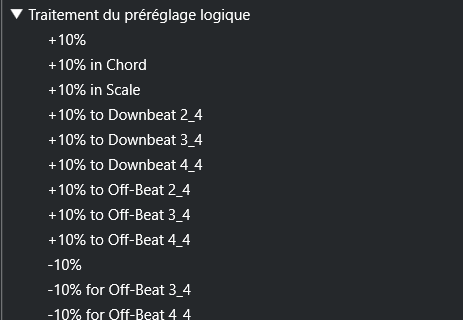
In the key editor, I often wish to adjust or entirely delete a single lane of controller data, usually either CC1 or CC11 (but not always both). There is a right-click option available which allows me to do this using the mouse:

However, I’m such a keyboard guy that I would love to be able to map this. I cannot find it in key commands unfortunately (unless it’s hiding under a different name). I also tried playing around in the logical editors but really could not figure out a way to make a preset which would allow me to do this. All I’m trying to do is that exact thing - select everything on a lane…
Similarly, I was wondering if there is a key command to select all automation on a lane in the normal arrangement view (e.g. track automation). Sometimes I wish to quickly bring all the automation of a track up or down globally (without using a VCA) etc. I can of course zoom out and then lasso select or use the range tool but I think it would be faster and cleaner to just have a key command that selects everything on the lane. Also can’t find anything such as “select all automation on lane”… if not is it possible with PLE?