Hello,
Whenever I start Cubase on Windows 11, it adds Default preset to Control Room presets. Now it looks like in an attached screenshot. It takes a lot of time to delete them, as I can only click on Remove preset after I select one.
Has anyone had this issue? If yes, is there a solution, at least for faster deletion of presets?
Hi and welcome to the forum,
I have seen other posts about this issue here on the forum already. Please, search for the other posts.
Hi Martin,
I tried searching and found two similar problems, but no solution (there were no replies on those topics).
Sorry if I put it up again if it has been solved, but I did not find it 
Hi,
I see. Does Cubase crash (maybe silently) on quit? Can you see any *.dmp files?
Win: %userprofile%/Documents/Steinberg/Crash Dumps
There are some *.dmp files, but not as much as there are presets, and there are none *.dmp files in the previous month. Sometimes Cubase crashes, but adding Default preset happens every time. Even if I create completely new (empty) project, close it, and open it again, there is a new Default preset.
Hi,
Does it mean, it creates the order even just while creating a new project?
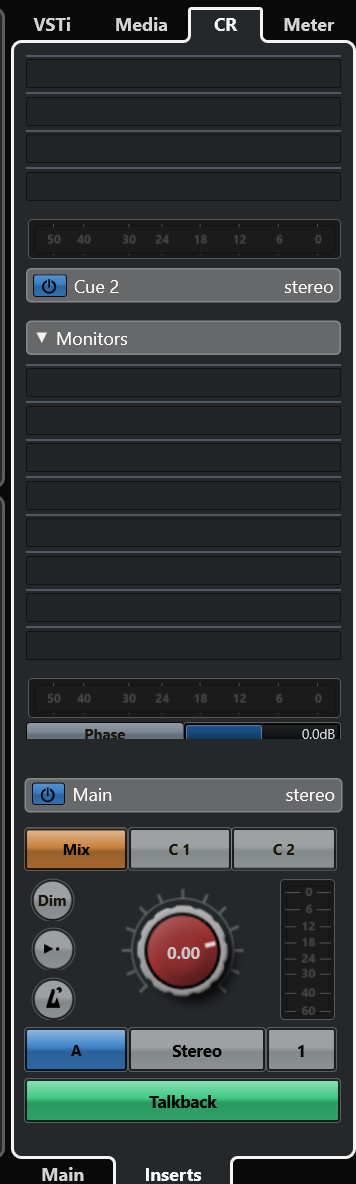
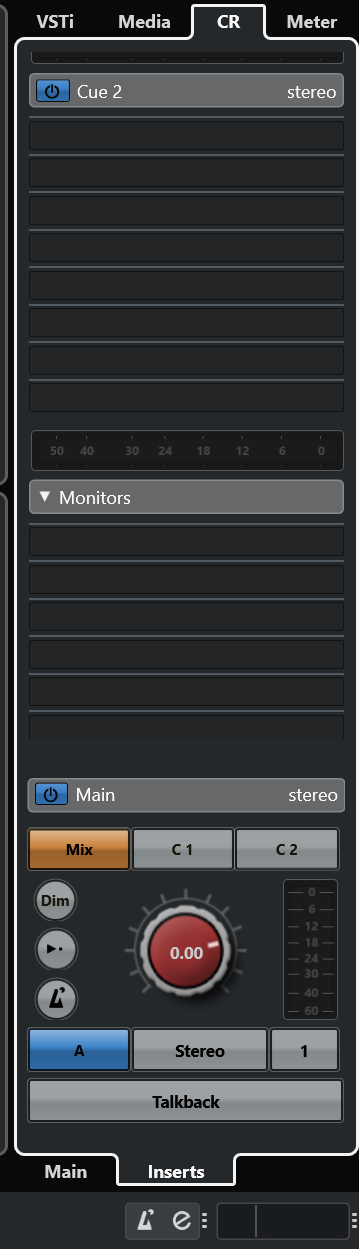
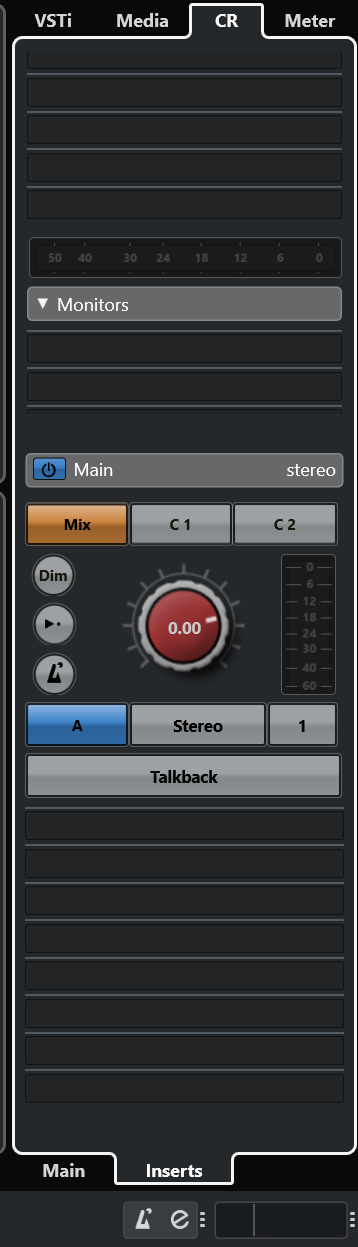
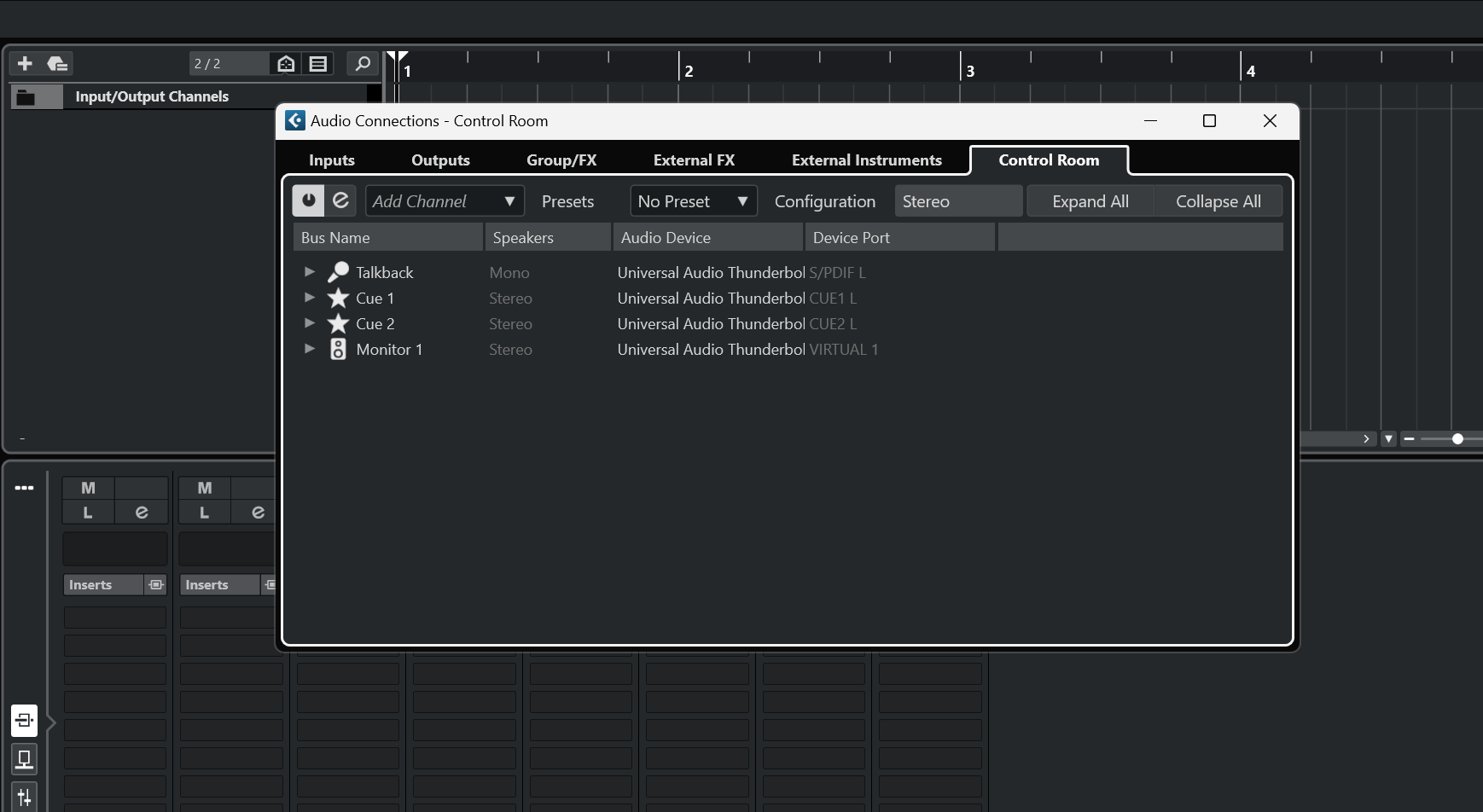
Do you use any plug-ins in the Control Room? Could you attach screenshots of your Control Room setup, please?
Hi,
It just goes to No Preset for Control Room when I start Cubase, no matter if I start new project or open the old one.
I don’t think I use any plug-ins. I don’t know what you mean by “Control Room setup” so I uploaded screenshots of everything I use in terms of Control Room.
Thank you!
Hi,
How does it look like after creating a new project, in the “no preset” state, please? Could you attach screenshots of the same windows?
Hi,
Here they are. Hope it will help.
To whom this might concern,
Was there ever a resolution to this creation of multiple “Default” presets in the Control Room setup - mine is now pages long?
Regards,
Steve.