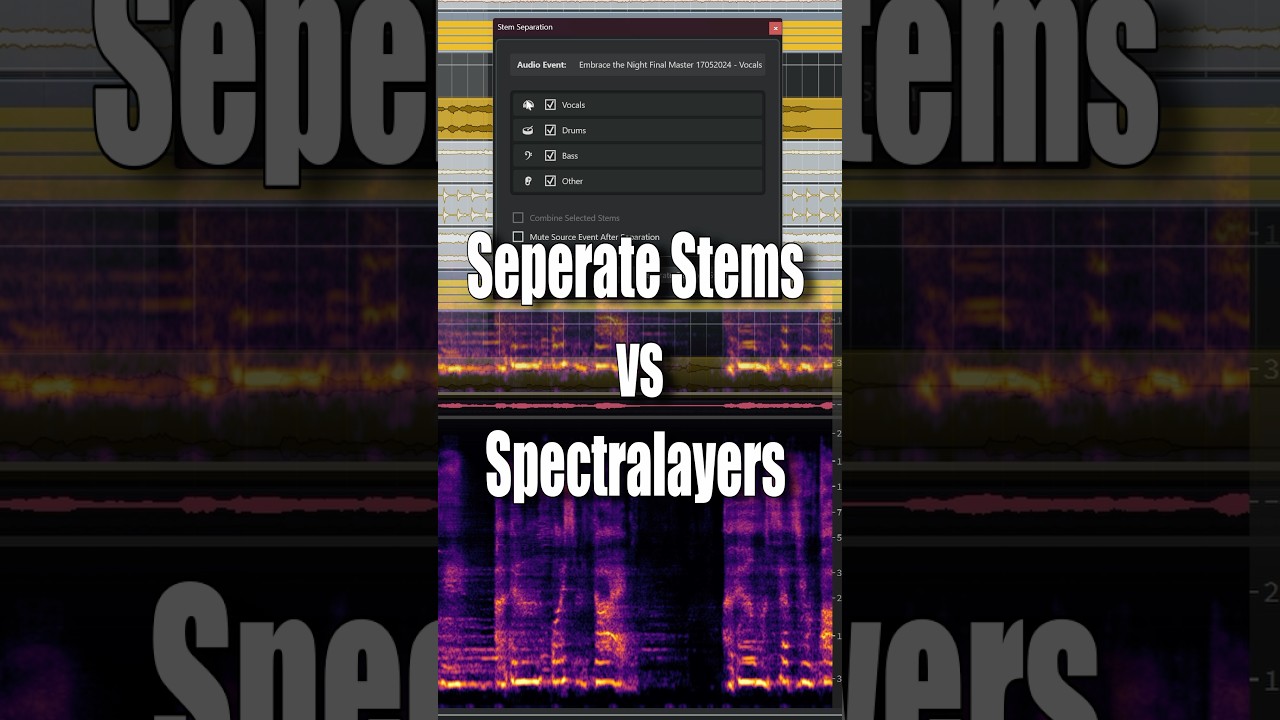
I love that Cubase 15 finally has stem separation, but it’s kinda frustrating knowing Steinberg already has SpectraLayers and still gave us a much weaker version.
If you just put SpectraLayers-level stem separation in Cubase, you’d instantly be ahead of every other DAW in this area. I feel like an opportunity was missed here.
From what I’ve seen, SpectraLayers lets you choose different quality modes for stem separation, including a higher-quality setting that gives noticeably cleaner results.
The Cubase 15 stem separation doesn’t expose those modes at all, and the results people are getting look and sound much closer to SpectraLayers’ “fast” type behavior. That’s really all I meant - Cubase is giving us the quick version, not the higher-quality mode SpectraLayers is capable of.
You are basically asking a company to give away their premium product for the price of the basic version. It’s like asking a car seller to give you a Ferrari for the price of a minivan. Yes, they would be ahead of the competition. True. But for how long until they are out of business ?
Yes, you can do both if you got the full version of Spectralayers.
@Thor.HOG Ohh, you are faster than lightning with your fingers. Is thunder not enough? Give peasants like me a chance with their clumsy fingers, will you… ?
I would argue that, if Cubase gave us full-quality stems for Drums, Bass, Vocals, and “Other Instruments”, people would still buy SpectraLayers Pro for the extra stem types and deeper control.
Who knows…? At the end of the day, it’s not our decision and it’s also legitimate to wish for all sort of features.
You probably know: You have HQ vocal separation at your disposal in Cubase. Select an audio event, go to audio/extensions and Spectralayers Go.
At least it’s a sneek preview of the full Spectralayer version…
The weaker version in the DAW is for people who may want to separate a file to rebalance it amplitude wise or de-verb an element within it then reconfigure it back together.
Spectral Layers Pro is for someone wanting a superior separation, to maybe get vocal accapella or entire Drum-parts from a file.
I notice a lot of people (many who don’t even remix or sound-design) seem to be obsessed with separating songs so they can have parts of them to use (good luck with Youtube copyright licencing algorithm) and legal consequences of lifting copywritten material for your own purposes.
The real power in stem separation is not to separate then discard parts, but to separate, tweak and edit, then assemble back together.
A good example being, a mastering engineer being given an old master file because an artist no longer has access to the session files, and the mastering engineer can separate the master, re-edit the vocals, touch up the drums, lose some over the top reverb on elements, diminish hiss and Noise, then re-assemble the file.
Completely agree – this function first appeared in RX a few versions back, where it is actually called “Rebalance” and will set you back $500; in Cubase today it’s just one more added feature, yet with comparable performance.
The SpectraLayers forum has many such posts since the feature was added, completely ignoring the rest of the product’s capabilities. Some seem to expect to be able to click a button and get mastering-quality multitracks within a couple of seconds, then express disappointment (to put it mildly …) when it becomes apparent that there’s a steep learning curve to achieve best results with spectral editing.
A quick summary of how I might use both:
Example use case
Procedure
Rebalance a finished mix
Cubase stem separation
Quickly remove a vocal (karaoke)
Cubase stem separation
Quick drum isolation for tempo detection
Cubase stem separation
Isolate a vocal
SpectraLayers (Go)
Isolate complex instrumentation
SpectraLayers (full) with manual spectral editing
Separate individual drum hits from a mix
SpectraLayers (full)
… and there are many more, but the main difference is that the Cubase one is “quick and dirty”.
I like the idea of taking a song, lets just say Something from Led Zeppelin, ripping it apart and isolating the drums, and then from that converting the groove of the isolated drums into a quantize preset.
You then have the groove preset taken from the drums and not having to deal with all the music and vocals maybe ruining getting an accurate groove preset.
You now also have the option of creating backing vocals, ripping vocals from a track, and then sending that isolated vocal into software like SUNO to generate from that vocal rip altered versions which can become widened, pitch shifted, backing vocals to align with the original vocal back in cubase.
The stem separation option has so many aspects to it, shame most people seem to only think about separating famous songs so they can remix them and think Sony will be ok with it !!!
Honestly not a fan of SpectraLayers stem separation, even the full version wasn’t very good (at least not for dance music that has a lot of elements - it’s terrible with drums in that case). I haven’t tried Cubase 15’s yet, but it looks like it has the same level of separation that FL Studio does - which I preferred to SpectraLayers. I’ll have to play around with it some bit but if it’s equivalent to FL’s, I can uninstall that horrible DAW and sell off SpectraLayers lol.
Also, using both is not a horrible option either - from that video above you could separate the vocals using SpectraLayers, and then use the new stem separator on the remaining audio to get a cleaner separation.
Edit: FL Studio’s is still better than both SpectraLayers (Pro) and the new Cubase 15 separation for drums. Cubase 15’s separation seems to be better in some cases, such as overdriven/distorted kicks (like hardcore/uptempo style kicks) compared to SL12Pro (horrible at those), but FL’s version is still better than all of them - FL does a better job at separating the attack from the tail/body, and a better job separating drums in general. Vocal separation seems to depend on the sample used, however for the tests I did, the new C15 separation was better than SL12Pro yet again, and actually much better than FL’s as well. So yeah, depending on what your use case is, it seems like having multiple options is still necessary.
P.S. you can use FL’s version for free indefinitely by downloading their trial.
Totally agree. The fact is, success (or not) will depend on how close your material is to the material that a particular tool (“AI model”) was trained on.
 ?
? ?
?