I love how it sounds when I hit the chord keys on the bottom left in addition to the notes I have already recorded via MIDI. Adding this to the mix sounds great! So i choose R and W to read and write the effects; however, I hear no alterations when I play back…
How can I add the chord Dm F then G to the track as I am playing?
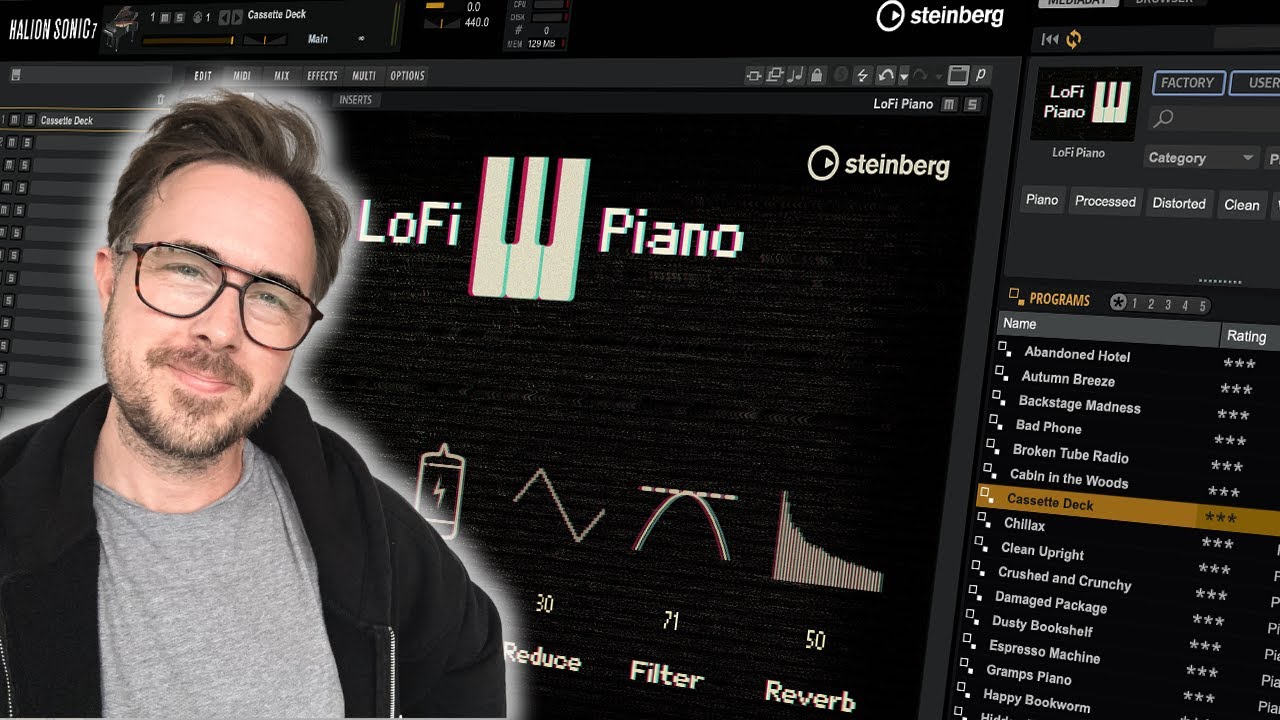
Steinberg made a pretty nice video about Halion Sonic. Amongst other things it also mentions how to use the chord pads.
The included virtual analogue synth is more powerful than Retrologue I’d say. However, its user interface is the one of the big Halion and therefore rather a construction kit than a polished end-product.
Justb curious though: how can I edit the length of these chords after inserting them? I click on the MIDI track, but do not see any notes where I usually edit.
If I drag to the timeline (empty area) it creates a new event for each drag and you can open and edit as normal. You seem to have one event with the three chords in so you maybe dragged into an existing event or something which is I guess where something has gone wrong….what exactly did you do?
That’s it. I first drew an event, then tried to insert each chord pad. So then I deleted the event and dragged each chord pad in on its own. Thanks for your help!