This update again adds many user‑requested fixes, focusing on general stability and performance improvements across audio, MIDI, tempo, and editing, and also includes the long‑requested Android mouse fix provided by Qt.
If you enjoy using Cubasis, please rate the app on the App Store and Google Play.
Thanks you for your continued support and great feedback.
This update does not fix the issue with the track rename window displaying in landscape mode on a Lenovo Tab P12 tablet with a 12.7" screen and Android 15. The tablet’s keyboard obscures the bottom of the track rename window, but it displays correctly in portrait mode.
It never did (show the window above the keyboard in landscape) imo
But in all fairness.. if you press ok (V) on your keyboard, it renames the track and at the bottom bar under your keyboard you can hide your keyboard and see the full window (which you would only need if you want to cancel the rename).
There are 3rd party keyboard apps that allow you to change the size of your keyboard if you’re really annoyd by it..
I do it exactly as you described. I press OK on the keyboard and hide the keyboard. That’s the only way I can do it. But somehow it doesn’t seem feng shui-friendly.
At the minimum the minisampler needs to be reworked..
It’s just too simple.. it needs better and more functionality and a better ui.
20 year old samplers/sampler vst’s are even better (either internal daw samplers or 3rd party like EXS[24]).
Either revamp minisampler or make an inapp one (like a “mobile” halion sampler)
*Especially since android doesnt do AU etc and 2-3 new inapp instruments once per year is just lackluster. Steinberg has a whole array of vst’s, they should be pumping out mobile versions.. it would make them so much more revenue.. but since they are slow walking inapp instruments, the best thing they could do is giving us a better sampler.
To me it’s workflow. More options in the piano roll, markers, the ability to insert space. Maybe even some clip ability. Extending AUv3 to take into account what’s in the track and instantly run it back. Non destructive editing. I so could go on
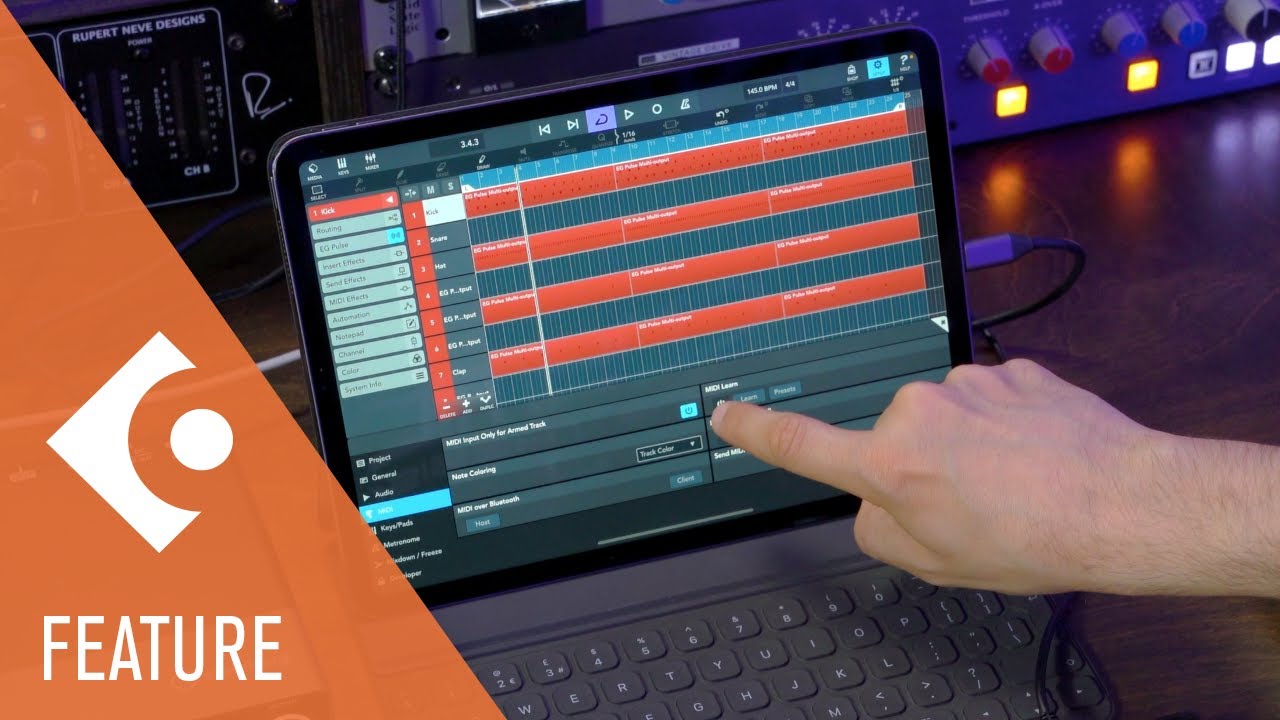
Nice! But more midi controller ( Novation MK4) or other integration would be great! Yes I can use Midi learn or HUI function, but it is not how it works in Windows or MAC for example!
Yes there is, but not for Noavation MK4 and that is bad, because other settings are not working correctly. I think Novation Launchkey MK 4 is popular midi controller and it would deserve also settings made by Cubasis for Android users. So again Seems like most DAWs are just fine for IPADs but for android is just secondary as always!
I have seen this video. It works great with IPADs as it is in video but on Android is a bit different story. I can use Midi learn function with limited options for example keys, pads, knobs and sliders work but start/stop, loop buttons is not available, they are working just in HUI mode. When I switch it to HUI mode than works just those buttons rest is not working! As in video everything is able to put in Midi learn. Maybe on IPADs but on android does not work! I have Lenovo P12 Tablet!
I’m on a Lenovo M11 Android bought cheap at ALDI on sale and I have never felt at home using Cubase starting from the mid-nineties (I use things like Ableton and Reaper and started with Logic Audio Silver on a PC in the 90s).
Having said that -I’m both grateful and incredibly pleased with Cubasis.
I can now sketch out or record sounds and music easily on a plane or at a jam with relatively high quality virtual instruments and using a cheap tablet, microphone and headphones without risking my laptop.
I still don’t feel comfortable either on a tablet or Cubasis, but it makes a huge difference to my creative freedom and I like the Ableton Link connection too!
So thank you very much Steinberg for this achievement, and thank you Janis and the other members of this little online community, for keeping them on the straight and narrow !!! They have some excellent software engineers working in the background I think.


 !!! They have some excellent software engineers working in the background I think.