Does anyone have a model set of concert tapes that print out parts, scores, instrument sounds, etc.?
If you mean a template, Dorico has a Concert band template built in.
If you mean something else, you probably have to clarify.
I mean settings for headings such as title, composer, arranger and that everything is included when printing parts and then get the best instrument sounds during playback.
Another way I can get templates to automatically follow the parts?
It takes ten minutes to create a page template (set) with the requested information. As font (size) and arrangement of the text frames depends strongly on individual taste there is no silver bullet.
Regarding the parts: There are simple short 64-bar marches which fit on one page –even the marching page format – up to original compositions, suites with three or more movements/flows where you need flow headings and take care of the page turns.
And the playback depends on the library you are using. For example NotePerformer provides a reasonable sound out of the box.
My recommendation is: Create your own project (and page) templates for the different work types. It takes some effort but you have to do it only once. And if there is a new format or length or instrumentation make the changes and save the file as project template for reuse.
Parts do follow the templates automatically (unless you do manual edits that stop the templates from applying). I don’t understand.
This may be a language issue as you are clearly not a native English speaker (and neither am I), but I suspect nobody really understands what you’re after. It’d be helpful if you can be more specific.
If you are only asking in general about to how set up score and parts for a concert band arrangement: simply add the instruments you want in Setup mode (it’s fine to stick with the auto playback and not worry too much about it). But if you’re having a specific problem, it would be helpful if you could give more details. How does your score look now, and how do you want it to look? Images or the dorico project will help us help you.
From the Steinberg forums with Debussy’s “La Mer” I saw that they make a page with a list of instruments. How do you do that?


It appears that various fields in the parts template have been overwritten, and those aberrant fields have their alignment set improperly. The arranger text should be aligned right, and the instrumental part should be aligned left.
Are you entering the various fields in File > Project Info, or are you typing things directly onto the page, which would account for different alignment on the several parts? Using page templates and tokens from Project Info are almost always preferable.


When I have the score, how do I get a new page on the left where I can write instruments?
I think this video explains a lot.
It’s a few years old, based on Dorico 5 I think, but most hasn’t changed, maybe more tokens are available now
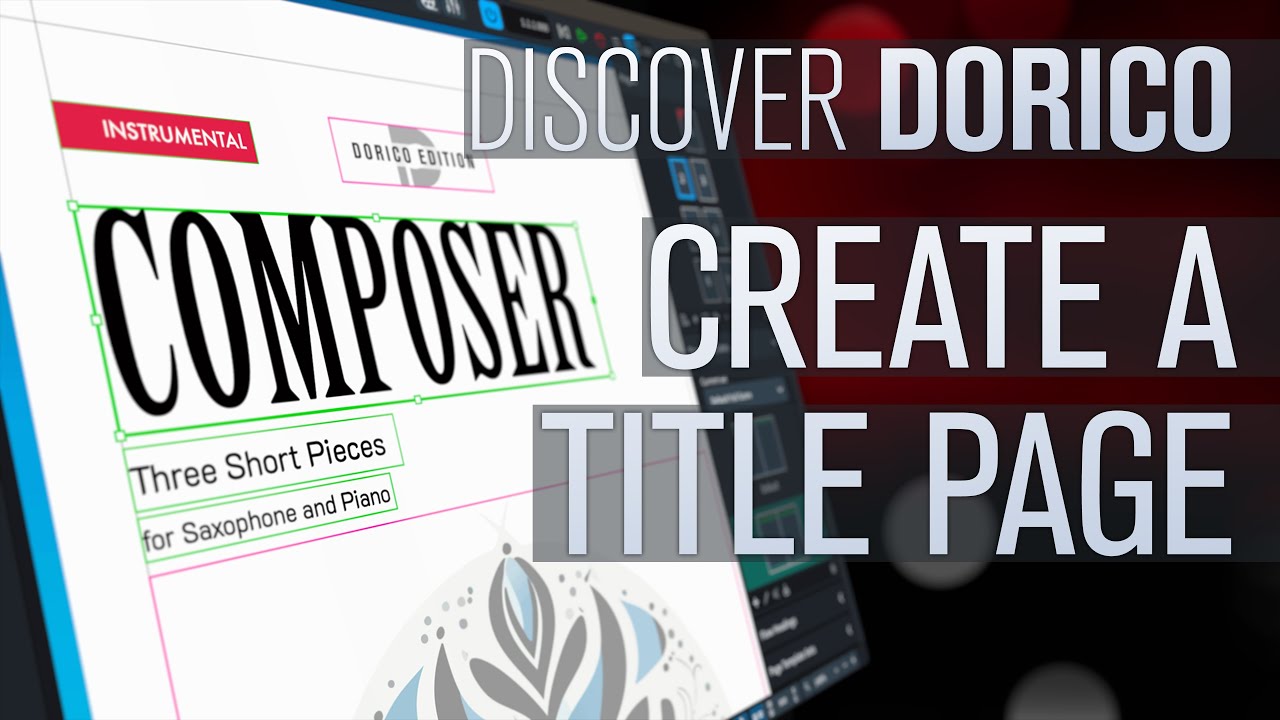
Or if you’re like me and prefer to read instead of watching a video, this is the relevant section of the manual: Page templates.
Is it possible to open Sibelius file in Dorico 6 Pro?
No, not directly. Export a MusicXML file from Sibelius. The Dolet plugin might be better than Sibelius built in export.
Jesper