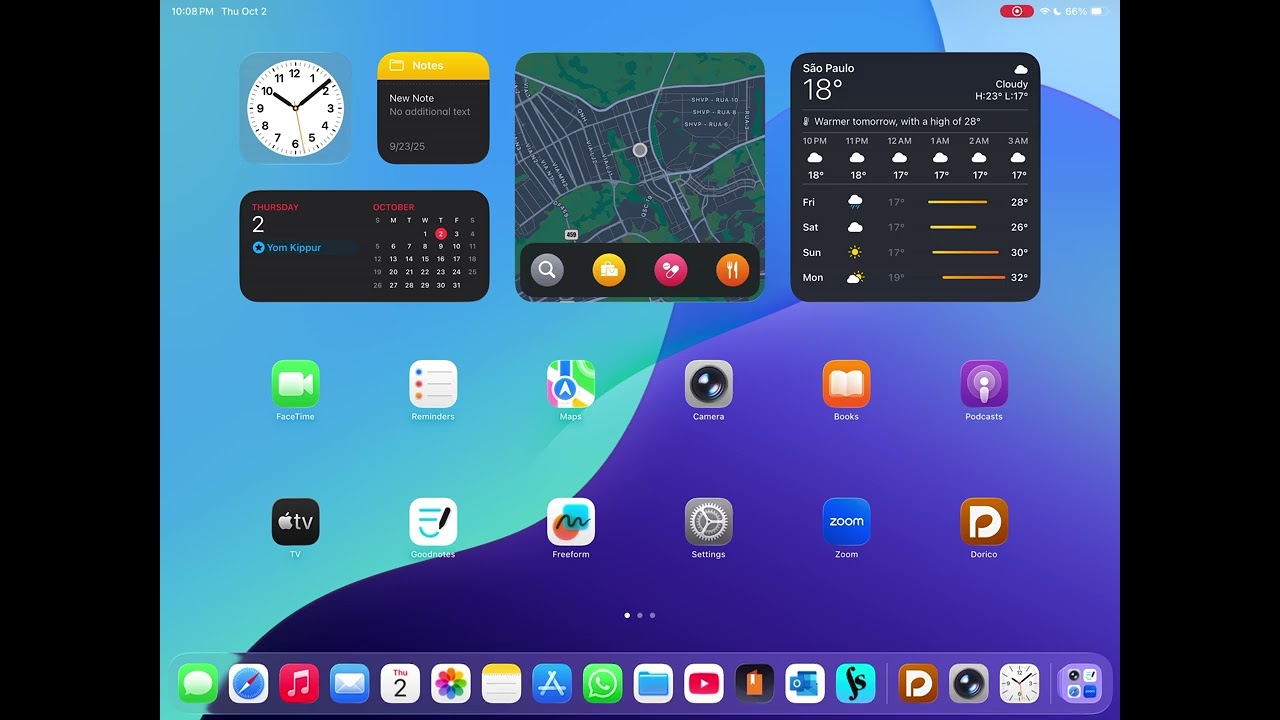
after having succesfully upgraded to 6.1 on my MacBook I decided to upgrade Dorico app too but it continues to crash when trying to open a project or even immediately after launching app… I’m on iPad 8 running IOS 18.7…
Any advice? I was very happy with version 5 app but now I’m really very frustrated…
Thanks so much for helping,
Art
p.s. I’m also paying for a monthly subscripition and this is even more annoying…
I reinstalled too but anything… I only was able to create a new project with a single instrument but then it started crashing again.
I also deactivated all assistive touch functions, as I’d read in some other post they were a possible cause for crashing, but nothing changed… This is a big problem for me as I was using Dorico for my work at school…
It definitely appears to be an accessibility problem of some sort. Can you please review the accessibility settings on your iPad, and disable as many of them as possible? Please let me know if you’re able to identify which setting or settings is responsible for bringing about the crash.
I am experiencing the same problem after the last update: random crashes. I updated Dorico today and it became nearly impossible to use Dorico on my iPad Air M3. I am attaching a video clip for reference. Thanks, @dspreadbury
I’ll try as soon as I can, possibly later this morning, even if I’d tried something yet, but I wouldn’t consider the issue as solved until we find out what’s the exact accessibility setting is causing the issue as I see I’m not the only one facing it.
As I have no external keyboard at this time it will not create any issues elsewhere but I assume in a next iPad version update this could maybe be fixed.
you hit the nail on the head. It seems to have to do with “disable full keyboard access”, within accessibility options. Disabling it solved the problems with crashes.
Full Keyboard Acess was already turned off on my iPad, but the crashes continued even after reinstalling Dorico & updating iOS. I tried enabling Full Keyboard Access, quitting & reopening System Settings, then disabling Full Keyboard Access & quitting System Settings again. That worked.