Hey All.
I have just downloaded and Installed Cubase 14 Pro.
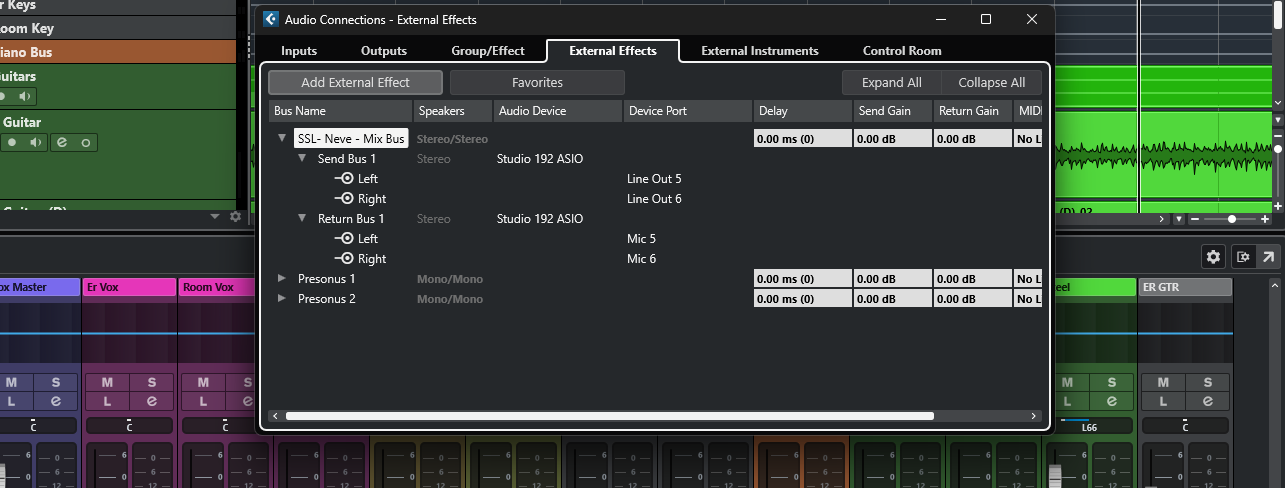
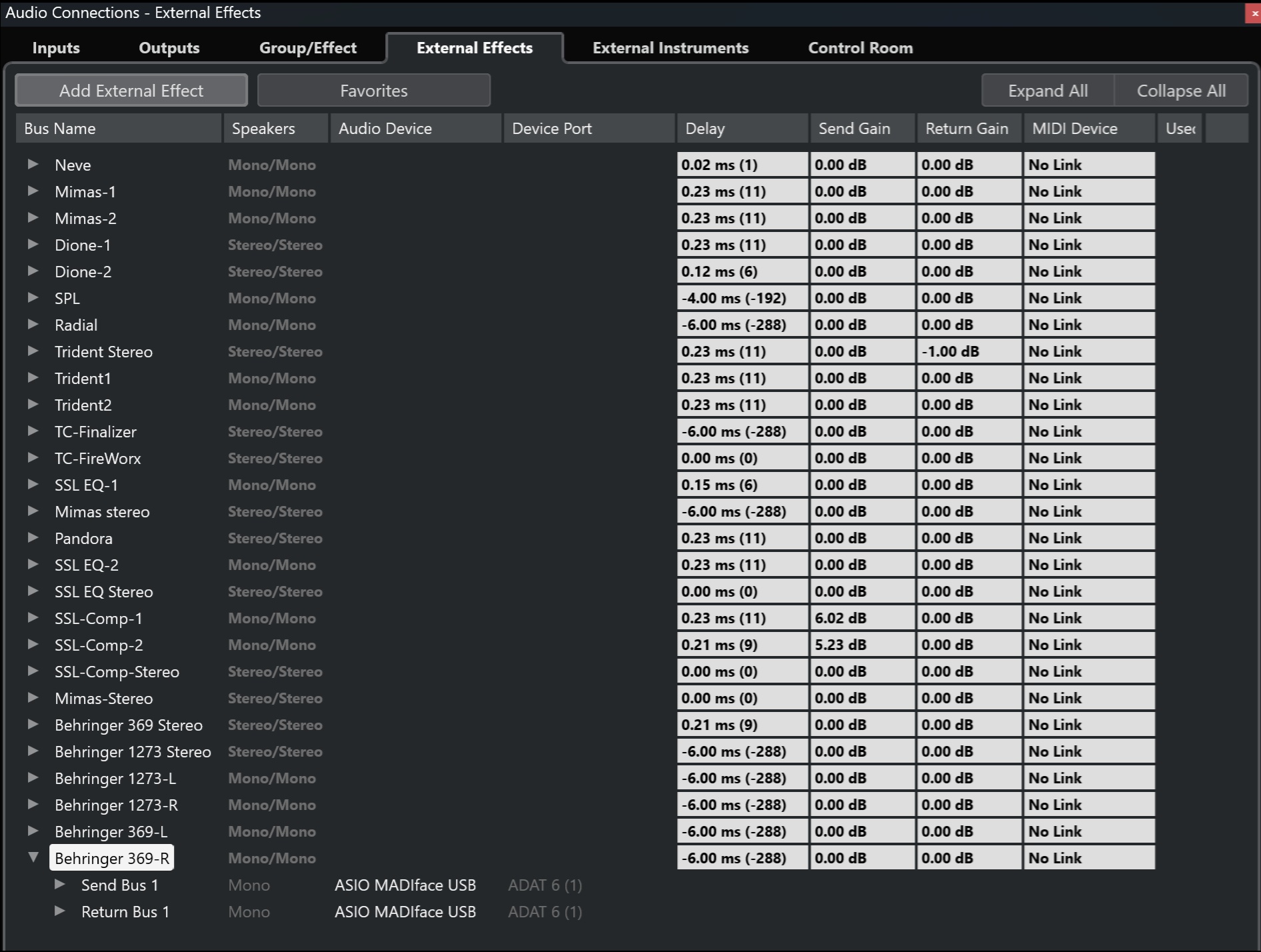
I have external effects (outboard gear) on my mix bus but they are not showing up in my plugins. T
I am not 100% certain if the following is true.
If you use a user made collection for your plugins you might have to go to the VST Plugin Manager and add the external effects manually to your collection.
I found the answer to my own problem, I hade to go in to plugin manager and drop in my newly made external hardware plugin into my external folder then they showed up as expected under the external insert.
I’m having the exact same problem. Can see my outboard in Audio connections but there is no External Effect folder on the inserts of my inspector. I’ve tried to work out how to “drop in” my external effects to the default collection, but I’m not having any luck. Could you possibly walk me through it before I tear all the rest of my hair out?
Open plugin manager - Plugs are on the left, collection is on the right. Drag from left to right. It’s that simple…assuming this is your problem and not something else.
So here I created an external FX called TEST. Found it in the plugin list with a search…then I drag and drop it to the collection on the right.
Thanks for solution, also note that an external effect can only be inserted ONCE as far as I can see, so if you already have it on another track, it won’t show up in the list.