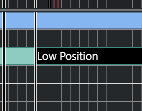
After reading all posts related, without success, I tried out a few things and finally figured that we can select all articulations events with this logical preset
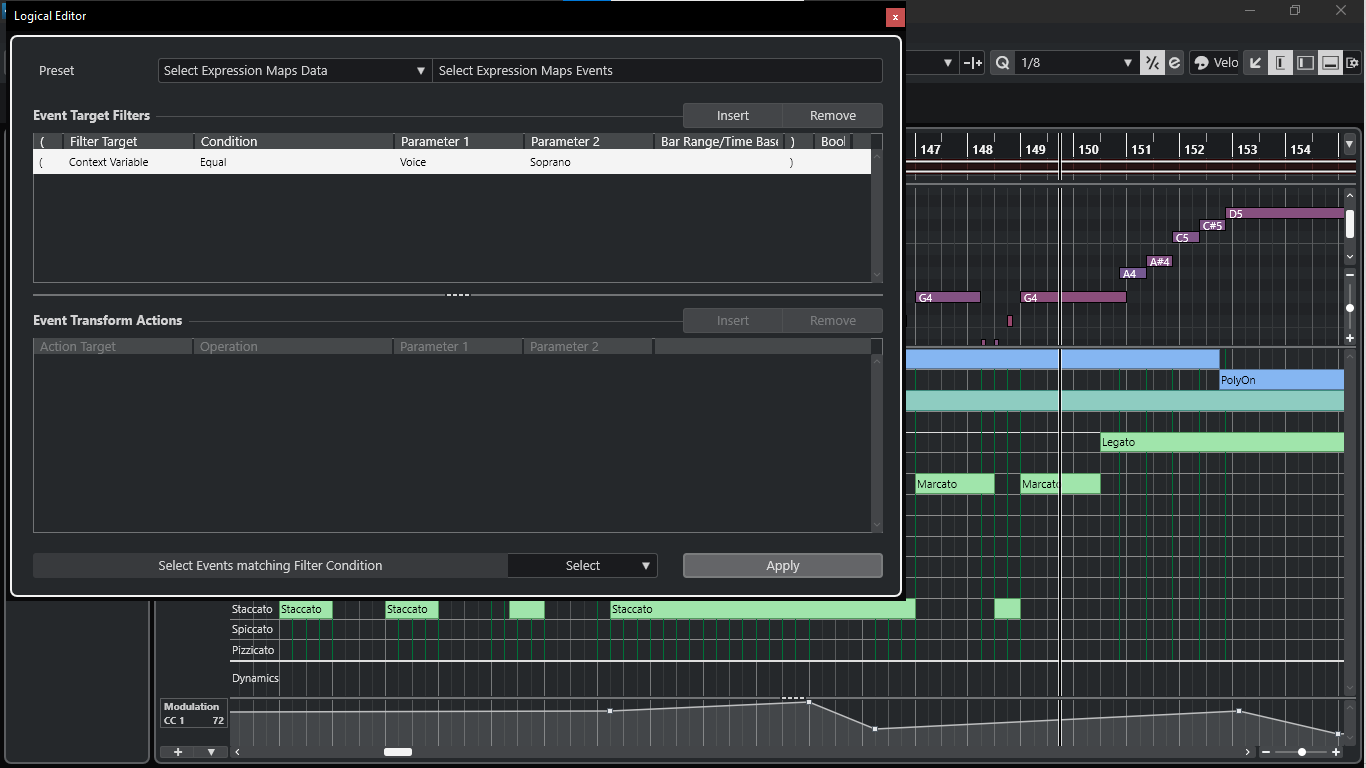
Then it does:
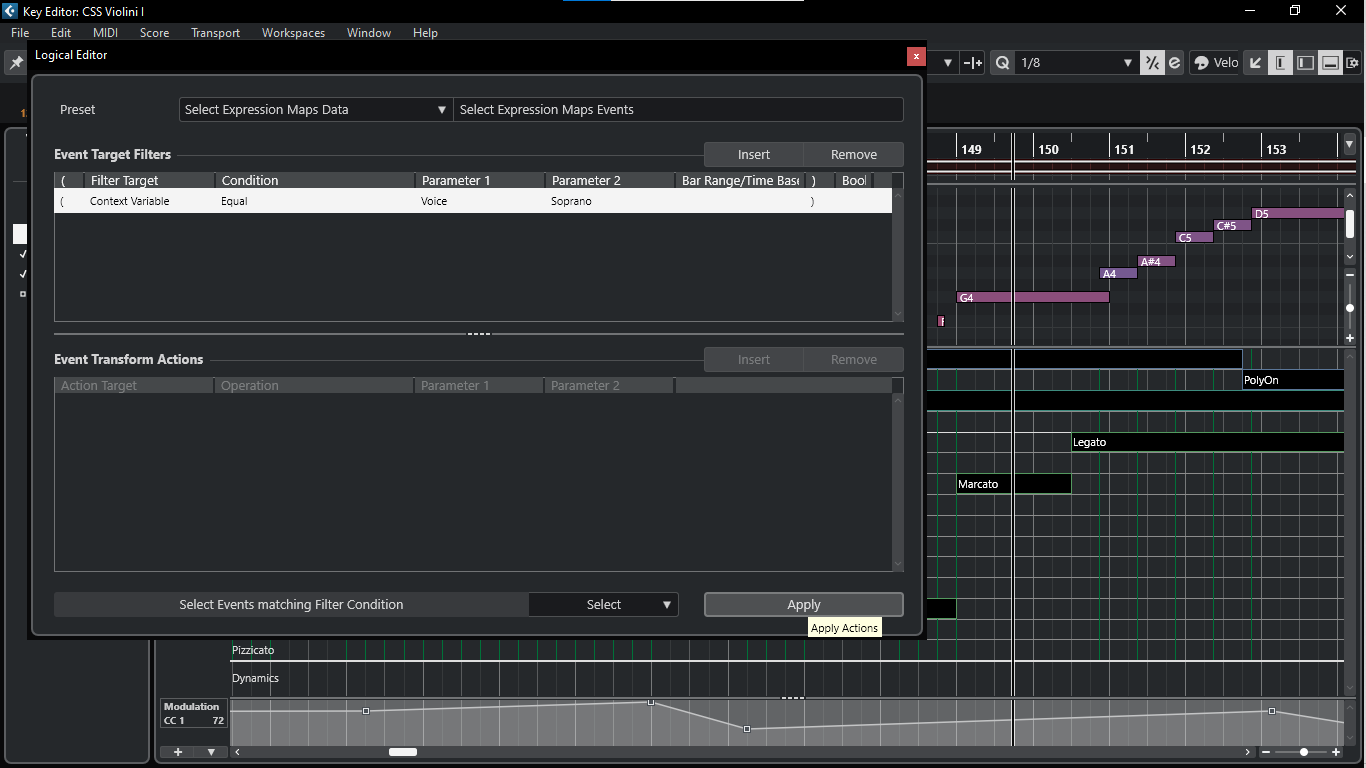
I was just learning from another thread how we can copy & paste CC data along multiple tracks using macros, so I’ve adapted and made one for this purposed and it worked smoothly.
I’ve made this sequence
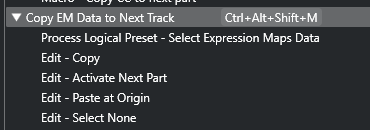
Then applied and had the articulations of Violin I copied into Vln II, Violas, Cellos & Basses

Bass:
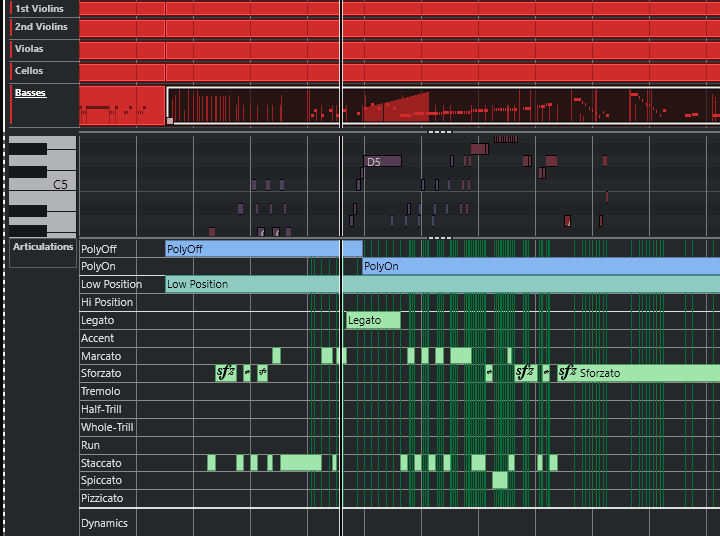
Just one little odd thing I experienced (Maybe it’s bug in my Cubase or maybe you folks can help me improve it), as you can see, all my strings midi events are chopped in the same position. Somehow, when I applied the macro it pasted the articulations to another event at the beginning of the music (even thou my micro specifies to “past at the origin), even worse, it copied from cello to first violin, which was 2 tracks earlier.
Then I muted the events out and let on just the ones to apply the micro, as you can see, where they’re split, then it worked.
Another funny thing is that, besides selecting the first violin on project view, it only worked in the key editor window, more so, the object selection tool (number 1) had to be clicked inside the articulations lane and I had to assign any random articulation right before applying the macro (which I just alt+clicked into any existing articulation to split it, avoiding to actually change any thing on the articulations), like in the screen-shot below: