Oh, I forgot to mention that another approach (as opposed to stack/mute/remap) to getting individual samples out of the locked Acoustic Agent kits is to resample to an audio track, then you’d have raw samples to work with in your own custom ‘beat agent’ kits.
Example: Say you want to make samples from an Acoustic Agent kit’s kick drum.
Set up the kick drum so it sounds exactly like you want for some samples.
Make a track (instrument or MIDI) that’ll play the kick drum at different velocities with plenty of space between each hit.
Instant Render the track into an audio track.
Now you can cut that audio track up and use it in your own custom beat agent kits.
Thanks for the suggestion regarding rendering Acoustic Agent parts and then cutting out individual drum hits to use as samples in Beat Agent kits.
I have quite a few excellent sounding older acoustic drum libraries that allow me to access the individual samples. (Which is unusual in this day.) So I think I’m covered in that regard.
Awesome, and GA does come with a lot of nice unlocked layers to use as well. Every once in a while you might find something in one of those ‘locked’ Acoustic Agent kits ya want to sample and do more with…
I was checking out Wave Alchemy’s sample-based “Triaz” drum plugin as something to use in conjunction with Groove Agent 5 and I didn’t even remember that I had purchased the company’s “Syncussion Drums” and “Complete Drums Bundle” drum sample sets.!
I’m such a dope. That’s how many plugins and sample libraries I own. I can’t even keep track of them all! In my defense, I just never got a around to re-downloading these libraries when I finally upgraded to an Apple Silicon M1 Max MacBook Pro.
The “Complete Drums Bundle” includes thousands of samples that I can use to build my own fairly elaborate kits in Groove Agent. So that’s cool.
That’s exactly how I experience it too. You open GA and start searching without understanding what you’re looking for and how to search. I’ve had GA for many years but still use a percenta of its capacity.
If you would actually define what you would like GA to do, instead of spamming the forum with angst, maybe we all could learn something? And you could discover just how powerful GA can be?
Like so many of SB incredible tools, their tutorials are nonexistent, the interface is powerful but confusing, and help docs are usually shallow. (and no, that guy on YouTube is not a replacement for real tutorials). Perhaps it’s a German thing? Like they don’t want to coddle you or something? I’ve noticed this since I got 3.2 on floppies.
I love GA and use it all the time, but it took WAAAAY too long to figure out how to use it.
SB is often their own worst enemy in this regard. Which is sad - they don’t get the credit for the incredible things they create, as the benefits are hidden under a lot of confusing crud.
This is so amazingly accurate of a statement that I think it should be included with every SB purchase and download. You should have to sign-off on it before continuing the download of every product.
Excuse me…?
Same here. I bought GA many years ago and I kept on avoiding it until I finally picked it up again and started from scratch. That was a bumpy ride but worth the effort at the end of the day.
That:
To all those that find GA5 hard - including me. I want to say that GA5 is an incredible powerful tool and is very deep. As an old timer, I spent a few days with it, full time, and I am in awe at what a refined and powerful app it is.
There are many drum apps out there you can learn quickly and they are mostly bland- pass them over, learn this. I think that Groove Agent has musical depths and this brings complexity as it responds to many usage needs it can satisfy, under the hood.
GA5 is definitely going to be by goto. I am so happy I have found it!
So, please do not pass it by, It repays proper study.
Method to study complex apps like this
The problem we all have these days is there is too much. I think it’s best to choose a few apps wisely and until totally mastered, dont move on. The app itself needs to be worthy and GA certainly is for many cases.
There are so (too) many products and this can make us drown in superficial learning. Better to learn one deserving product well.
I have developed a method which is working very well for me. It’s part of my regurgification methods for reviving Cubase 15 from the crypt of Cubase 5.
It’s a highly methodical and thorough method. It takes time but it pays off big because it leaves a retraceable trail of methodological learning. It really helps things sink in.
I find that in order to learn any software one needs to use clickification. One needs to click every button in every tutorial.
Why? All software has gotchas. These are beartraps in the software where a button perhaps misleads, or there is some obscure esoteric fact that is mission critiucal to usage, for which you personally have no idea it is even required. The “unkown unkowns”.
An example in Groove Agent is the use of the word “main” to replace “instrument” in some submenus. Long story short, just remember in the GA ecosphere main=instrument.
Clickifying is especially important with powerful software when you encounter it for the first time. As a Novice, you will be vague on it’s potential and there will be the “unkown unkowns”.
So here are my considered reccomendations. They are generic, and apply to any encounter with new complex software. First source a decent instructional course or on a topic you require to learn. I will link an excellent free GA5 course below.
The task is to work your way through every click, trying to absorb the whole picture of the environment as you go and eventually crafting a modus operandi. It can be surprising how often what is perceived as apparent is not so. The point is to find these gotchas.
When you come across an alleyway of action such “how to edit patterns”, or some task of your choice, be thorough and create a “Procedure X” document, outlining exactly what steps to take and buttons to push. Label the document with the product name and the task. Make use of MS Snipping tool (if on PC) and capture images of buttons, or states of Groove Agent windows.
I find that with everything Cubase, Google AI is much better than the manual. If you ask specifcs and steps it gives them worked out for you. I then copy and paste into my procedures doc, run through the text and edit out the verbage. What I want is something I can go back to which reminds me, yes it was A, B, C, then F2!
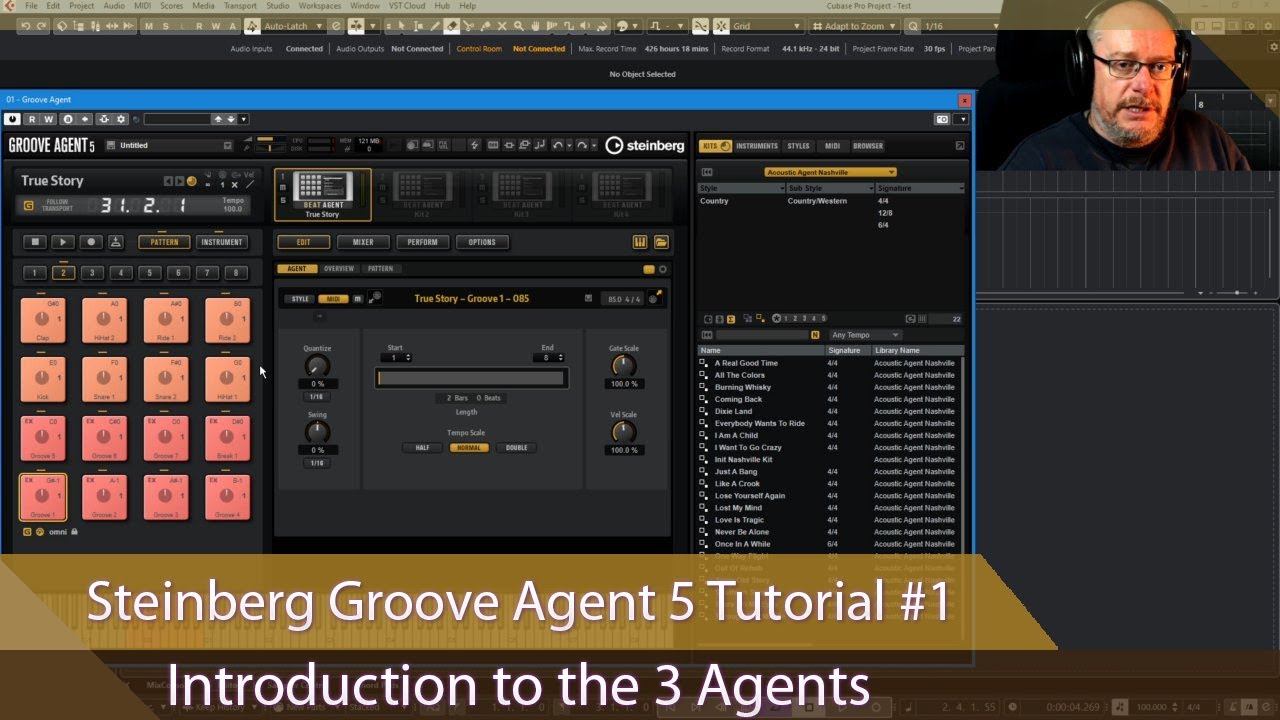
This course below Anthony is excellent. It is slightly dated and the second video about using MIDI channels to slave Groove Agent is highly useful but perhaps not necessary maybe a fix has gone in?
I am in the middle of this course and it is definitely the best I have found.
Leaving a trail of your own procedural documents, means that if you forget some quirk, or some practice is obscure, then you get a quick way to revise, written by YOU. I also find that taking an overview of these documents helps me in developing a workflow and bigger picture.
I want to end by saying say that Groove Agent is a sophisticated powerful, well considered, well designed product. I think people are right that the videos from Steinberg are not enough and the manual is sparce but this course fills this gap.
Part of the issue is that there are so many use cases because Groove agent can do so much. I just love it.
It’s my goto now I have discovered what it can do.
Hi Noise, I think manuals are often not the best goto. Try typing your questions into Google, the AI result is often pretty much accurate and clearer than the manual.