Hi all
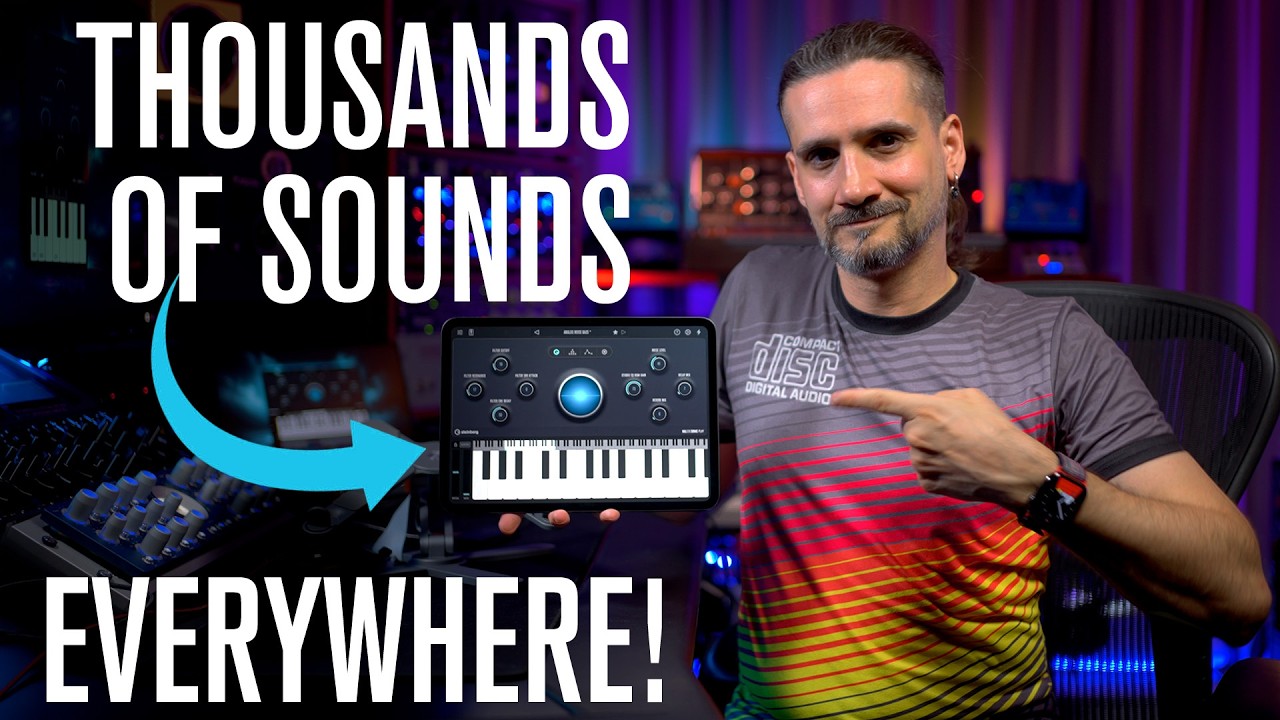
We’re excited to announce that HALion Sonic Play is now available for iPhone and iPad!
Bringing the spirit of a full workstation instrument to mobile music production, HALion Sonic Play comes packed with over 2,000 inspiring sounds covering everything from synths, basses, and pads to keys, leads, orchestral instruments, and much more.
Whether you’re sketching ideas on the go, producing complete tracks, or looking for a versatile sound source for your mobile setup, HALion Sonic Play is designed to help you create quickly and stay inspired.
Download HALion Sonic Play on the App Store
HALion Sonic Play iPhone iPad.pdf (2.9 MB)
Highlights
- Over 2,000 high-quality instrument sounds
- Standalone app for iPhone and iPad
- AUv3 plug-in support for Cubasis and every AUv3-compatible DAW
- Quick Controls for fast and intuitive sound shaping
- Built-in Arpeggiator for instant movement, rhythm, and inspiration
- ADSR controls to tailor the character of your sounds
- Modern, streamlined workflow designed for mobile creativity
Your Workstation for iPhone, iPad, and Every AUv3-Compatible DAW
HALion Sonic Play is built for speed, creativity, and great sound from the very first tap. Browse a massive collection of instruments, tweak sounds with Quick Controls and ADSR parameters, and add instant energy with the built-in arpeggiator.
Use HALion Sonic Play as a standalone app or load it into Cubasis and every AUv3-compatible DAW on iPhone and iPad, making it easy to take your sounds and projects wherever inspiration strikes.
Android Availability
* On Android, all instruments are available as in-app purchases within Cubasis for Android.
Introductory Offer
Enjoy a 25% introductory discount on HALion Sonic Play, plus 25% savings on Verve, Etude, and Iconica Sketch through August 24, 2026.
Looking for the best value? Save even more with the Verve/Etude Bundle, which includes additional bundle savings.
Enjoy being creative!
If you enjoy using HALion Sonic Play, please support us by rating the app in the App Store and on Google Play.
Warm greetings
Lars