Listen, I’ve been using Dorico for several months now and love it so much over MuseScore, but so far the simple act of trying to add a subtitle to my score has been a catastrophe and this feature really needs to be reevaluated…
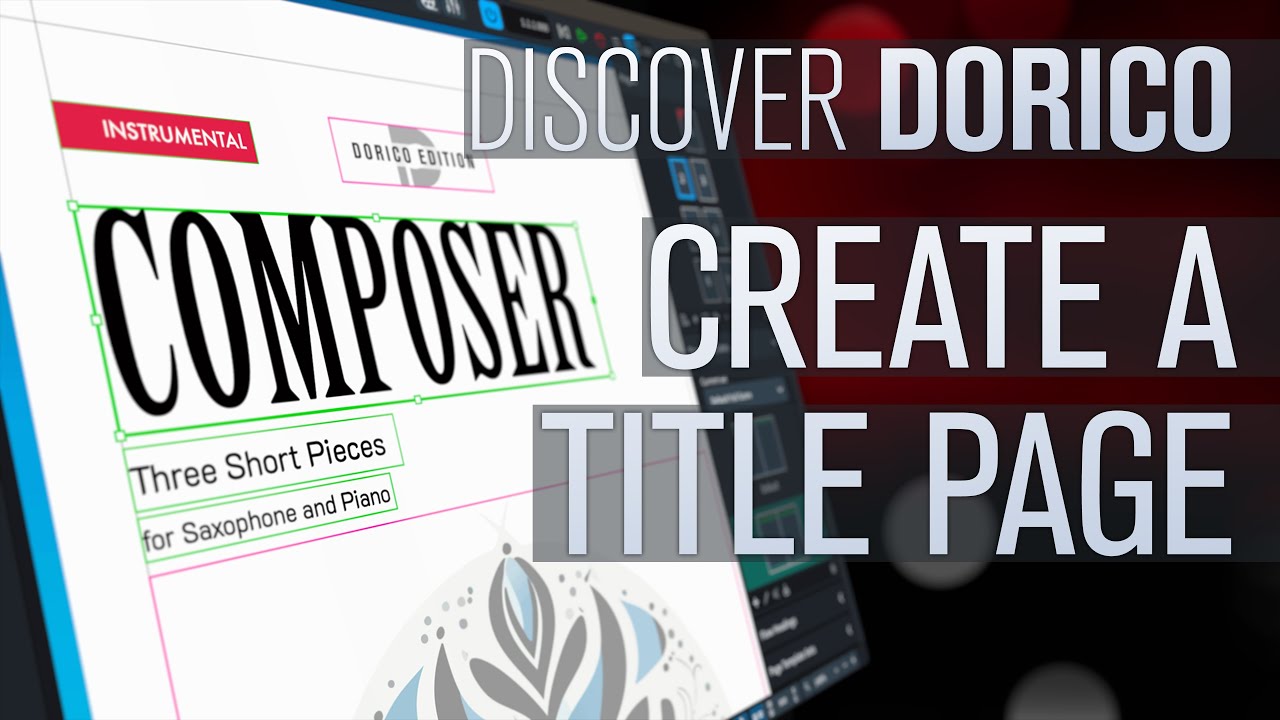
I’ve read several tutorials, all of them tell me to add a text frame in Engrave mode and add the {@projectSubtitleprojectSubtitle@} token. Okay, I did that, and my subtitle still is not showing up:
The first page of your score is likely to be a right-hand page, but you’ve only added the subtitle token to the left-hand page. Click the Copy Page Layout L→R button above the page templates to copy the stuff in the left-hand page to the right-hand page. Then click the Apply button to save your changes. That should fix your issue.