How does de-bleed work?

Sorry for a dumb question but here we are…

Spectralayers Pro 12.

For voice / background noise reductions I’ve been usage Voice Denoise to great effect. However I thought I’d get a bit more refined and start using Unmix Noisy Speech which results in Speech and Noise Layers. I can then lower the noise layer level, add envelope etc and all is swell.

However sometimes some of the voice gets left in the noise layer. I could do manual selection of these parts and cut/paste between layers… but is the De-Bleed a candidate for this across a long recording? Or does De-bleed just remove content ?

In any case how does it work? The module allows selection of one or both layers, but how does SL know what is bleeding into what layer and what happens to the ‘bleed’?

The user guide is less than illuminating to me. But I might be off on the wrong path entirely!

Thanks

1 Like

I am trying to wrap around my head myself on De-Bleed.

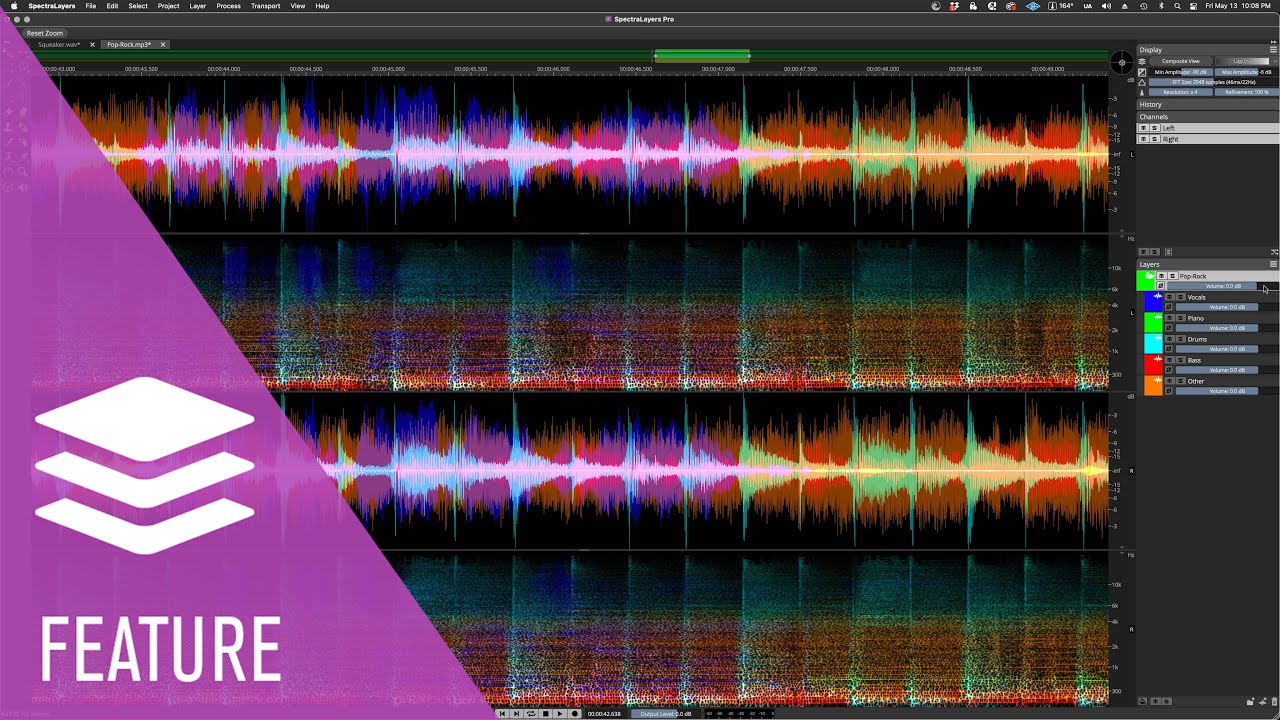
Watched this SLP video, but still - it seems to work differently now:

1 Like

seems like a very good question to me!

as you state, UNS leaves voice remnants, inhales, exhales, chuckles, and some non-english sounds (french “R” for example)…and some “J” types sounds…and if needed, those wanted sounds for the speech layer can take weeks to manually select and mix back into the speech (however anyone’s workflow is).

So, is there a way to run modules to get those modules to at least do some heavy lifting?

we’d suppose a de-bleed procedure should separate out low level sounds…I don’t know, I haven’t tried De-Bleed module…I was going to start testing it on some old recordings with Tascam 688/238 type bleed, but I haven’t gotten to that yet

Seems this workflow addition needs to be investigated

1 Like

Oh, I’m trying to watch this, but that VO is blood-curdling…I DO NOT WANT to hear every molecule of saliva as the VO artist’s mouth moves!!! Turn OFF that horrible compression and back off the mic!!! Seriously, I feel queasy now…I can watch it, but I can’t stand to listen. Can someone please run these awful VOs through UNS and clean it up?!?

I got a bunch of other stuff to do right now…

In my experiments De-Bleed does reduce the bleeded sounds but does not transfer them.

2 Likes

Yes, I think I am/was misunderstanding the function of De-Bleed. It is probably to remove low-level signal from a layer/s … by using a source layer as the ‘template’ of what to remove. I guess the source layer is the one we select in the module? It would clean up the other layers?

Rather than simply remove the bleed, I would like it to keep the “bleed signal” as another layer, so I could re-add it to the “source layer”.

The process would be to “Unmix Noisy Speech” which gives two layers. “Noise” and “Speech”. Then select De-bleed, and choose the “Speech Layer” as the source. SL then processes other “Noise” layer to find sound from “Speech” layer that has bled into the “Noise” layer and write it to a new Layer called “Bleed”. Then. I could blend the “Speech” and “Bleed” where needed.

1 Like

De-Bleed does offer two modes of operation:

  • Reduce Bleed
  • Reduce Signal

You could duplicate your Noise Layer.
Now apply De-Bleed with Reduce Bleed on one layer and Reduce Signal on the other.

2 Likes

IME this is not how Unmix Noisy Speech works. I believe UNS to be an AI model that has been trained. The various parts of wanted speech that remain in the noise layer after running UNS are sounds that the AI has been trained to consider as noise. Personally, I term these wanted noises which unmix to the noise layer “remanants” (others here do as well). Personally, in my workflow, I sometimes will manually select and cut/copy/paste these remnants back into the speech layer or create another layer to mix the remnants back with the speech. Yes, very, very time consuming and user needs to be able to identify and to select/ transfer the correct transforms in the spectral display.

And I grasp you are looking for a more automated process to speed up the workflow.

Therefore, you could try your proposed workflow of:

you should be able to do this. Here is one way:

1-create a copy of your unmixed noise;

2-run the de-bleed module on one of the unmixed noise layers (because the de-bleed module is destructive: de-bleed deletes audio it “thinks” user doesn’t want)

3-reverse the polarity of the unmixed noise layer and that should give control over what has been de-bled

or something like this kind of thinking should get results along the lines of what you are asking for

I’m not saying running these modules will yield the audio you expect, just that there are ways to retain the audio which the module deletes.

I seriously doubt this will help at all to separate the speech remnants from the noise that you expect to be the results. The only way I find that is reliable to control the remnants I want is manual separation work. If I felt such a workflow with de-bleed module would work, I’d put the time in. Yet, I know manual selection works…it takes a very long time, but I can count on it.

Not quite the same as my other post but yes, especially for voice when singers are articulate and already have technique that ie lowers essess, the unmix/song/voice layer often has missing esses or hard stops t/d which is just frustrating to use and Im just going old school most of the time and puttting up with the gating/ghosting/phase as its not worth my time fiddling and cutting. Dynassist does the gates much better and Apulsoft is without peer for quality and UX…SL? Its not fun…or a good ROI and thats what good tools should be.

As you would note by the deessing posts…I abandoned SL as even though it prob has far more power/potential than anything else, the non musicality and awkwardness invalidates it.

I use a lot of software, expensive pro stuff like Archicad/Revit for example. Archicad is elegant and sophisticated…Revit is catching up (copying) but I would get so frustrated over even just basic UX stuff that Archicad did with one or 2 gestures…thats the diff between average tools and great UX vs ultimate power but limit handles or hoop jumping to use it.

I also vote for a workflow where best guesses can be targeted for editing or training our own models to actually work…unmix instrument is a great start but currently is VERY limited.

Haven’t tried this - but the DeEss module has also two options:

  • Reduce Ess

  • Reduce Signal

So you could duplicate the noise layer and apply DeEss with Reduce Signal.
That should leave the Ess in the Noise Layer only and that could be copied back to the speech layer.

1 Like

Thanks Robert

Yes that and so many other suggestions…just the right tool

or just be able to mix with layer volume level or envelope points :slight_smile:

1 Like

so you are comparing graphical, architectural software to forensic audio software that costs fraction of the price? Essentially less than a monthly subscription! A bizarre standpoint to my way of thinking. Unmixing AI is maybe just shedding its diapers at this time…I mean, maybe graduating to crawling? And comparing to an architectural software market that was mature 15 years ago? Seems quite illogical IMV

it just sounds like you are looking for automated results when I read this stuff from you.

SLP is deep waters for manual selection; these unmix modules are bolted on far as I can tell. Shoot, let’s get manual selection and optimized tool functions before this bandwagon to unmixing speculation rends utterly SLP non-functional. As SLP currently is, we are still looking at starting points for unmixing IME to further separate with manual selection. That’s just the way it is right now.

But you have said it before, you don’t want to waste life energy selecting transforms with a mouse…well, manual selection in spectrogram is the heart of SLP!

Hi @ctreitzell
I think we might be on diff pages/logic…my comparison is on of conceptual abstracts…ie what makes any software good/better. It was also underlyingly about the tools of sound that use the same graphic paradigm. I also used photoshop (and many graphics packages that were on SGI) for television work. Things like the frustration of masking…its probs just my siltation…

it just sounds like you are looking for automated results when I read this stuff from you.

No just putting stuff into mature tools but I admit thats my problem. I did a masters in UX/UI (Digital Media) and and love great tools; just having this forum opened me to the idea of using SplitS in a way that prob most dont but it is absolutely brilliant and Im thankful that the shortcomings of using SL/RX brought me to that. I found an end game solution.

So when Im presented with eg Debleed and it basically has no parameters to tweak things and make them better, nor even (that I could find) really clear examples…it leaves me wondering but seems like its not just me. Then when I go to online unmix it does have variations eg so I could use 1 engine that unmixes voice from the singer guitarist takes that drops the esses and run it again with a diff model that does and just merge them manually…but I dont have to play hide and seek.

You are correct here. I think I was just let down by the particular toolset and outcomes that were marketed like the guy debleed drums…and then the instrument unmix. It just doesnt work ime in SL the way I had hoped and they were wrong understandings. Should have just got the trial and asked the basic questions up front.

Im not doing forsensics and I appreciate the potential but for music production in the way that Im doing it…its just the wrong tool but its not about spectral stuff eg I asked about phase rotation because I dabbled in some other packages but SL tool is a token gesture as its not adaptive phase and I left out a keyword so even that is prob not an important tool for many but its sooo important if dynamics is really important. Sure peeps make great records without it 40 years ago but in this ridiculous age long after loudness wars, peeps ear are trained for “loud” so every detail counts.

Im not doing AI music…part of our studio motto is “100% free of artificial ingredients” and we dont even accept any AI songs…I love handmade stuff…hehe…I just misunderstood the marketing of SL and my brain filled in the dots in a wrong way.

Seems like a great tool for forensic type stuff and soundtrack production but as for fluid musical use its not the right tool…for me but I will still keep trying to use it.

I shouldnt have upgraded though…gained some things and lost others…still no better off for debleed in SL but have worked out how to use LALAL and SL.

Yeah its true not just of transforms but sitting in front of a screen and mousing. thats why I spent quite a while on hardware and ux…even that being such a frustration with half baked stuff. I would jump on Reaper straight away but Im too old now and Cubase is baked in from over 35 years of use…but it gets the job done.

In summary, SL has helped me start the road of really getting a lot better mixes because of the power to get the sources so much better but ultimately that is answered in just good unmixing…I dont really need more than that.

Cheers Todd
1 Like

I think you’re right.

I tested it the other day and realised it was removing content rather than transferring it to other layers. I was trying to use it to move a misidentified guitar from the vocal track to the guitar track, but it just took information away.

1 Like