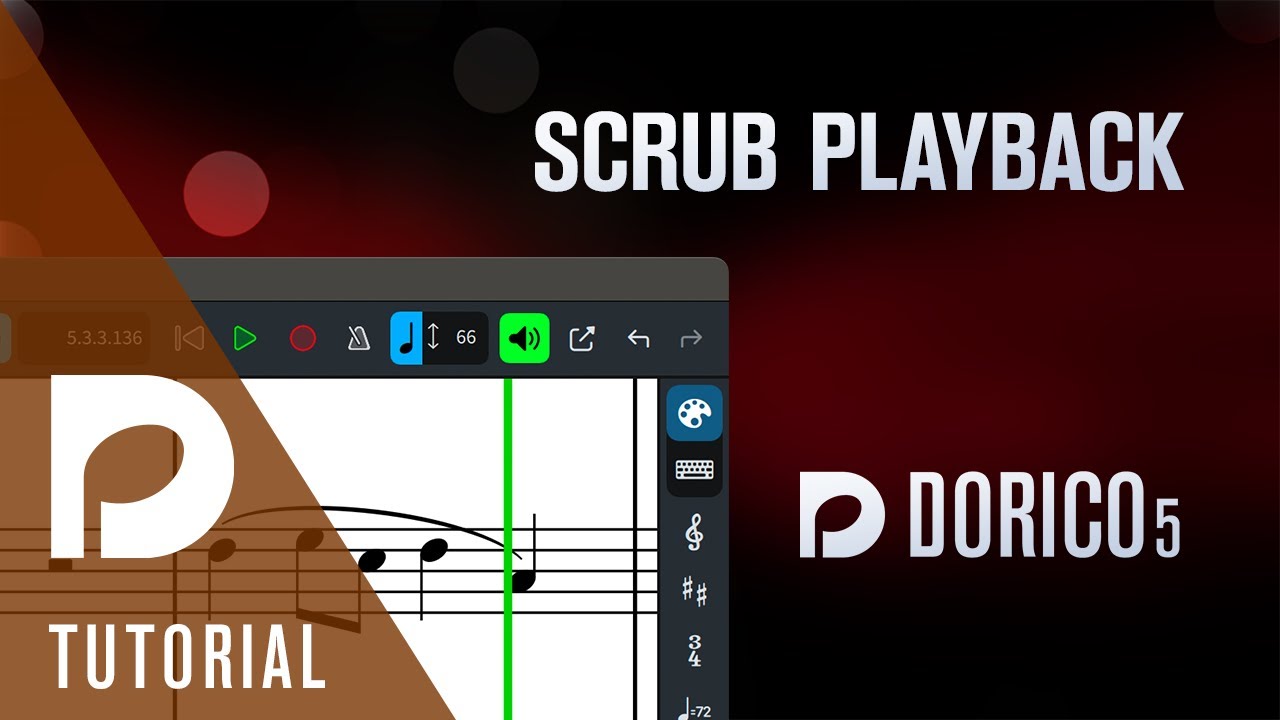
There are times I could use a nice, elegant looping feature. However, now that Dorico has scrub playback, I really don’t care that much about looping. Have you tried scrub playback? It is really quite flexible. Finale has had that feature for a long time, but the Dorico implementation takes it to another level, by allowing you to select music from specific instruments before scrubbing, if you want to hear just those instruments.
Looping would be nice if I am struggling with the harmonies in a particular passage and want to try changing a few notes while the loop continues. But with scrub playback, I can generally hear what I need without looping.
+1 for being able to loop some day. It’s certainly been requested a lot. As a composer that sometimes works in a DAW and sometimes works in Dorico, I’d love to have a looping feature without implementing repeat signs. There are plenty of times when you’d want one and not the other (one obvious time would be when trying to work out something in a section that already has a repeat signs and you don’t want to mess up what you already have). It’s no different than how we have mute and solo buttons in the Dorico mixer instead of having to delete notes to not hear them. There are times you need the functionality without notationg it. Hopefully some day it’ll happen!
Mark, thank-you. At a minimum I need to familiarize myself with Dorico. I do not claim to have any expertise with Dorico. With Sibelius, I am really fast with and skilled with my particular needs and what Sibelius is capable of. I just had heard how much better Dorico is, and it likely is. No one ever suggested that Dorico had the capability to “loop,” I just thought in my naiveté that of course it would have this feature. Thank-you again, and I am impressed with all that have responded.
Well said @mbira. Looping (without using the workaround suggested by @dan_kreider) would be a very useful feature.
In my case: trying to find a good pad sound for the chords track. A looping feature would permit me to cycle through and audition the plethora of halion pad sounds without constantly changing the patch and hitting “play”.
And btw, I don’t believe Dorico “becomes a DAW” just by adding this simple, useful feature; that’s just the purists talking
+1 for looping feature
That’s the kind of action almost guaranteed to crash my Dorico. It’s fragile enough if I switch between projects and try to change instruments too quick…
So, Dorico crash speedrun any %?
We don’t need a Loop in Dorico, we have this thread, which itself is a loop, in ping-pong style.
Switch among the plethora of imaginary sounds without crashing non-stop, it’s the best and very useful feature.
Yes, yes, in all seriousness, we will indeed have a loop in “DAW” style, let’s say, for a lack of a better word.