Dear arranger2,
I’ll try my best to lay out the ways that Dorico handles rhythmic slash notation, as best as I understand it.
There are four ways to display slash notation in Dorico, in the order of small to large effect they are:
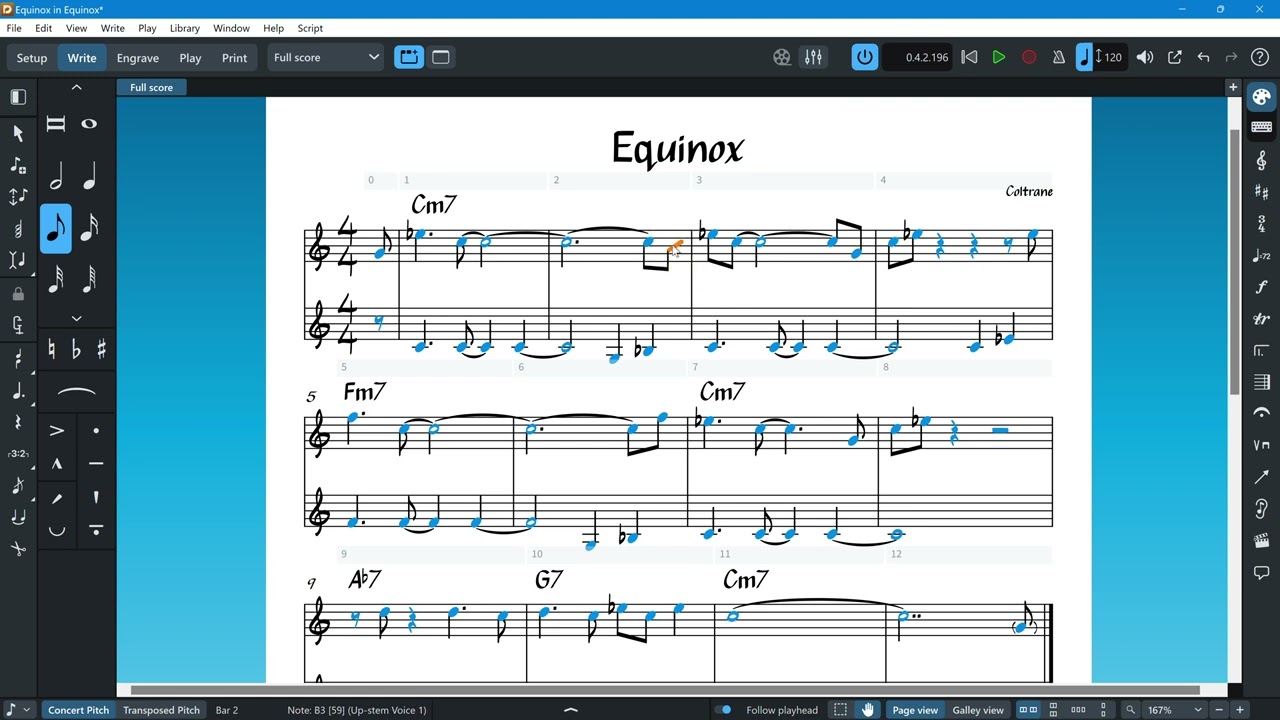
- Changing the notehead:
You can change individual noteheads to slashes by selecting a note, right clicking until you find the notehead you like. It will still sound the pitch and needs to be put on the middle line to look proper. It will also follow the beaming you want.
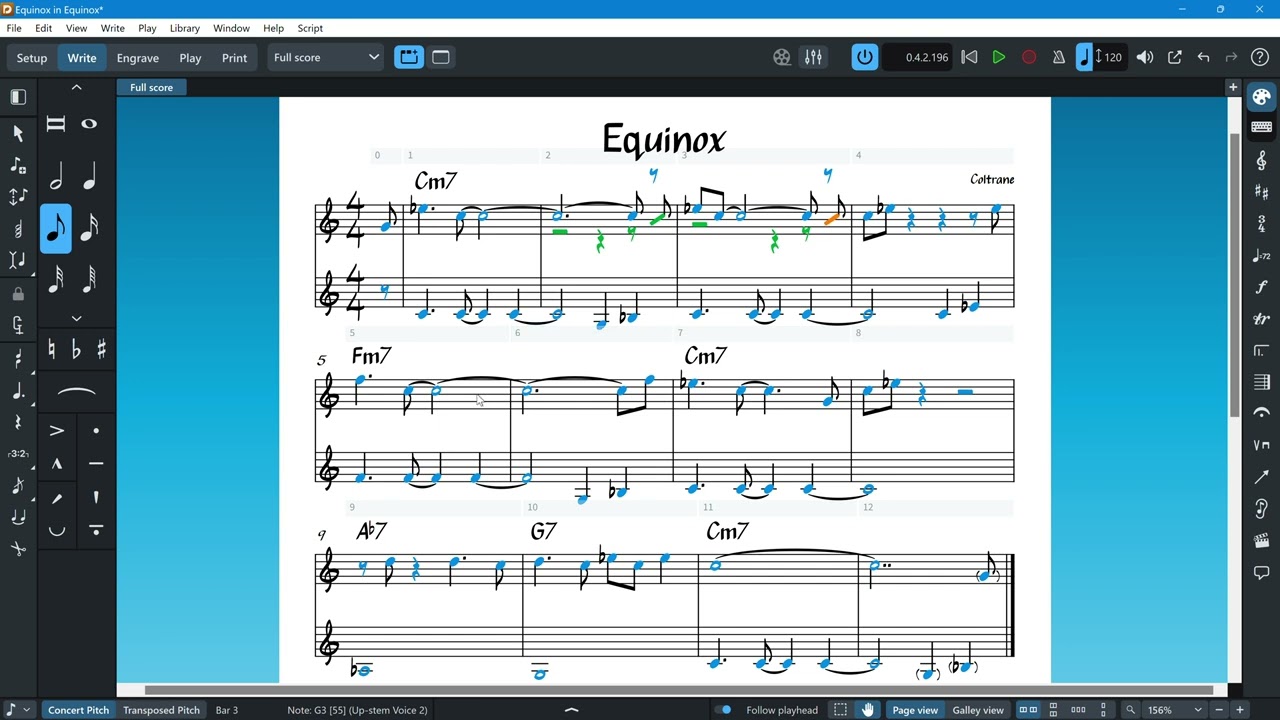
- Changing into a slash voice:
Select the notehead and right-click, choosing “Voices”, then “Change Voice”, and then “New Slashed Up-stem Voice”. This will convert the selected notes into a slash voice, break beaming, create the appropriate rests around the voices, and, importantly, make this new slash voice available for this player through the entire flow.
This means, that from now on, you can change any notes into this slash voice by hitting “V”, which cycles through the available voices!
You’ll likely want to remove the rests that this created, by using the “Remove Rests” command.
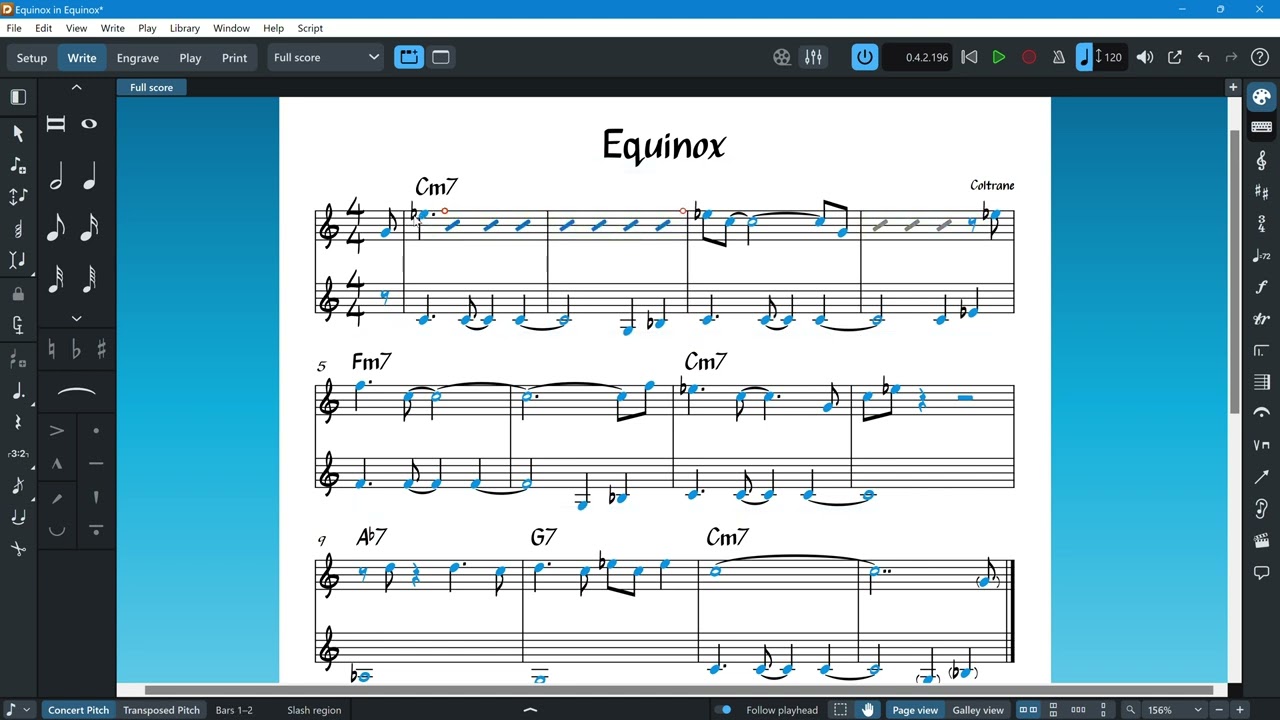
- Use Slash Regions:
With invoking a Slash Region, you can cover existing notation with a resizable region in which only slashes of your choosing will be shown, but the original notation will play back. You can split, cut ‘n’ paste, move and shorten/lengthen slash regions at will, Chord Symbols are of course unaffected, or even displayable only in Slash Regions.
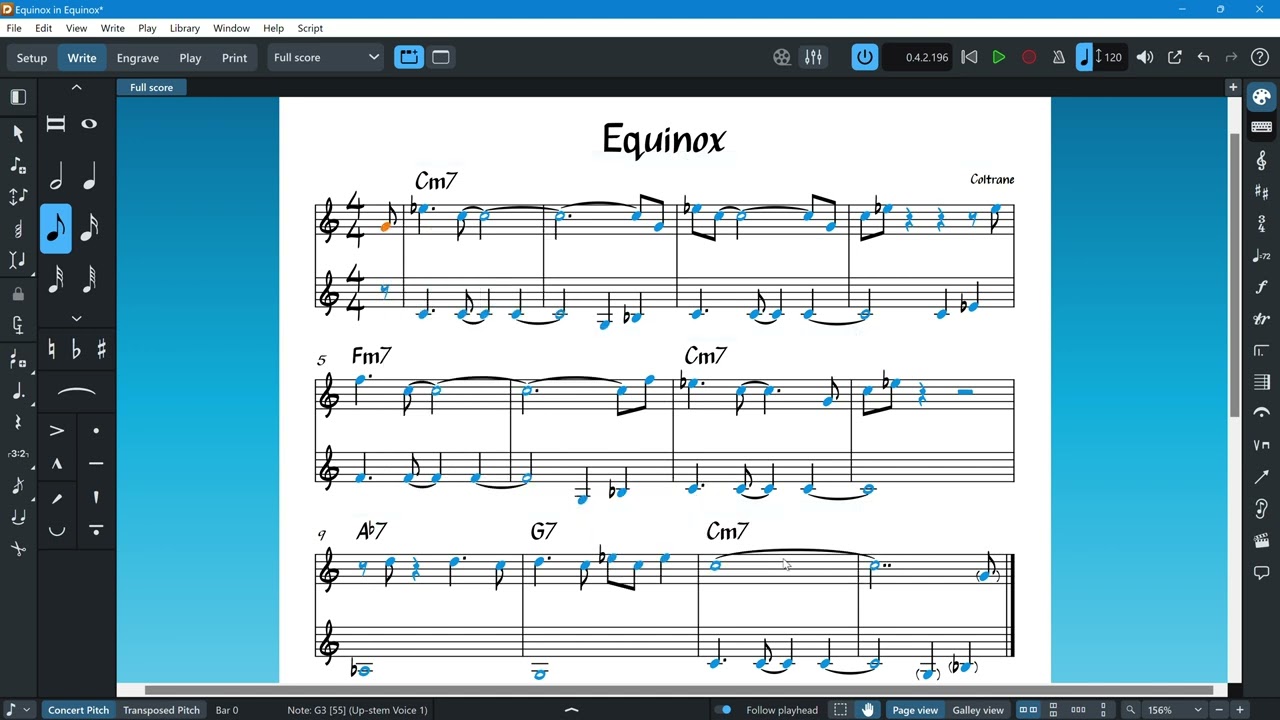
- Create “Rhythmic Slashes”:
This one is unfortunately named, and used to trip me up a lot initially. The function is found under “Voices” as well, but it changes all notes in the affected voice in the entire flow to slashes, not just the selection!
This might be useful for, let’s say, a piano part playing block chords as accents or stabs while comping, and you actually played the part live into the score. You could then have Dorico analyze the chords and generate chord symbols and then convert everything to slashes with the generated chord symbols above, for example.
I’m a lousy pianist and therefore have never ever used this function, except by accident… 
I hope this helped somewhat… 

Cheers,
Benji