Can someone please take the time to educate me in how to upgrade te Dorico 6?
Steinberg and I speak a totally different language. Every update, also the free ones, are a multi-day process for me. Is there someone here who can tell me how to upgrade step by step. Talk to me as if I’m three years old, have never seen a computer before, and I’m from a different Planet.
I really LOVE my Dorico 5 and I really want to upgrade to 6, but as soon as something non-Dorico from Steinberg pops in my screen, my brain freezes and I can’t even breathe anymore.
I googled, I youtubed, I looked everywhere on Steinbergs own site, and found absolutely nothing. Pleas help me, but really: imagine talking to the dumbest person in the world, and assume I know absolutely nothing.
Thanks. I’m gonna do that. But I’m completely devestated, totally disappointed. We’re musicians, we weren’t able to work during the corona poopies the government threw upon us. Footballplayers could do everything, but theaters were closed. Could Steinberg please please please make a Catalina version of Dorico 6? I beg you! I can’t afford a new computer now, as can’t many of my unfortunate collegues now. We’re the underdogs, the losers, please do not make it any worse, Steinberg, please! I don’t want a refund, I want Dorico 6 to work on my computer. What is this society that we are constantly have to buy new products? This is perverse. Please, Steinberg, make a Catalina version of Dorico 6. I really beg you on my bare knees.
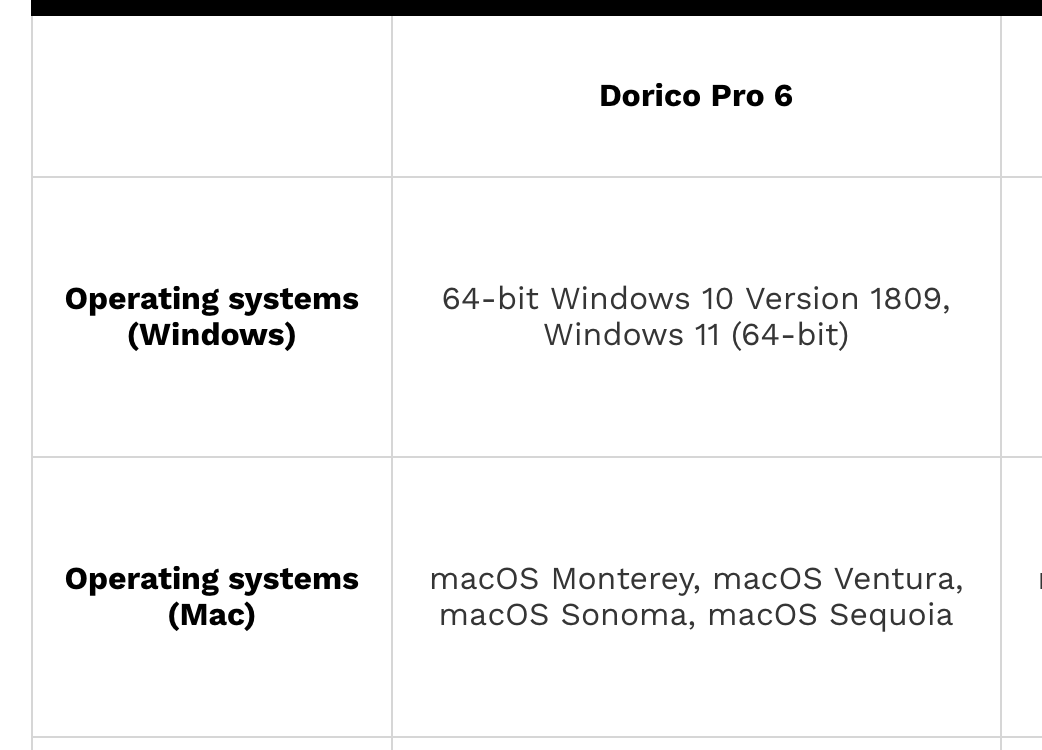
I’m sorry, Roel, but we’re unable to make Dorico 6 run on versions of macOS earlier than macOS 12. Dorico is built upon the Qt framework, and so the minimum OS version can never be earlier than the minimum version supported by Qt. Like all software, as Qt is updated to support newer versions of operating systems, sometimes it becomes necessary to deprecate or remove support for older operating systems, often because the underlying functionality in the OS itself has been removed.
I don’t know anything about it myself, but I believe it is possible in some cases to run newer versions of macOS on machines that are no longer supported by Apple, but obviously you’ll then be working in an unsupported configuration:
Open Core thinks my disk is full or whatever. I’m really out of everything. Please help Open Core says it can’t find a disk. I’m at the end of what I find normal after being a loyal client since version 2 of Dorico. This is not Okay. Dorico 5 worked extremely good, no crashes at all, and now, Dorico 6 it’s not even possible? I really don’t have the money now, please, you computer wizards, what can I do to make this work? I really want to be using 6 and I think I paid enough money to Steinberg to deserve this. Help!!!
I’m really sorry, Roel, but there’s nothing I can do to help you run Dorico 6 on your current Mac. If you need any help in obtaining a refund for your Dorico 6 update purchase, please let me know.
When you read the instructions on the OpenCore website, it mentions that you need a 16GB (or larger) USB flash drive. Perhaps the disk it says it can’t find is this USB flash drive..
It isn’t something where you can just run it and it does its thing - there are a comprehensive set of instructions you have to follow on the page that Daniel gave the link to, and running the downloaded OpenCore application is in the middle of those steps.
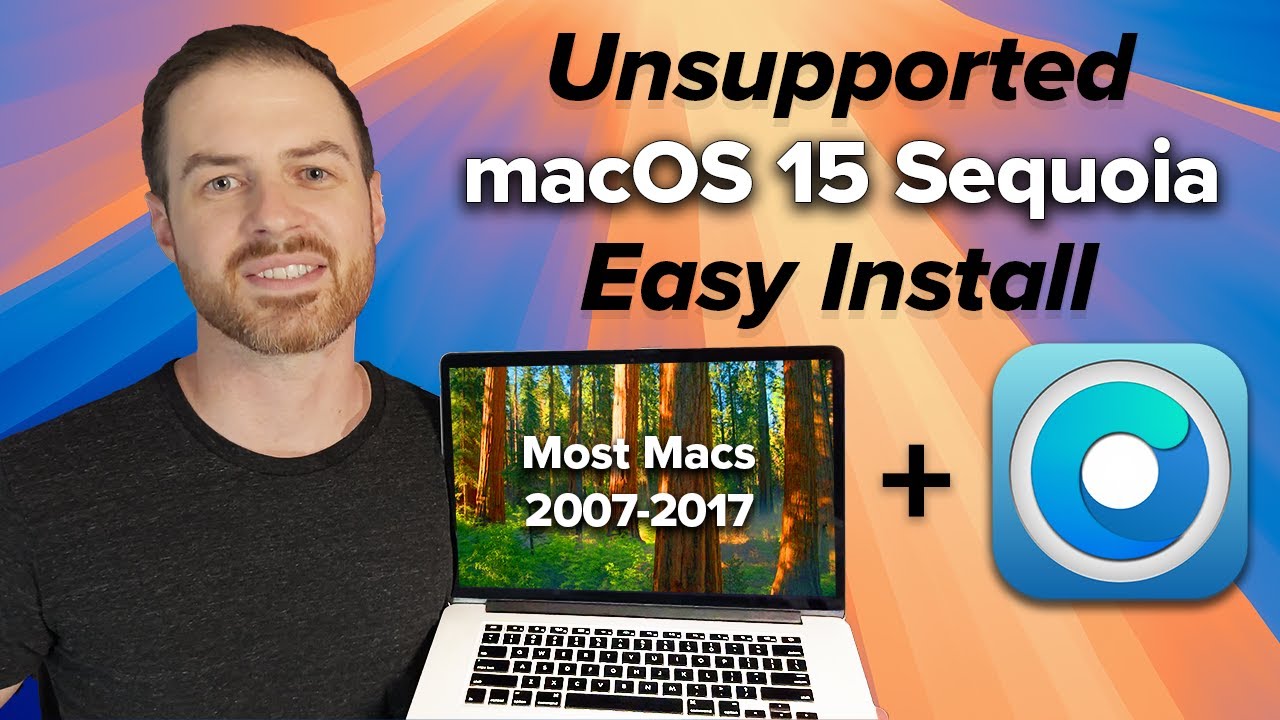
Since it is a complicated procedure, there are some YouTube videos that explain the whole procedure. Here is one that may help you as it is pretty recent:
Hi everyone!
I’m currently using Dorico 5 (educational license) and I was wondering if there is any upgrade available from this version.
Thanks in advance for your help!
I am in a similar situation. I have a MacBook Pro from 2015 and the latest official version is MacOS 12.x.
A week ago I started the experiment to use OpenCore Legacy patcher and I upgraded to MacOS 14.7.6.
So far everything works fine. Only the Dorico Hub and Papyrus an other in Qt written application had some problems. But I can circumvent those by starting those applications from the terminal by calling them as QSG_RHI_BACKEND=opengl /Applications/Dorico\ 6.app/Contents/MacOS/Dorico\ 6 &.
Qt is told with the environment variable QSG_RHI_BACKEND to use OpenGL instead of Metal to speak to the graphics adapter and so far it works fine. I had to use the same trick for the Steinberg Activation Manager, because the content of the window after successful login was black.
There is no doubt from my side that it works fine.
I just wanted to give those who cannot install MacOS 12 natively that there might be the possibility to use OpenCore Legacy plus the described switch to run it.
Hi Daniel, I really tried everything possible, but nothing works. I really don’t have the possibility to upgrade my hardware so I’d really like to have to accept your offer to get a refund. Thank you for this very nice solution.