
@worship
Try to select the CG eight note bichord clicking on the stem. Then just press the dot on your keyboard.

In this situation Force duration is not needed 
…after selecting the sixteenth G and pressing Delete to get rid of it.
(Note that this doesn’t need Force Duration at all; I misunderstood what you were trying to do. A picture is worth a thousand words!)
(actually you don’t need to…)
Oh, you’re right – that works as long as chord mode is off. I still had it on after entering the example music.
Thank you!! And while a manual is great, I’m just having to google stuff right now or come here because I just don’t have the time to read through a manual so just kinda learning as I go. Today is just day one for me so having to remind myself of that.
A third way, the most fun, is to look at the tremendously well done videos on the Dorico Youtube channel. Here a playlist with Note Input Tutorials by Anthony Hughes @Anthony_at_Steinberg: short ones and direct to the point.
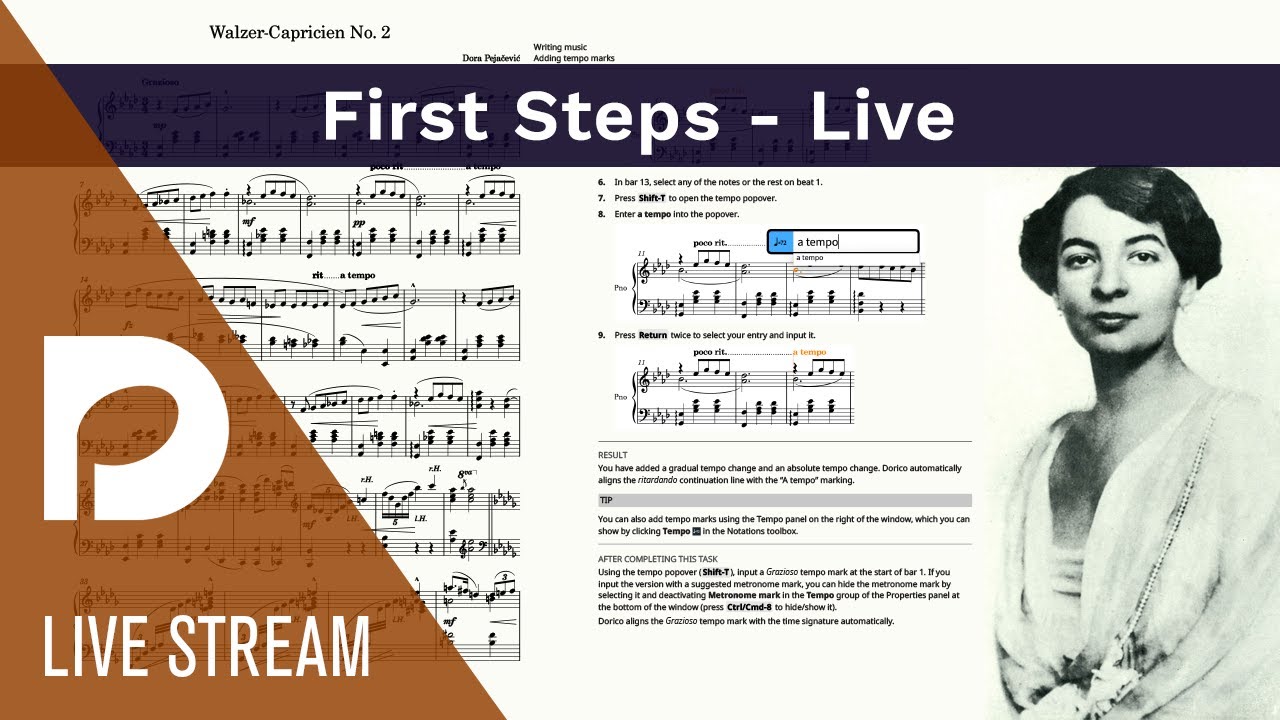
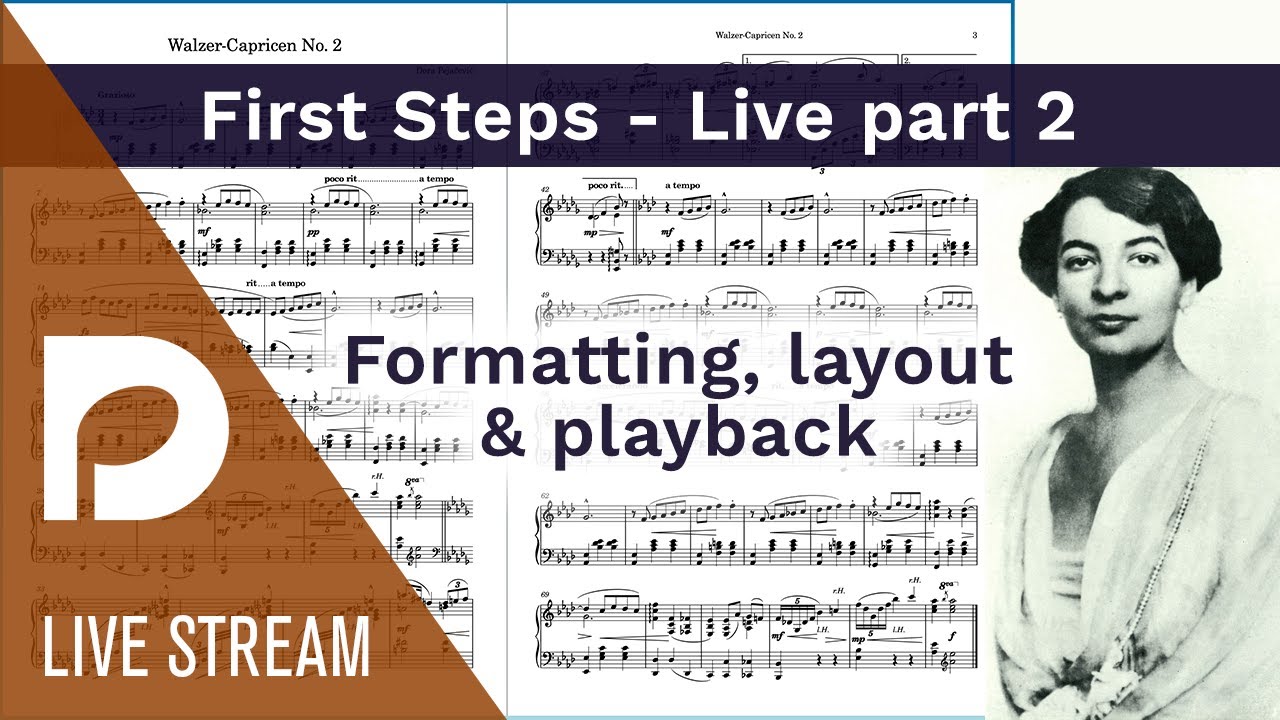
It is also worth taking the time to work through the First Steps Exercise which will introduce you to the basic concepts of Dorico. They are very different from Finale, and (IMO) much more practical!
You don’t need to read all the way through the manual – it’s rather long. But you can use the search function to look things up in it.