Here I try to showcase two of the methods for changing volume of an audio event.
- Event Gain: I hold Ctrl + Shift (Mac: Cmd + Shift) while moving the mouse up or down. I can click anywhere in the event, no need to pinpoint click on a small handle.
Reset the gain to 0dB by Ctrl/Cmd clicking the Volume field in the Info Line. - I change to the Range Tool and change a portion of the event; this is changing the so called “Event Volume Curve”; I also show how to reset the curve back to neutral via the context menu of the audio event.
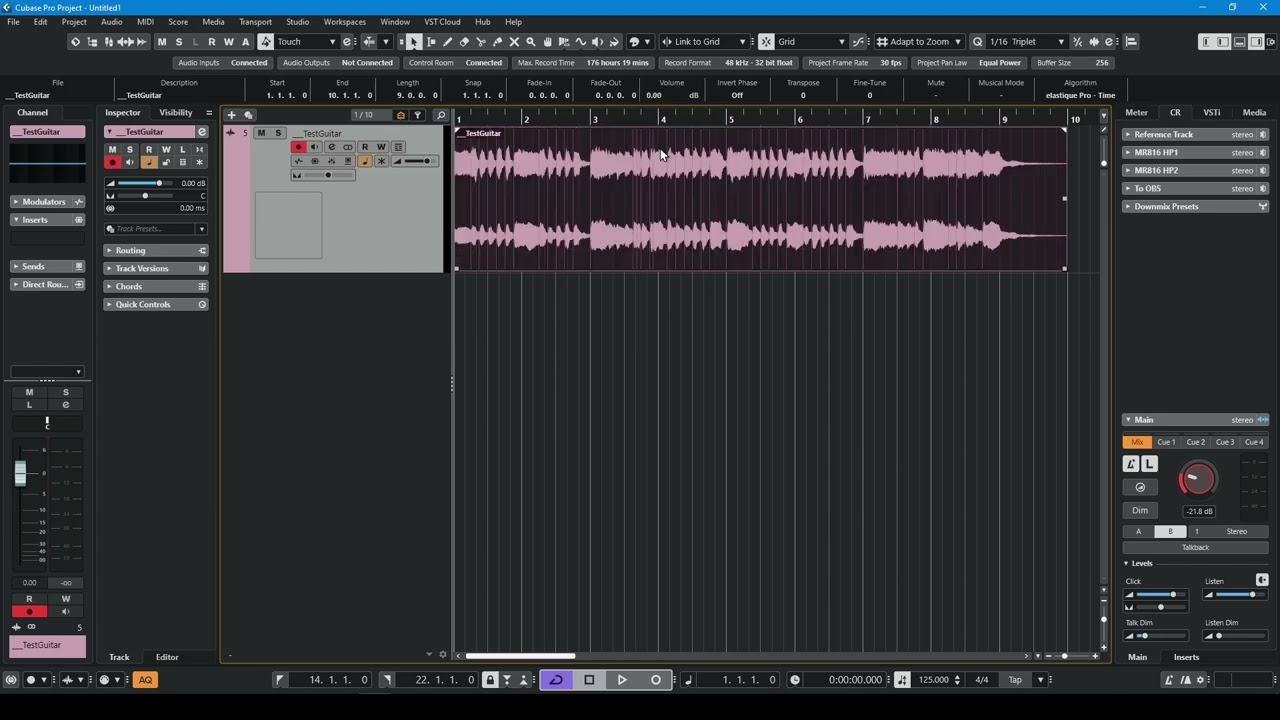
As you can see I set up Cubase not to show the level control in the lower left corner of the event. Like others I found it to be impractical and in the way.