Is it possible to increase the dynamic range of MIDI instruments.
I am not talking here of simply increasing velocity. What I mean here is so the the range between ppp and fff is greater in amplitude. Often I find that the loudest sounds are not loud enough more f than fff.
If it’s just to make an existing MIDI recording on a MIDI track more “dynamic”, you could use a MIDI Modifier and set Velocity Compression to greater than 100%
MIDI velocity is limited to values 0-127. Once you’ve exhausted this range and lack of dynamics, you’ll have to expand the audible range, for example with the Cubase Expander plugin.
Consider also this:
Dynamic Range Values In Different Music Genres
Classical: 20-30 dB
Jazz: 12-20 dB
Blues: 10-15 dB
Rock: 10-15 dB
Pop: 6-12 dB
Electronic Dance Music (EDM): 6-9 dB
Hip-Hop: 6-9 dB
Yes, this is the sort of thing I am trying to do. At the moment, I am just experimenting with my goto paino (TruePianos). This is all for orchestral work, many packages but principally East West. Just re-learning tools right now.
However I frequently feel there is not enough audible difference between 0 and 127 in MIDI instruments. I am not expecting too much, as it would probably require different piano samples in the upper range, but say 10% more would make a huge difference.
Being able to increase the audible range of MIDI samples would be a powerful bow to have in one’s locker.
Expander is an audio plugin and I am talking Instrument/MIDI tracks. I am not sure how to get this plugin into the audio signal path. I dimly remember there was a way. It would be on a per instrument basis. I don’t want to render as I need to keep the MIDI editable. Back in C5, I think I saw a track displaying the Audio, as a slave serving a MIDI track or something?
Z
Simply insert it as an effect into an insert slot of your instrument track.
It would naturally be advantageous if the sound generator itself already possessed sufficient dynamic range in its audio signal. Post-processing the audio output using plugins would only be a last resort.
FWIW, this is very instrument-specific and has nothing to do with MIDI itself.
The 0-127 for many values in MIDI 1.0 represents the entire dynamic range of that parameter of the instrument. It’s not like a spot in the middle. 0 is 0 and 127 is the maximum the specific patch on the instrument responds to.
There are ways to get a larger range, like NRPN, SysEx, and MIDI 2.0, depending upon what the instrument supports. What those do is give you finer control between the min and max “more steps”. They do not decrease the minimum, increase the max, or otherwise change the overall dynamic range for that parameter in any way.
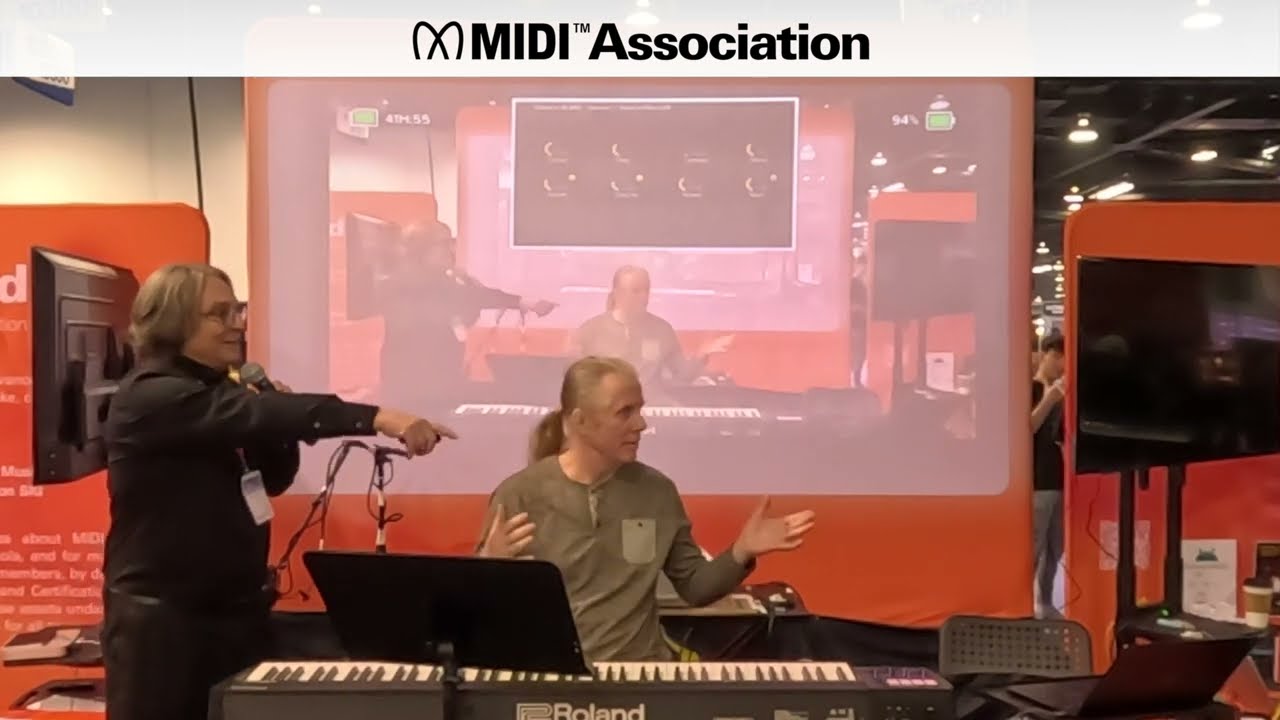
Now, that increase in the number of discrete values between minimum and maximum can make a big difference with piano instruments, especially. Many players found that to be true at NAMM a few years back when the MIDI Association was showing the Roland A88 mkII with MIDI 2.0 support. It’s impossible to tell unless you’re playing, but here’s a video from the following year, which also included the new Piano Profile:
Thankou. You don’t know me so for context I will say, No offence. I know all this. I have been all over MIDI 2 developements since the early days. I play keys and a lot of other instruments too. I have played in brass bands, orchestras, rock soul, and jazz bands. I know from sitting in the chairs of orchestras what cuts and what doesn’t. Yes, there are plenty of other factors. Instrument ideosynchracities of many kinds, acoustics of room, eq…….gain…mics, mix, probably hundreds of things.
I am talking here of audible range of the sound of the instrument - in dB. IN some circumstances, over velocity range 1-127, so that each value has a slightly bigger dB range, say max of 10%. Its a small tool but useful I think. So I am just seeking the latest answers whilst re-learning, askings a question.
This dynamic range is adjustable independently of the velocity curve and takes into account not only the volume but also the spectral differences, i.e. the sound between pianissimo and fortissimo keystrokes. Due to physical modeling, the behavior of a more dynamic instrument compared to a less dynamic one is realized here quite convincingly.
And one more thought: High dynamic range isn’t always desirable; in fact, it’s often the opposite, otherwise compressors and maximizers wouldn’t exist.