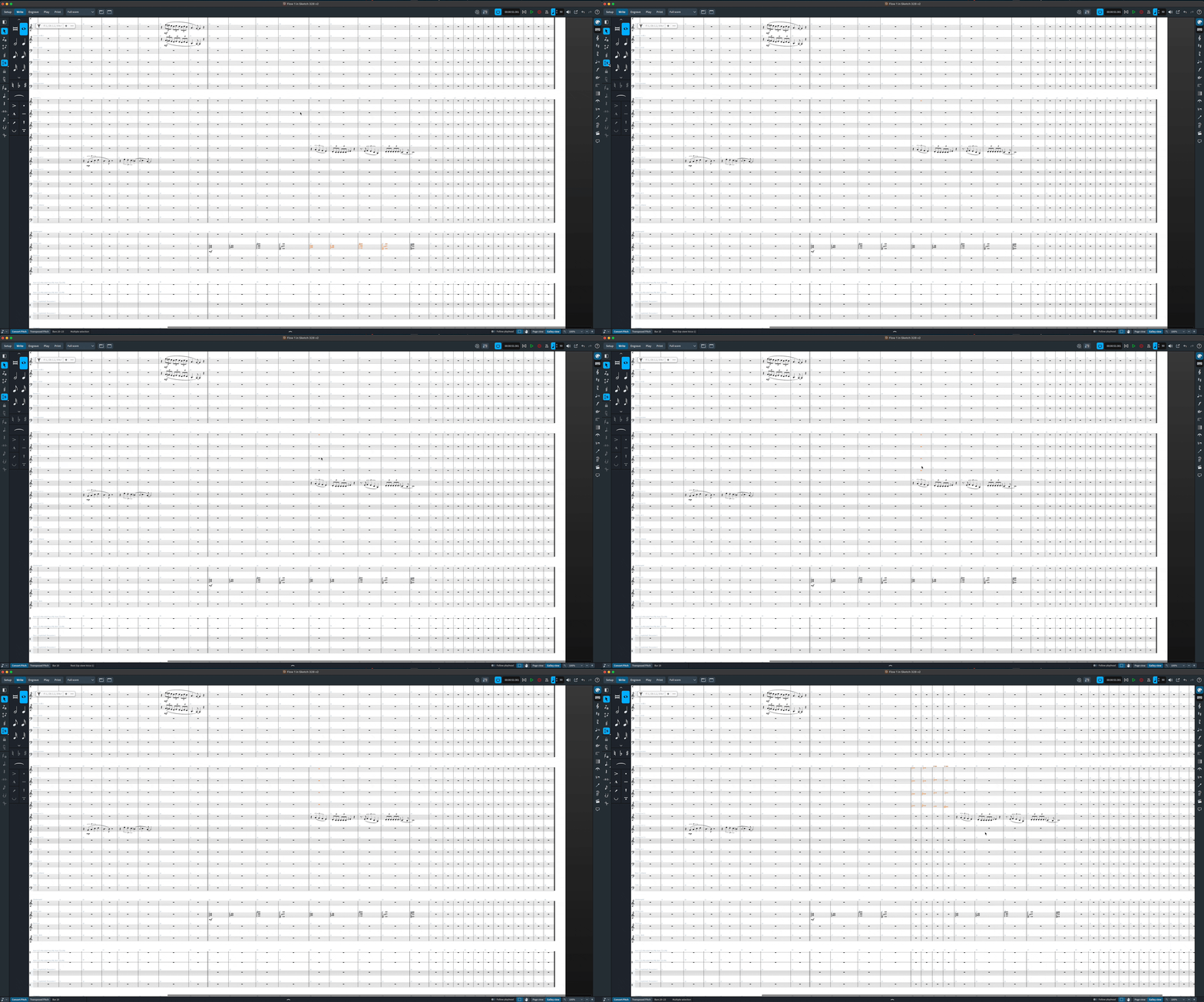
Insert mode has a lot of different uses. In this context, try setting Insert Mode to Global (globe icon), and when you copy and paste (or repeat ‘R’), it will effectively insert that pasted/repeated music into your score by adding them as new measures and moving down your existing ones.
Another thing I like to do, in particular if I haven’t written the music yet but I wish to create a structrual placeholder (let’s say I just want to add 4 bars in the middle), you can use the system track, highlight 4 bars, and there will be a little plus arrow on the top right, click that and it will add however many selected bars at the point after that:

Or the bar popover (shift+B, 4). Lots of options! But if you want to simply repeat or paste existing music, Insert Global is a great tool for the job.
Here is an example with Insert Global turned on, where I had copied some chords and used the explode function to paste insert into my horns. Notice how it creates new measures at that point and moves all the music down accordingly!