Sorry for a question that’s easy for most of you folks. I can’t get back to the initial screen that has MIDI inputs and outputs, and most importantly a button to access settings for the VST that I’m using, which is Noire in this case. Any help would be appreciated. I had to use my camera for this function because i vcouldn’t access ‘print screen’ for some reason:
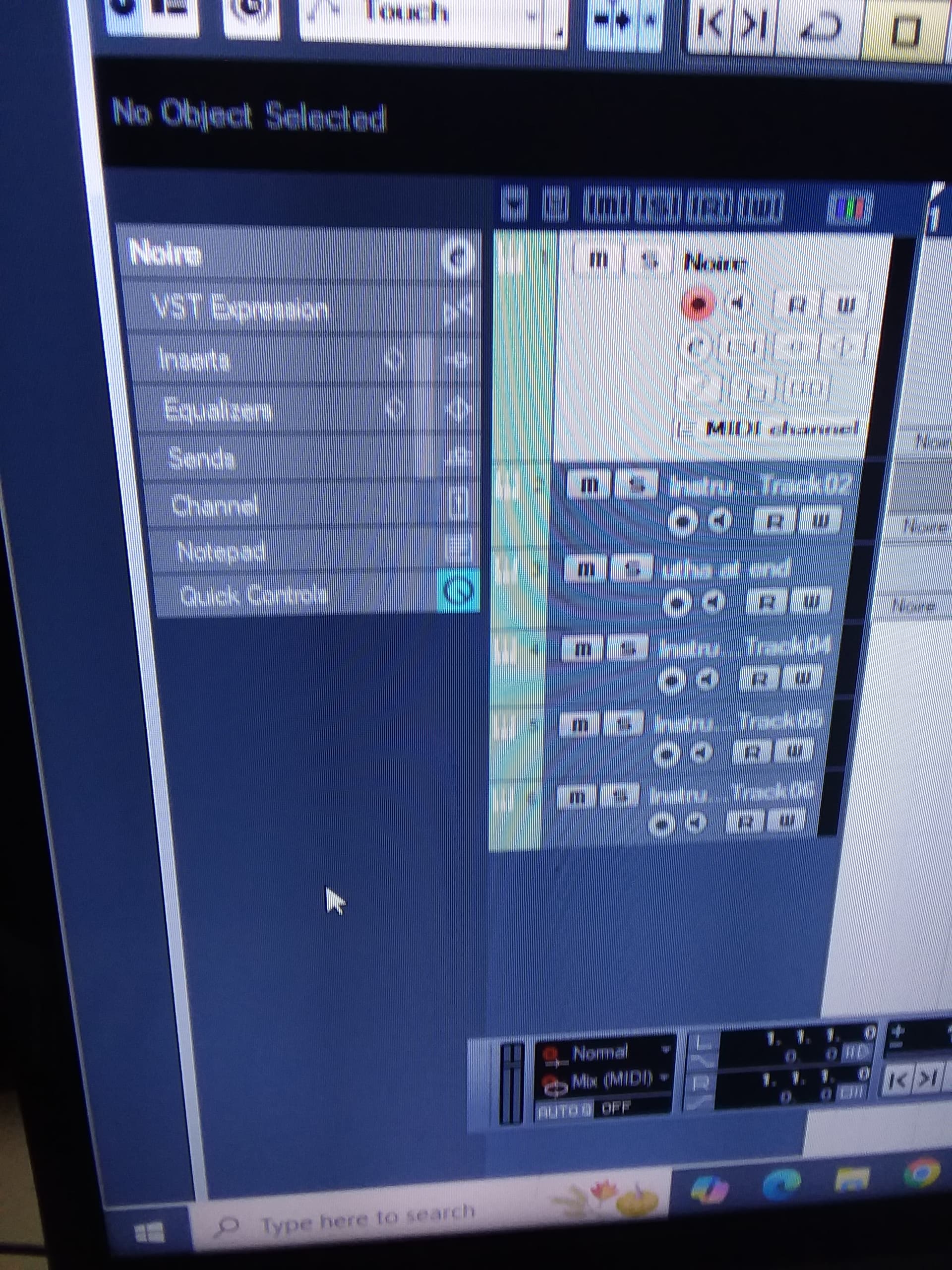
Just click on ‘Noire’ at the top of the left hand column. It will expand the inspector display.
