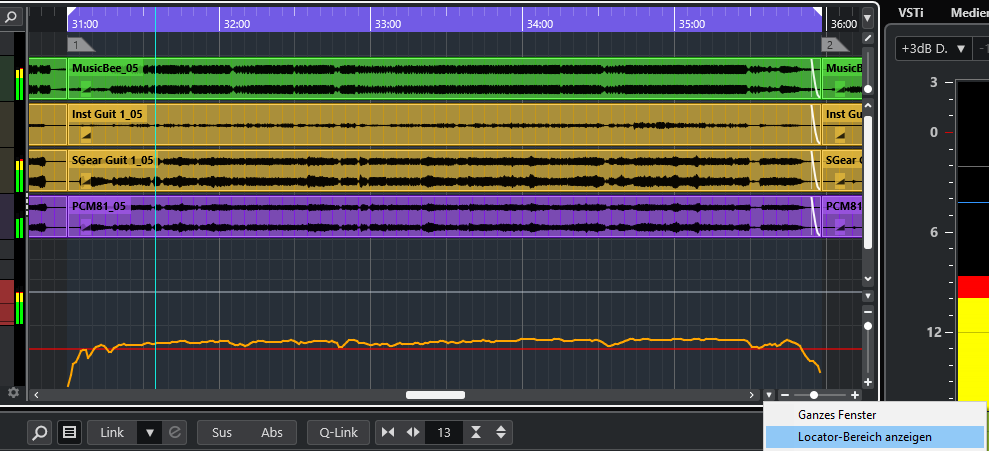
In Nuendo 14.0.32 the locator area is not properly displayed after saving and loading a project again. Could this be fixed please?
An example. I want to see the locator area and stored the project this way.
The locator area is nicely in the center if the window.
And this is how it looks after storing, closing the project and loading it again. It’s not in the center anymore.
Thanks for fixing this.
steve
2
Please add the feature request tag since you are making a feature request.
If it’s helpful you can assign a keystroke to “Zoom to Locators”
Thanks for your reply.
Sure, as a workaround I could add a key command. My workaround is a similar approach, I restore my workdesk with ALT-1(Numberpad).
Nicer would be a fix to get the same (visual) status of the project as you left it before when saving.
Many thanks upfront.