Need advise for "styling" Dorico to emulate some "old" scores

Hello,

As a concert music composer, I work with Dorico since its introduction in 2016 and praise its qualities. It is really the tool I would not want to renounce (apart pencil and paper!).

From tiny to huge project, it has really been a precious asset, all the way.

From the “style” perspective (library manager), I must confess, I usually go with the default settings, changing sometimes a few properties. I have now my own style, but I guess it is still very close to the default settings… which is fine. My job is to conceive the music, Dorico’s job is to typeset it beautifully and in a clear way to help performer do their job :slight_smile:

But recently, I’ve typeset classical music for some classes I teach. Visiting IMSLP, I reckon I am very attracted to some design from the old times.

For instance, for Beethoven and Haydn sonatas, I do love the old Henle from 1970, far more than the “new” version from 1986 (for Beethoven at least) (which I have in my library since I am a young pianist).

Dorico default settings are quite similar, but I am puzzled to how mimic that style even more to have a even more similar graphical rendering (I guess manual adjustments would be necessary too, but the beauty of Dorico is its styling capability).

Since I am struggling, I would like to ask advises from more experienced users on the library/styling topic.

What direction should I explore (the more I mess with the settings, the more I feel I need advices!)

Thanks in advance!

Here is the first page of the “old” Henle version: (and my Dorico project of the same music)

Haydn - Sonate 37.dorico (2.7 MB)

Don’t know if these could be something.

Jesper

As @jesele suggested, try a different music font. That’s the single biggest thing you can do to alter the “feel” of the score. Bravura is a great font (that’s subjective), but of course it doesn’t work well for everything.

Beam angles and slur settings will also be crucial in matching the style of old engraved scores.

There have been plenty of discussions about how to emulate those qualities of Henle scores in Dorico.

Thanks for theses suggestions ; I will investigate both matters!

If somebody having a license for one of the fonts pointed by @jesele could generate a PDF or image from the project I shared, it would be of great help…

I bet @NorFont.com could and would.

Jesper

Hi,

Here are PDF samples of your scores using the Mezza, Mezza STD, and Vintage Plate fonts:

MEZZA Font- Haydn - Sonate 37.pdf (123.3 KB)
MEZZA STD Font- Haydn - Sonate 37.pdf (131.6 KB)
Vintage Plate Font - Haydn - Sonate 37.pdf (130.1 KB)

Thank you so much!!!

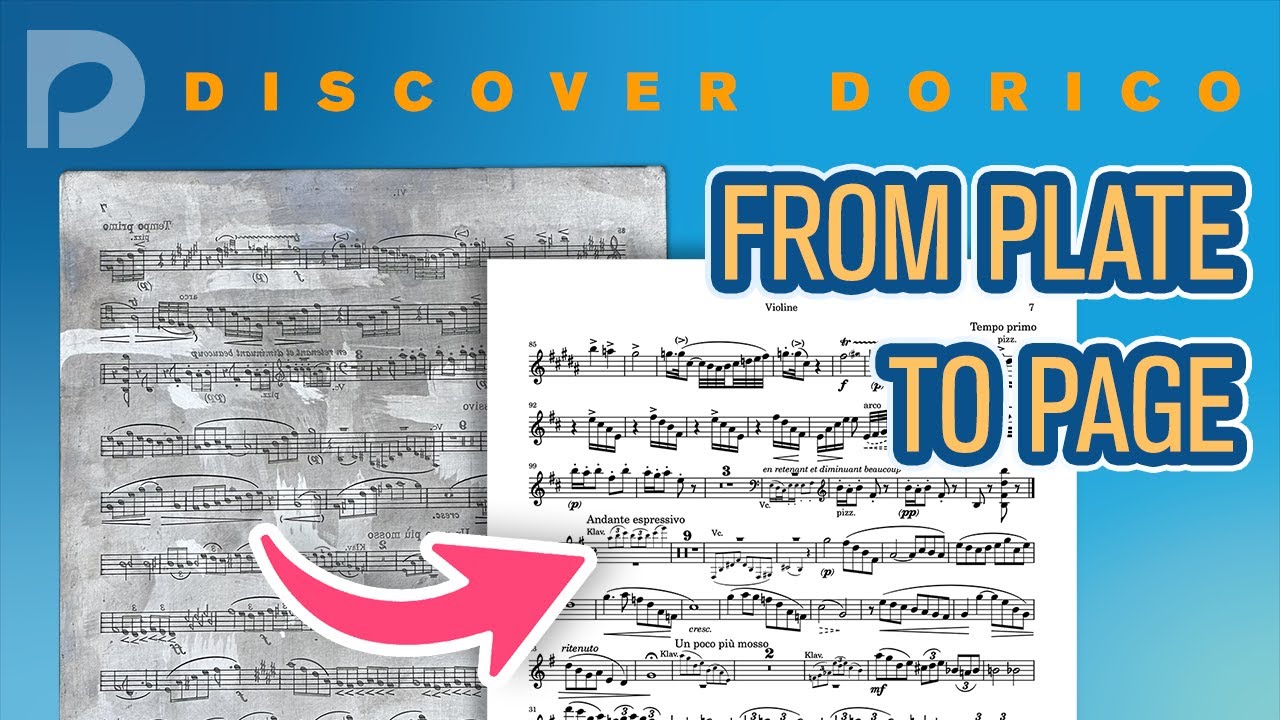
Apart from fonts, John Barron did a Discover Dorico session 2 years ago called Fom Plate to Page where he does exactly this, emulating a Henle plate in Dorico. He doesn’t change the default font (Bravura) but does a lot of tweaks in the various options. I learned a lot from that video even though I don’t aim to emulate that style in my own projects.

Good find @Zalde

Jesper

One problem I occasionally have with Dorico’s beam angles can be demonstrated when reproducing the last beat in the RH of b. 9 of the above Haydn sonata. Dorico sees an octave between the first and last notes of the group but doesn’t take the g’ into account, so the resultant slant is too great (see beam slant 1). If the third note were an a’, there are settings which allow Dorico to draw a flat beam, which is pretty standard notational practice. One positive thing I remember about Finale was a beam setting to adjust the slant to the extreme note, which would take the g’ into account and result in a better beam angle (see beam slant 2) and one which emulates Henle’s. I know this sounds picayune but it is something that affects a lot of beams and which should have a dedicated setting in a program as well thought-out as Dorico.