An amazing interface to edit glissandos.
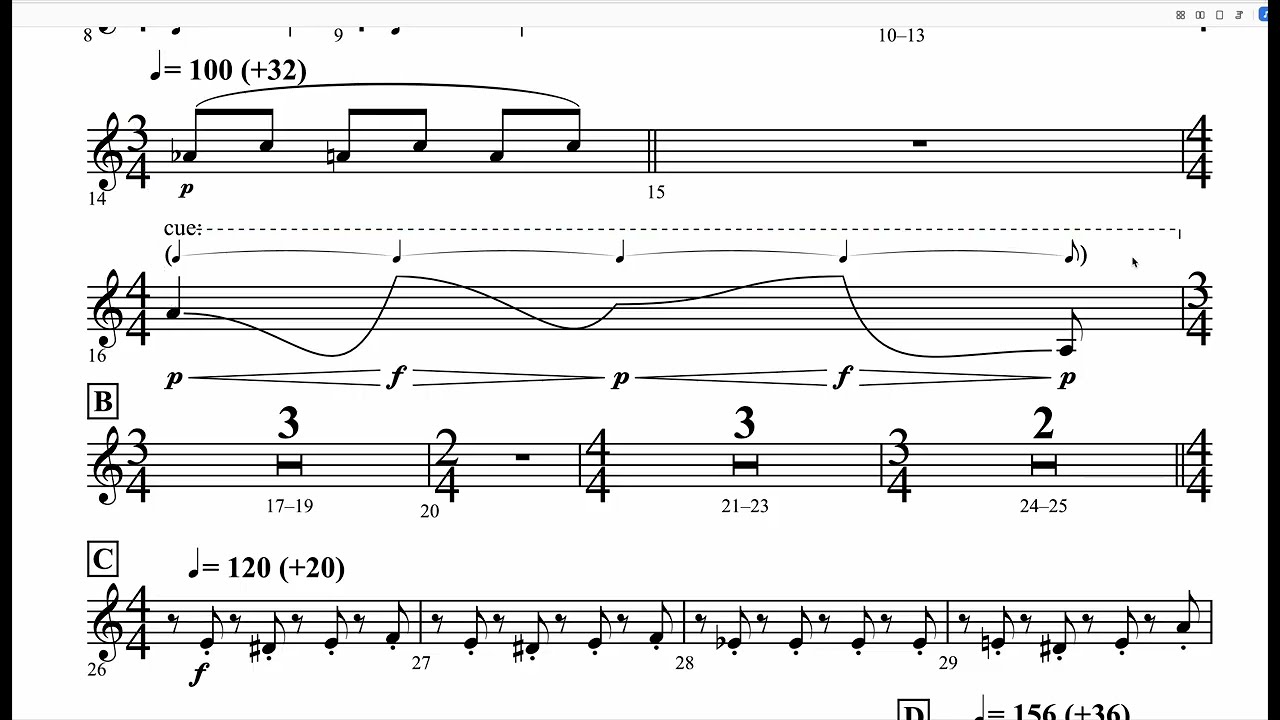
An amazing interface to edit glissandos.
I guess we have to ask since you basically said nothing, just posted a video?
So what program is this?
from the YouTube more info:
“Little glissando creation demo of notation editor in MuBiTo”
what is MuBiTo, and how is this related to Dorico?
Is MuBiTo an engraving program? Does it have playback functionality?
Are you asking for implementation of something like this?
Are you comparing the two programs?
Or are you simply posting a sort of advertising for some other software?
In case you didn’t know, the video plays here on the Dorico forum, there’s no need to go to YouTube to see it, so most people won’t get any additional information from what you posted.
I have no clue, what this software is. I’m just excited about people bringing new ideas to what notation software could be. Like, early Dorico days.
This might be a development of the Czech composer Domnik Svoboda. All the different glissando options are nice but without supporting hidden notes like in Dorico playback will be very challenging.
There is another year old video on his Youtube site showing hand written score editior but never any text or explanation..
Yes, that’s what it is – I saw a related post on Facebook.
Amazing!
Jesper
Predefined playback of non-deterministic modern notation will always pose a problem, does it mean that Dorico should not support the notation that it can’t play? Maybe AI will give us a solution.
A good point but the question is of course also if the real player knows exactly what to play. I am not sure if a rounded glissando like in the demo which often might be marked “ad lib” anyway would be interpreted much different from a straight “shark tooth” gliss which we can enter and playback in Dorico, So a long up and short down gliss.
For e.g. a harp it always is a bit of work to chose the hidden note positions, their values, draw the gliss lines, decide with or without text, if required add a a harp pedal change, check the playback, if required remove rests and last check in engrave mode if the lines connect and look OK overall.
if you have to use hidden notes in Dorico, it already breaks the goal of fully semantic notation.
Interesting functionalities there… 
Just for fun I tried to redo in Dorico what is shown at 2:47 in the video  (of course using modified slurs doesn’t give any gliss. playback…, so it is just a visualisation for the player):
[screenshot of the video]
[my rendering in Dorico]
Dorico file:
complex gliss with slurs.dorico (1.3 MB)
Amazing. This looks even better in Dorico.
No. Just no.
Care to elaborate why playback of indeterministic musical notation would not be better served by AI then by rigid algorithmic rules?
Short answer: I hate AI and just wish the bubble would burst already. I’m beyond tired of seeing it talked about as if it’d magically solve… anything. (This simple AI overview does a pretty good job of explaining what AI is and why it’s bad.)
I will however admit that domain-specific uses of the technology can be useful. (I have on occasion used DaVinci Resolve’s Magic Mask functionality in my music videos. While it is unreliable, it can give decent results for much less work than keying a mask in other ways. Just be prepared to fight it a lot if you want to key a tuba.) And if what you’re envisioning is something like than rather than the usual “let’s ask my BFF Claude!!!1!” - sure, maybe I was a bit hasty in my response.
Do you not realize the irony in this?
@jaskarbong Trying to understand your point, but I don’t see the irony. Genuinely, I would like to know.
Yes, this is exactly what I mean. Some use cases are already reliable. E.g. separating a vocal stem from a full mix without any ghosting or artifacts.
AI is not a sentient computer. It is an advanced computer program built up on many (wait for it…) …algorithms!— Jim

