I have long had an issue with WaveLab and my AirPods Max.
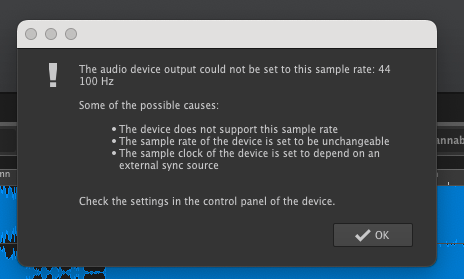
To recap - when I try to listen to a WAV file in WaveLab Pro 12, I get an error message to the effect that the sample rate is wrong - seems WaveLab can’t switch the device from 44.1 KHz to 48,000 KHz.
There is no option to change the sample rates in the device’s WaveLab control panel.
It’s the same issue with AirPods Pro
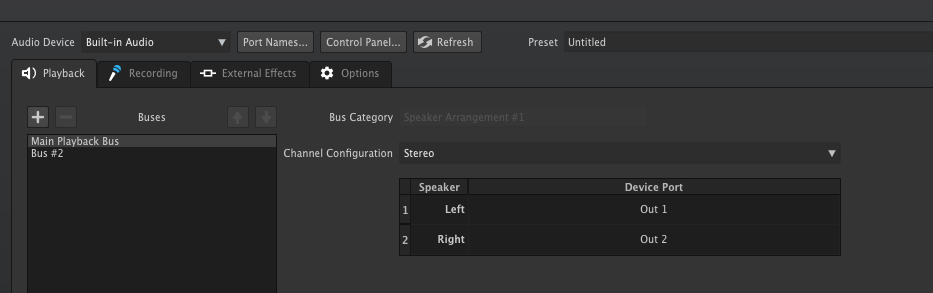
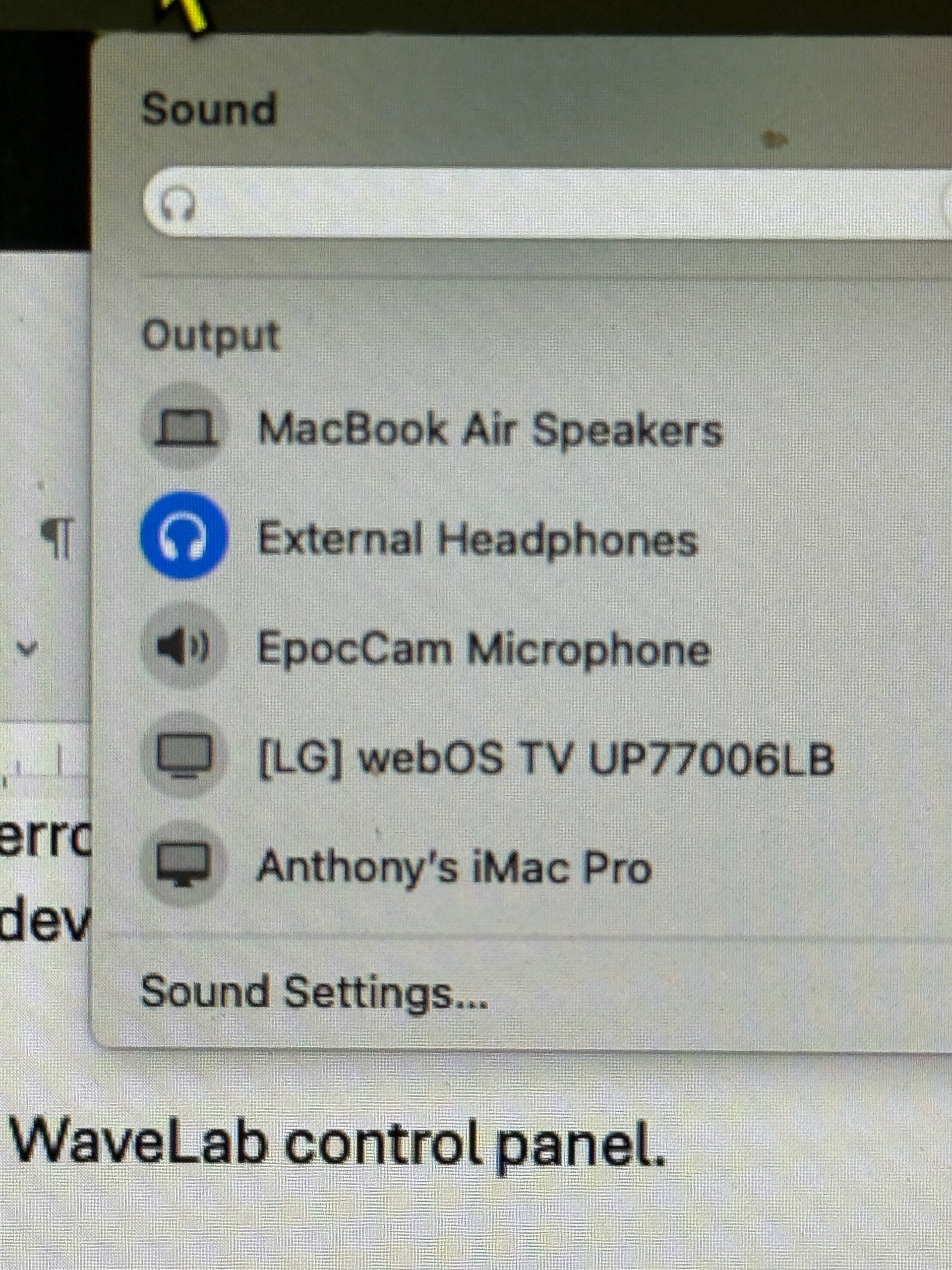
I now find that if I plug my AKG analogue headphones into the headphone Jack [and BTW these are recognised and selected in the Mac’s sound options] and then select ‘built in audio’ as the Audio device in WaveLab ‘audio connections’, the sound continues to come from the laptop speakers.
The analogue headphones work fine in every other application on my Mac; it’s only in WaveLab that the problem occurs - No sound through headphones which work perfectly well in every other application.
Believing the hype about lossless audio with Airpods Max, I shelled out £39 UKP for Apple’s USB C to 3.5 mm stereo Jack lead. I hoped this would solve the problem of sample rate conversion.
When I plug the AirPods Maxi into the audio out jack on the Mac Using Apple’s extremely expensive cable, they are recognised like a pair of regular headphones, and appear as a headphone output in the Info bar.
They seem to behave as a regular pair of headphones and work with all the other apps on the machine.
But, once again, with headphone output selected in the Mac settings, and built in audio selected in WaveLab preferences, nothing comes out of the headphones.
Am I missing something? Is there some setting in WaveLab that will force it 2 outputs to the headphones Connected to the headphone output Jack, rather than just to the MacBook speakers.
My MacBook is a 2024 MacBook Air with an M2 processor. It is running the latest version of Sequoia.
I have tried restarting, reinstalling WaveLab from a fresh download and also starting wave lab in Rosetta mode just in case.
I never had this no-output-from-headphones problem in previous versions of WaveLab; if the headphones were plugged into the audio Jack on my 2015 MacBook Pro, or on a Windows 10 machine, that’s where the WaveLab sound came out.
This is driving me crazy! Can anybody help? Please!