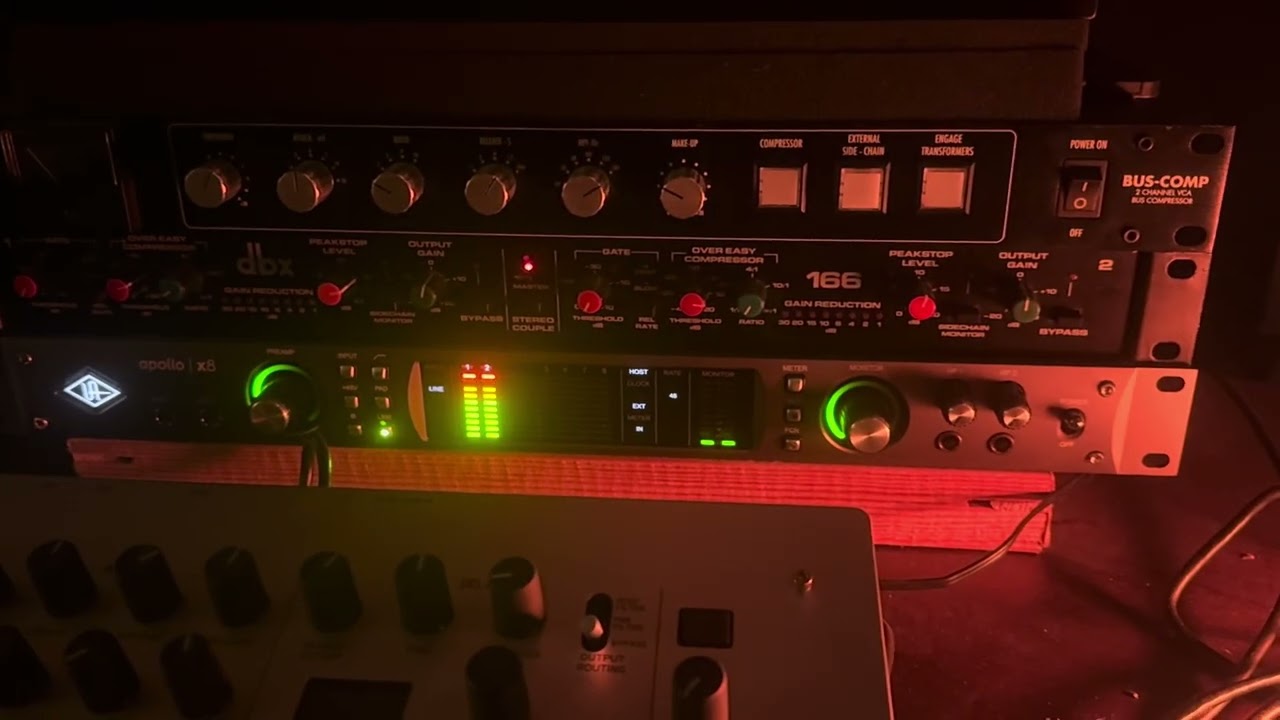
I made a short video showing what the problem is with my external instrument. https://youtu.be/90OFbIDsWpw . I tried reinstalling Cubase and I also deleted and recreated all the connections, but I’m still facing the same issue: no sound from the external instruments (or bad/no signal at all for other synths). You can see in the video that there’s a signal on the audio interface, but not in Cubase.
Also, when I select the inputs for the external instrument — Krome, it tells me that the respective channel is already used by another instrument, even though the connection was deleted from all instruments — which makes me think that somewhere in the background it still keeps the connection even after I delete it. I hope I made myself clear. Please help ! Looking forward to your replies. Thank you.
So no signal or bad signal? And if bad what does bad mean exactly?
And by “other synths” do you mean recording directly not using the external instruments function? So probably all input to Cubase has some problem, yes??
Make sure you disabled the usual Mac suspects of mic privacy and voice isolation.
No signal at all for PRO-1 (and other synths) . Bad signal for KROME (see youtube link)
I can record without using the external instruments function but sometimes midi has issues as well.
I have tried to re-route my Krome input to a virtual channel in UAD Console, then set the input of the Krome from the virtual channel in cubase. It works for a while, but then suddenly the virtual channel does the same glitch in cubase. When I try to put it back to input 1-2 from UAD , cubase tells me it is already in used (red text) - which makes me think somewhere in the background (pref files or so) it keeps the connection even though in the user interface I change that connection.
OK….so if recording without using external instruments works OK then it’s not going to be your Mac settings. Sorry but I’m not a mac user so not really sure what to suggest.
You said you tried setting to a UAD virtual channel but what was it set up with before….was it still using UAD or does Krome have audio over USB you were using? Just to rule out the UAD as the problem.
@Dragos_Andras How did you determine that you needed to use External Instruments in the first place?
Do you see all of your available UAD analog inputs in Cubase - Audio Connections - Inputs?
In Cubase - Studio Setup - Universal Audio Thunderbolt(?), are all of the relevant ports marked as “Visible?”
What do you see in the Mix Console when you’re getting that “bad signal for KROME?”
Would you please post some screenshots of those three things, and maybe your I/O Matrix in the UAD Console settings? A picture is worth a thousand words.
no audio via USB . Before it was going through the normal UAD input 1-2 > external instrument in cubase. I’m sure it’s a bug. But my question is why after deleting cubase / preference folder etc. ALL and reinstalling … the problem still persists. where does cubase hold the connections file ?
1 Because I have several synths / keyboards with no audio via usb. I used the krome ex as an example .
2 yes – Cubase shows all the UAD connections.
3 yes they are all marked as “Visible”
4 You can see in the video what I mean by bad signal . I don’t even know how to explain . The meter shows the bad signal coming in - clicks and pops https://youtu.be/90OFbIDsWpw
I have posted a new video kindly watch it . Thanks
I have created a more explicit video about my issue and please notice how when I select the inputs for my instrument the INPUT channel is in RED - as if it is somewhere else used , even though the list of instruments is clear (and it isn’t connected anywhere else). I think that’s the pin-point of the problem.