Thank you for sharing your feedback. I completely agree with what you said. I am going back to NP4 : I received the link for download. I hope the team will do something. I suggested them to offer in the furture release an option for deeper samples mining for those who has 64-128G of memory. It does not add up to spend thousands of euros in orchestra VST if this is to lost all of the magic and beauty of the samples.
I am also having this problem with the CSS in particular. Overall I’m a bit torn about this update as in some projects I’ve tested, it works quite well. It’s wonderful having almost instant loading and there’s no question the new approach is very dynamic. Nevertheless, it could be that this sort of string behaviour will be a deal breaker. Surely the swells is at least fixable?
Another thing which someone mentioned somewhere is that brass longs tend towards cuivre which can sometimes be rather effective but in general makes them rather too loud and prominent. But i guess changing to legato if the worst cases could sort that one.
I’d say my new PC is fairly middle of the road. There’s no way I could run for instance the Spitfire SO under NPPE 4. If there was a sort of middle way where the NPPE requirements was similar to the native library, I’m sure that would suit quite a few of us.
Yes that would be fantastic to have a parameter to tell how deep the sample mining should go, so according to each configuration, we could be all satisfied not compromising too much. But at this stage we get from the NPPE too few value of our orchestra VST magical samples as it is.
Thank you. I am back to NP4 with success thanks to the link provided. I used the NP5 unsintaller file in ~/Library/Application Support/ NotePerformer and installed the previous version with no issue.
Thanks Arne,
NP 4.5 is actually better than using any sample library directly, IMO. I understand completely that you want to make a product that does not need a top end machine to work - but I hope you can find a way of giving people with high spec machines an experience at least as good as 4.5 in the future.
thanks
Rich
You can edit the playback engine so it doesn’t use cuivre samples, if you don’t want them.
Please open the playback_engine.txt file for your BBCSO Core engine. You’ll find a section like the one in my screenshot, for horns. If you comment out the “add_cuivre” and “add_section_cuivre” rows, by adding a # or % symbol at the beginning of the line, those articulations won’t be included with the instrument.
I think you can remove the cuivre without preloading again. NPPE5 is supposed to remove articulations on the fly, even during playback.

Yes please !!!
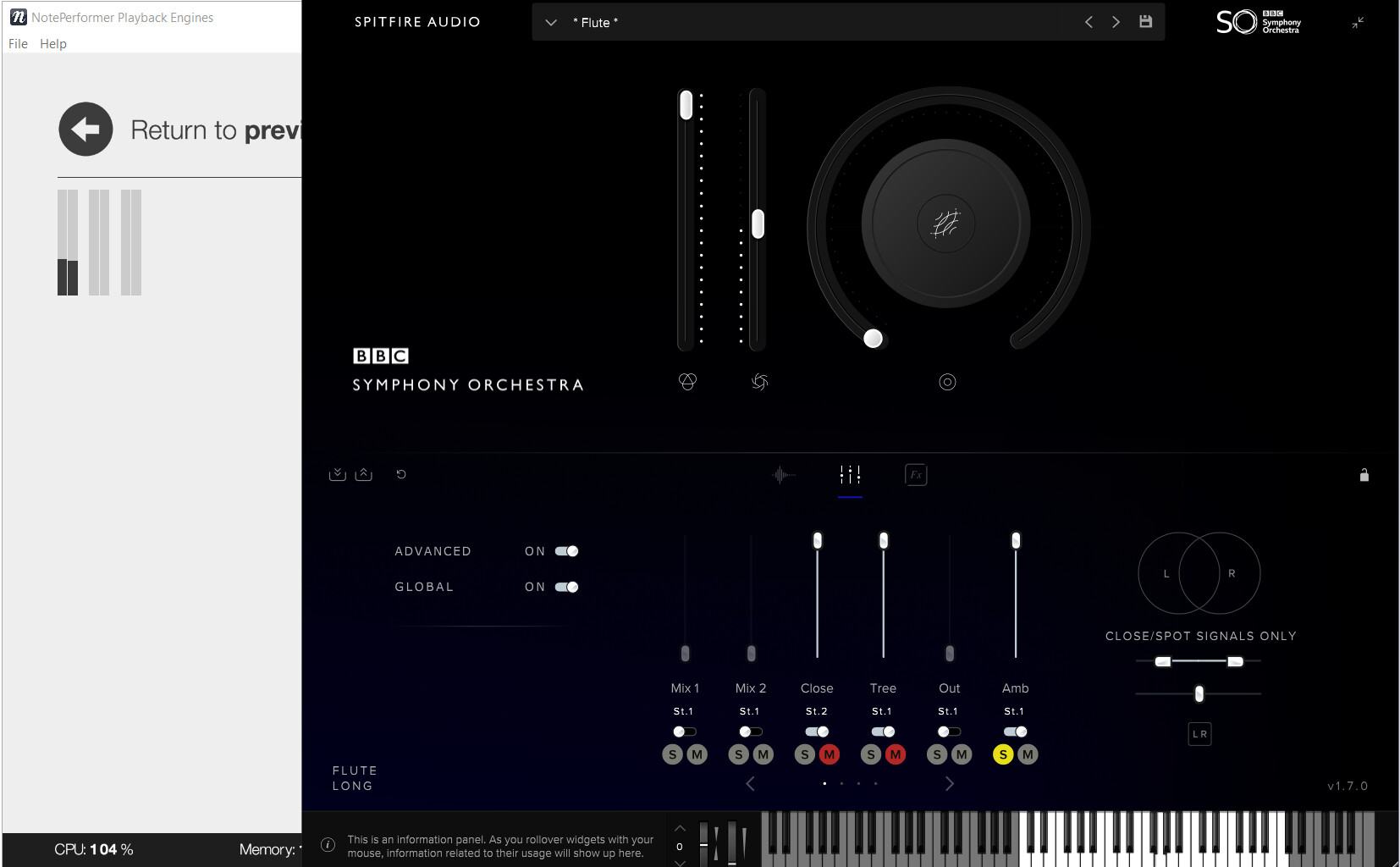
NPPE5 complains about no sound on audio output bus 3, which is set to use the “Ambient” microphone.
First, please ensure you have the “Professional” version and not the “Core” version installed.
If that doesn’t help, please open the VST3 preset in File > Engine Tools, and ensure that the Ambient microphone is working. When you click notes in the BBCSO keyboard, you should see the output levels in Engine Tools, like my screenshot below.


I have the same issues by clicking on the notes of a scratchi sound but this is essentially not a problem because you can selectivly replay your notes with hotkey p or with scratch play . I usually dont like the sound of replay of individual notes because its often a falls represtation of the true sound anyways especially on legato strings.
I have pro too and not this issue. Are you sure you have set the microphone slider accordingly?
Me too.
Other things to think about if you need to go back to 4.5.1.
- you may need to restore your autostart.np_template file from backup, if you changed it.
- you might need to downgrade OPUS to 1.5.2 if you use EW sample libraries.

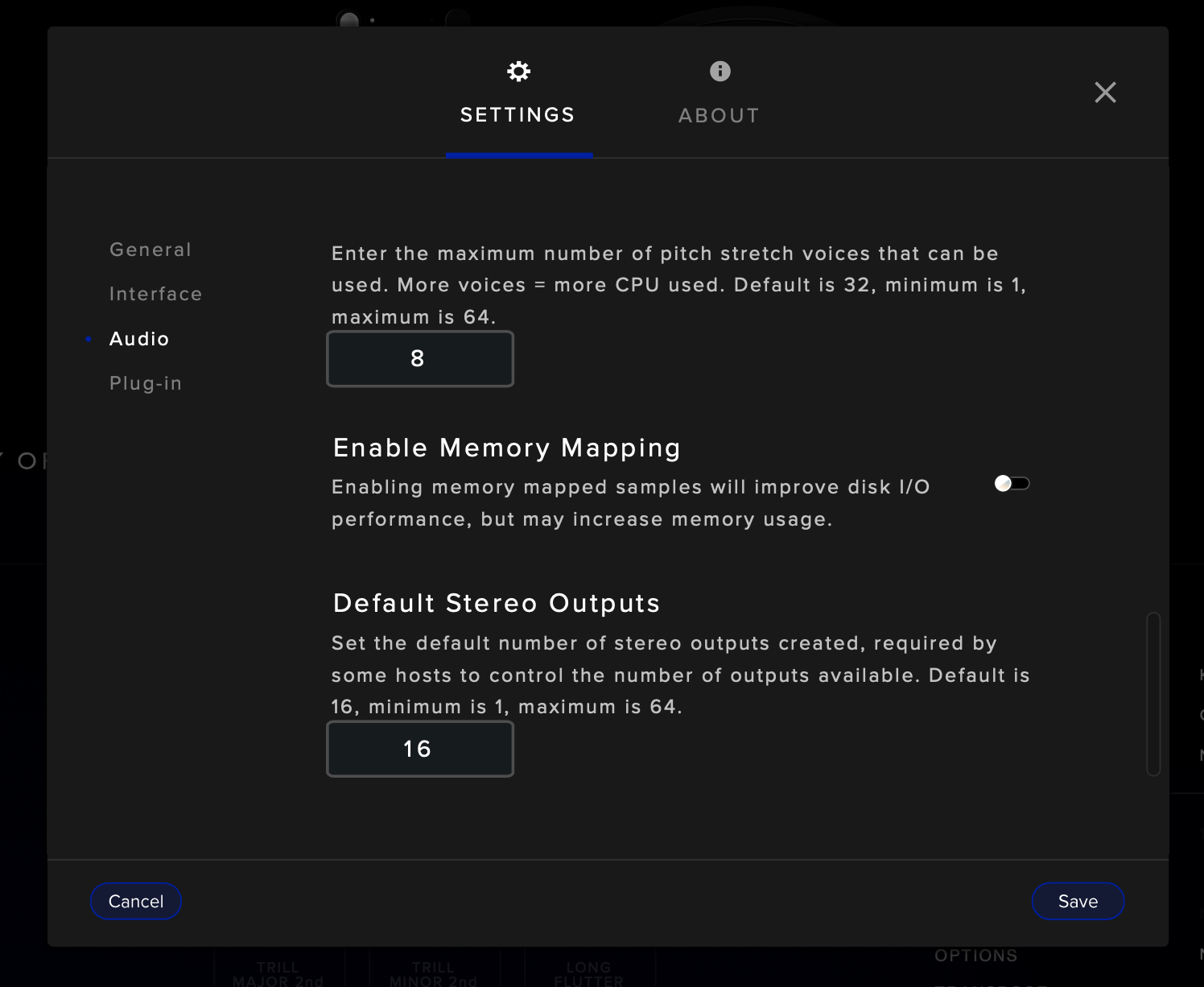
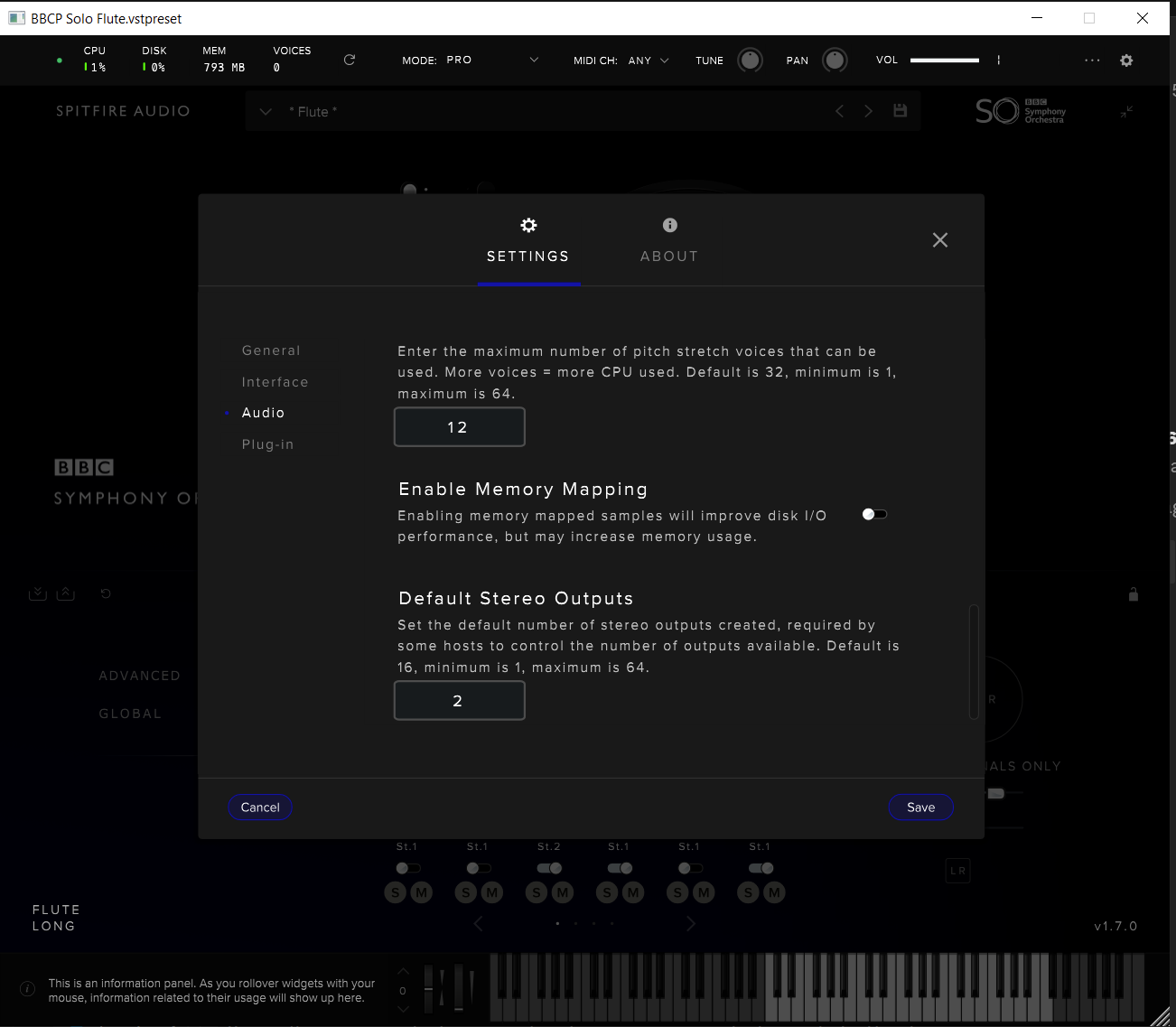
It’s a shame but from what I’m seeing after spending thousands of dollars in different libraries to have variety in the vst I find that I can’t add different slots because the Playback Engines closes automatically. I have to put all the flutes and the different instruments in a single slot. I don’t know why when Dorico starts the Playback Engines closes. And I have 128g RAM and an i7. I don’t understand anything.
Well, it now started the preloading process normally. 
Thank you very much, Arne! 

By the way, would be nice if there is a video tutorial on how to setup Engines for custom VST3 instruments.
Best regards,
Thurisaz
To clarify, are you experiencing crashes when using multiple slots of the same samples?
We’ve had one user reporting something similar, but I’ve yet been able to reproduce it.
You see, right now I’m trying to put different samples from different VSTs and route them to the same output (for example, 2 flutes from different VSTs and route them to the same output) and it seems that I can put different samples this way. But for now I’m trying to see how many I can put without closing the playback engines.
Hey is there a way to tell Noteperformer 5 where it stores or reads the preload cache files? Because right now they are stored in Roaming on my system disc which is the slowest ssd i have. I would like to store it on my fastest m2 which is the same place where my librarys are stored. ?