I’ve now confirmed that NPPE5 can crash if you use multiple slots with the same samples, e.g., two or more slots all using “BBCSO Core Flutes”.
We’ll have this fixed for the first maintenance update.
I’ve now confirmed that NPPE5 can crash if you use multiple slots with the same samples, e.g., two or more slots all using “BBCSO Core Flutes”.
We’ll have this fixed for the first maintenance update.
The default location is in your user’s folder. From the menu in my screenshot below, you can quickly navigate to the preload folder for the engine.
If you need to relocate the samples, there’s a readme.txt file in the preload folder explaining how to do that. That said, you don’t really need a fast drive for the preload since we load it to RAM.
Hello, and with different samples from different libraries it also fails. I have tested Syncrhon, BBC Pro, and Spitfire and Iconica that I have and it fails with all of them.
Arne @Wallander,
How do I find the link to the Playback Engines - Creators Guide? The NP web site gives a lot of information, but I didn’t see a download link for that manual.
Thanks.
Crashes? If so, that’s new information for us.
We know of two ways that 5.0.0 can crash:
I’ve just tested NP5 with the Unshaken example project. I compared NP with internal sounds, Iconica Sketch playback template, Iconica Sections and Players playback template and Iconica Sections and Players NPPE, everything on default settings. I generally prefer NP in any of the tested variations. There is only one thing I am quite unsure about, the double bass at the very beginning of the piece. I think it’s too loud and harsh with NP (with both built-in sounds and NPPE) and the tremolo sounds weird. Is this intended, a bug or something else?
@Wallander and @dspreadbury,
I came with an idea for some kind of campaign to encourage the library developer companies to build their own NPPEs that would be available as a download for those who purchase/d their products.
This will be beneficial for all sides: the companies, the users, Wallander and Dorico, and even Sibelius.
Best regards,
Thurisaz
Thank you thats great information. I would like to see a slider for Quality instead of adding the expression double buffer stuff to the preload text configuration file. And a relocate button for the files would also be a nice addion in a future update.
I want to change the drive not because of speed alone but also for backup reasons. My system folders such as user folders are free from any libraries or sound settings everything is on different drives. Windows drives are usually used by windows services and outsourcing it to a m2 drive means a seperate lane on the board is used which results in much lower latency.
Especially because i sync dorico with Reaper to score for picture. The Image replay and cues are in reaper and the mtc data will be streamed and in sync with Dorico pro where Noteperfomer does the music. The resulting audio stream will be streamed to reaper in order to have a propper masterchain running on top. So to speak a perfect preview. I hope one day i could stream each audio channel from Noteperformer via audio matrix to reaper directly. This would be premium. 128 audio channels are possible on windows with audio matrix
How much disk space will the .np_preload files typically require (for example if my HOOPUS library is about 1 TB in size)? And is it possible to customize the location where these files are stored (I’m using a dedicated SSD for my orchestral libraries)?
The entirety of HOOPUS will preload around 6 gigabytes (three microphones).
If you edit playback_engine.txt to only use Main, around 2 gigabytes.
In the preload folder for the engine, there’s a readme.txt file explaining how you can relocate the .np_preload files once created.
It’s definitely not intended (to be loud and harsh). Do you have an audio example?
Arne,
I know this is an old topic about NP + NPPE that we have already discussed when NP4 was released. Still, after version 5 has been released with the opportunity the users and library developers to create their own Playback Engines, now I see an open field for your, if you would like to dive deeper of course, to make the Divisi more advanced, to handle more complex ways of divisions and libraries that supports them (VSL - Dimension Strings Bundle and Audiobro - LASS 3 & MSS 2 ).
Best regards,
Thurisaz
This should be put in the docs because from what i hear the resulting sounds on BBC Pro SO are really alot better. Maybe there could be a slider to tweak this value on a more custom basis in a future update.
Thank you.
Arne,
I am very grateful that I am now able to use a full orchestra setup of BBC SO Core without overwhelming my computer-or having to spend a few thousand dollars on a machine fast & powerful enough to enough to use the library independently. Thank you!
Harsh may be a bad word to describe it. What I wanted to say is that Dorico, by default, plays the bass at the beginning very quietly, as expected for pp. You can hear it in this video:
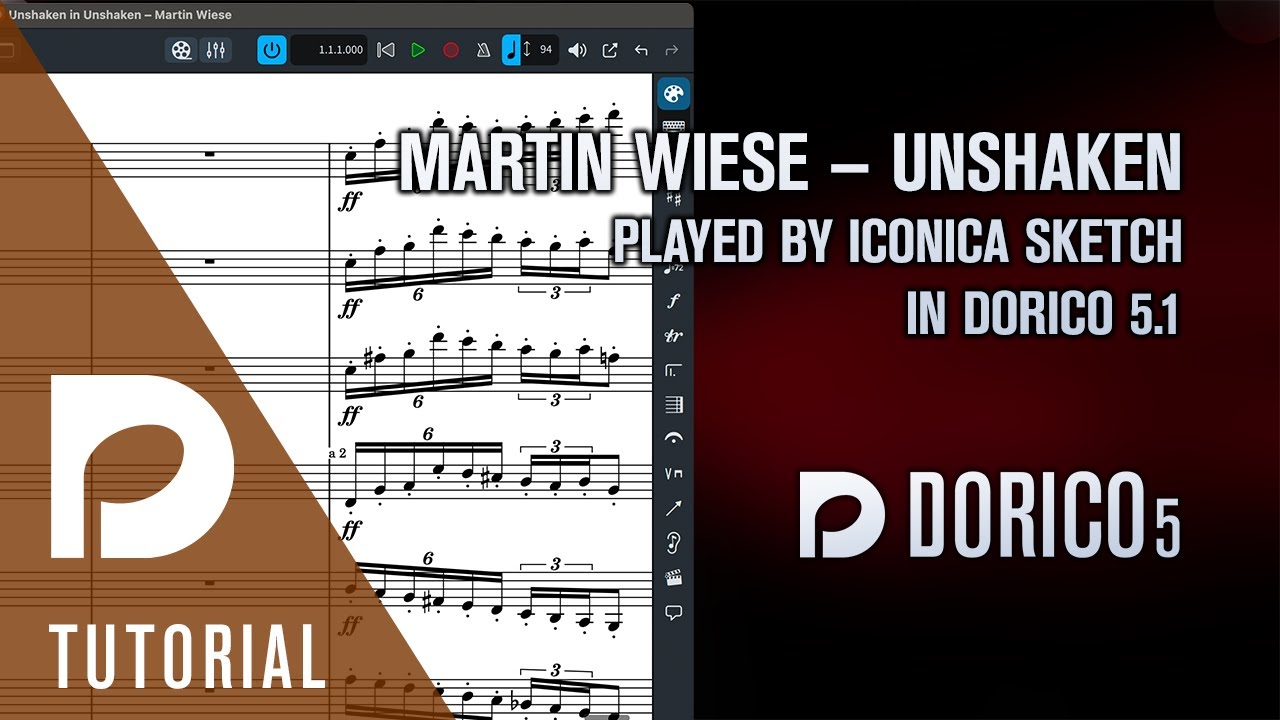
NP, on the other hand, interprets it much louder:
This doesn’t sound pp to me. The audio above is with Iconica Sections and Players NPPE, but it’s the same with NP built-in sounds.
I am interested in this new format, especially pre-loading (I sort of understand it). I’ve been considering getting a library for NPPE to up my demo game. I just ordered a fairly low-level Mac Mini. Does this lower my RAM requirements?
is there any way we could hear the difference as if it is really substantial, I’d certainly consider redoing the preload?
Yes, massively.
Also: third-party engines for any library can be created. I’ve just created one for Miroire, the “ha-ha” Baroque library from Orchestral Tools – and it is so much better!!!

