I don’t suppose there is anything that can be done about notes that are supposedly out of range in playback, right? Playback is not an overriding concern in what I’m working on, but I’m setting a score that has more than just a couple of supposedly out-of-range notes. The piece was performed twice by exceptional players who played them as written without complaints. I’m talking about high-range limits. Most instruments have physical limits on the lower end.
I’m guessing the only way to correct that would be to substitute an instrument sound that doesn’t assume the part will be played by an average high school musician.
Speaking of which, I read a book on orchestration from cover to cover when I was in high school, at that point mainly to learn about ranges and transposition, and was delighted to find when I got to college that many players’ abilities outstripped what textbooks say is supposed to be possible. (Such books are still good as a general guide.)
I’m not 100% sure what your question is.
But are you looking to change the default ranges an instrument is considered to be able to play?
If so, have you looked here?, Library→Instruments

Range
This section allows you to set the pitch ranges that are playable on the selected instrument by both standard and advanced performers, according to your middle C numbering convention setting.
The ranges you set affect which notes are considered out of range.
I had no idea that was out there. Outstanding! I figured that the sample used in the sound library just stopped at some presupposed limit. (I’m pretty sure it was that way in Finale.)
I’ll mark this problem as solved but will reopen it if I have a problem.
(Or else will just presume that what I want can’t be done.)
You are right: what’s not recorded in the sample, will not be played. So, if you want an extended playback, you need a VST with those notes. The change of range I pointed to, just has an effect on out-of range warnings in Dorico, not on playback.
(But I thought you were not interested in playback, because of this.)
Indeed it does – you can’t extend the range of a VST sample instrument by changing Dorico’s Instrument definitions.
Yep, I tried it. It’s definitely a help not to have notes marked as out of range, but I’d like to hear them, too. I’m guessing that there is no easy solution to this. (And that if there is one it might cost me money to get VSTs that both sound as good as the ones Dorico supplies (which are surprisingly good) and play the out-of-range pitches. Fat chance. And I’d have to hunt.
If sound is just an aid while inputting notes, you could temporarily change the playback to piano or something other suitable with a large range.
Or some GM sound

It appears there is no ideal solution to this problem. (I’d marked one response but have unmarked it because all it does is prevent the out-of-range notes from being marked as such.) Yes, I could find VSTs that play well beyond the traditional ranges, but I don’t want to go to the expense, and I’d have to find them and test them, which I have no idea what to do.
Someone wasn’t sure what my intent is from I said in the OP, that playback is not an overriding concern. I should clarify.
I’m an old guy going through a lot of my music from long ago, when I was an earnest (aka too-serious) composer. Some things, such as the current project, a thorny quartet for flute, clarinet, harp, and tuba, I’ve always wanted to get a good electronic copy of the score. Music notation software is not primarily intended for playback. All composers know that playbacks can sound robotic. I know how the piece sounds. It was performed twice (I conducted it myself) and I have recordings.
That said, I’d still like to have it play back as close to the written score as possible. I’m making various revisions in the current edition. But I know that electronic playback has limitations, and the purpose of having it is twofold: First as an aid to the composer during the creation phase (back in my day composers didn’t get to hear their works until they were read through or rehearsed) and to have something at least approximate if flowed to play for others as a demonstration of the piece.
It’s annoying not being able to hear the missing out-of-range notes in the score I’m working on (I tend to hear them in my head), but not enough to call the project a failure because a good-looking and updated written edition is my primary objective.
I don’t need to do anything more with this thread other than look in the place where instrument ranges are defined to be sure to extend them so they don’t pop up read in my score.
Thanks very much to everyone who contributed thoughts on this.
You can always turn off the red “out of range” warnings (View>note and rest colours>notes out of range - untick it) so they will never bother you.
If playback of notes that are currently out of range is important, then I recommend you consider acquiring NotePerformer. This product synthesizes the sounds of orchestral instruments rather than relying only on recorded samples, so it can playback notes that exceed the range of real instruments. Many users think it provides more realistic playback with minimal effort than other virtual instrument libraries. It costs $129 to buy outright, but you can pay $10.75 per month to rent the software until you have paid a total of $129, at which point you are granted a perpetual license. There is also a 30-day free trial available.
That’s an interesting suggestion.
Can that be integrated and used with Apple Logic? (The DAW that I use.)
No. NotePerformer only works with Dorico/Sibelius/Finale as it uses the notation to inform its rendition.
(It’s a brilliant product to use with Dorico. And the rent to buy model makes it very affordable)
I had reached out once to Wallander as to whether or not I could use NP’s VST within Reason (my DAW/sequencer of choice) and they were very clear that it cannot be used that way. Which explains why, while Pianoteq and other VSTs appear in my Reason Rack as options, Noteperformer is never there. So sadly no, one cannot use Noteperformer within any current DAW.
As Janus says, you already have the HALion Sonic Selection library, at no extra expense, and you can just apply the template to use it.
Are there any videos that compare the sound of a score coming straight out of Dorico’s VSPs versus NP’s?
This video has some comparisons.
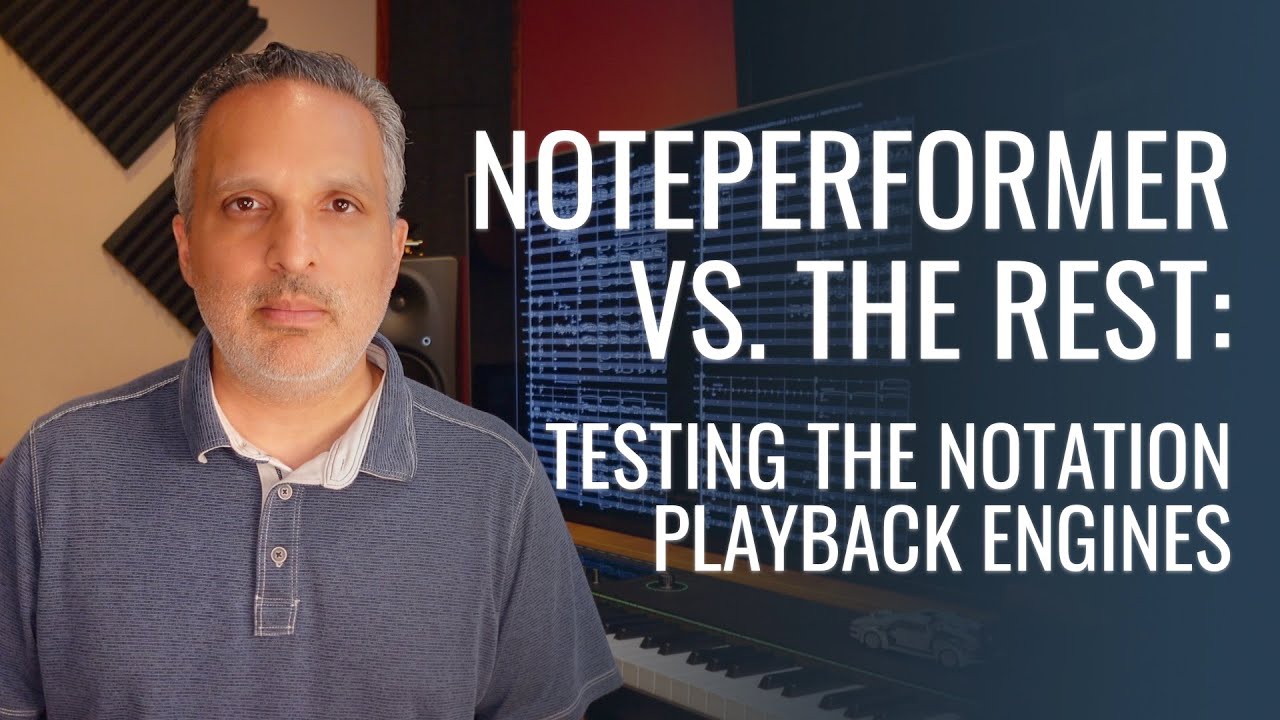
That’s exactly what I’m looking for!
Thank you Aaron.