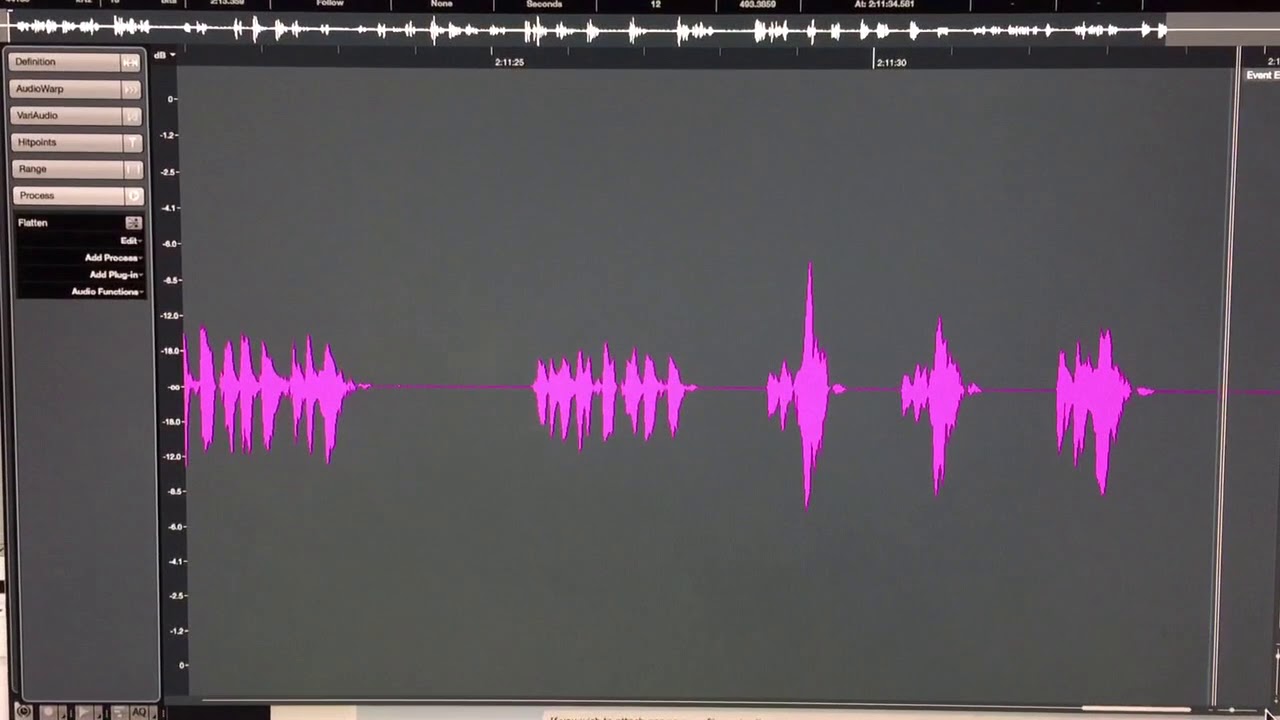
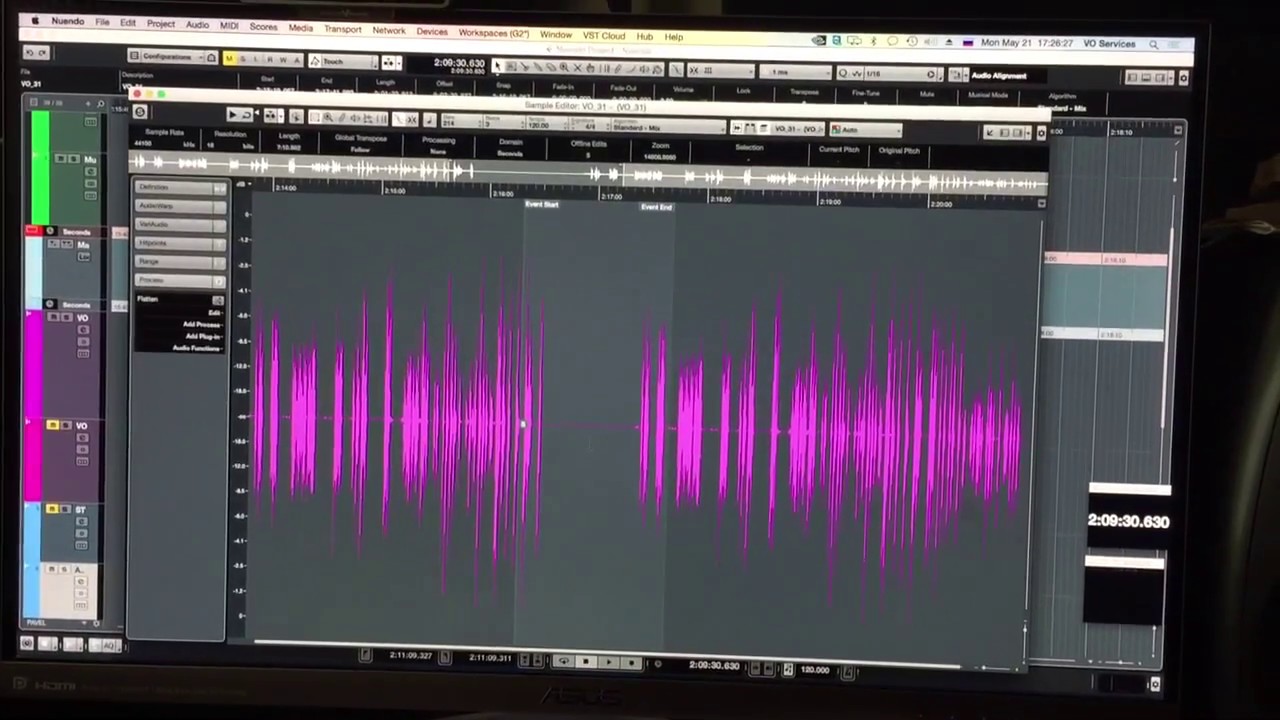
When you have a bit of audio recorded and you paste just a bit more using editor, whatever was there disappears… if you zoom closer it appears again.
Same thing happens when you look using project view… you see that part of event is missing unless you zoom in.
PROBLEM 2
Custom colors
I changed the color of grid in project view and editor. I saved it in each Pref.preset…
and you go back to presets that you just saved, and it is back to AUTO. I do not get the purpose of having user pcolor preset if the colors do not stay.
this is not a per specific project problem… this is a problem that happens with every new project, and when you create a new project, image folder is empty.
I first noticed itin Nuendo 8
and it is still there
I’m wondering if it’s a graphic card/driver problem. I had that problem on an older Mac but have not seen it since I updated to a new one. I wasn’t paying attention to that detail however as it didn’t happen 100% of the time.