I’m reworking an older work and proofreading is marking a bunch of notes, specifically cello for now, as unplayable on the instrument when it certainly is. (Example…a phrase centered around D3 is marked as unplayable.) I know cellos go down to C2. What could be happening?
The cello range from D3 down to C2 doesn’t show any proofreading errors for me. Can you share a cut down version of your project that demonstrates the issue?

Adagio and Allegro (Orchestra).dorico (3.6 MB)
Here is the project. It is a reworking of a Finale file.
Thanks,
Ralph
When you say “reworking”, do you mean an XML import?
It looks like the instrument playing your cello line is actually a violin, which you can see by expanding the Cello player card in Setup mode, clicking on the three dot menu, and choosing Edit Instrument Definition. That’s why anything below G3 shows as out of range.
You can fix this by closing that dialog, clicking the three dots again, choosing Change Instrument, and then picking the Violoncello instrument. (You can change the staff labels back to Cello if you want.)
It’s not uncommon for there to be instrument issues in XML imports; using Change Instrument to pick the correct Dorico instrument clears most of them up.
2 Likes
Dorico has imported the instrument as “Cello” - which (strangely?) Dorico does not recognise.

Change the instrument to Violoncello in Setup and the problem goes away.
1 Like
That did it! I would have expected Dorico to equate Cello with Violincello. Oh well.
Is there a way to assign upper notes on a staff to one instrument and the lower notes to a different one? For example, the Trb 3/Tuba staff keeps reminding me that the trombone needs an F attachment to play the lower notes. (I know…I play bass trombone!) I would like to get two different noises, a trombone and a tuba, but I can settle for changing the sound to a Bass Trombone or Tuba. (Then I run into upper range issues for it.)
How can Dorico handle this situation?
I love Dorico…I haven’t looked back except to export an xml.
Ralph
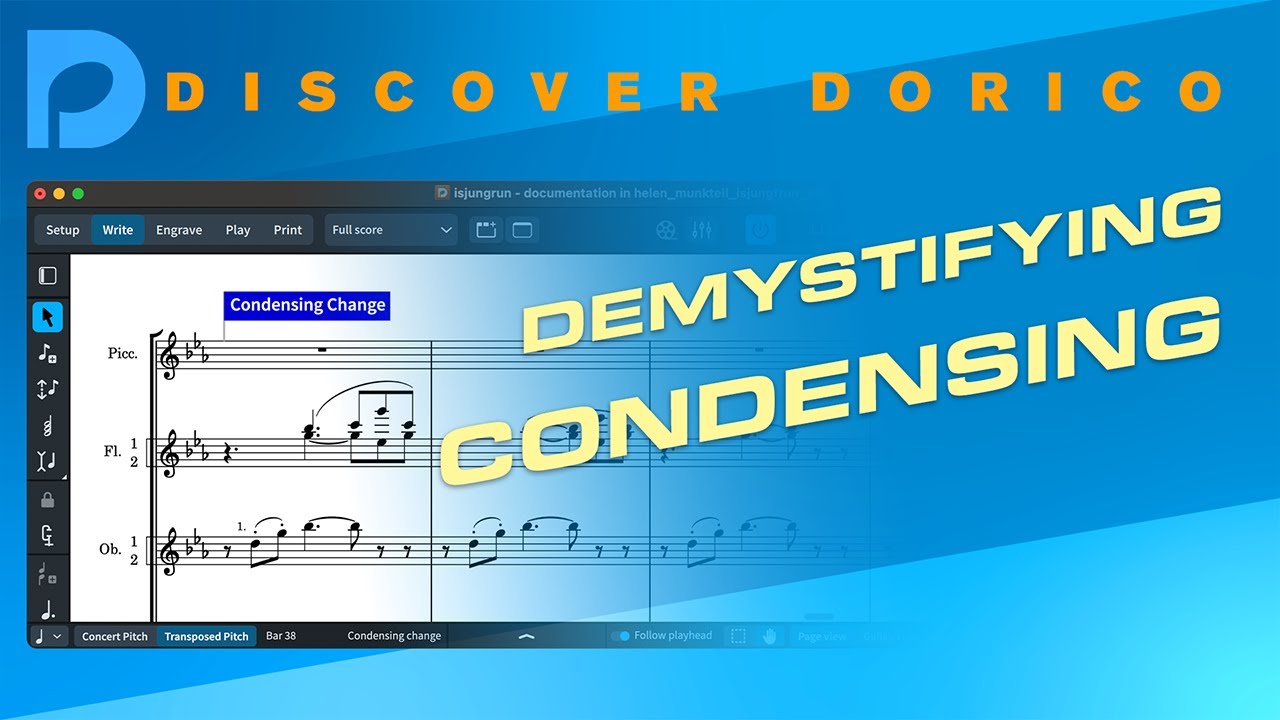
When you want more than one instrument on a staff, the Dorico way to achieve this is with condensing. Basically, you set up each individual player (so one trombone 3 player and one tuba player) and enter their music separately in Galley view in Write mode, then let Dorico condense their music onto one staff in Page view. It’s a very powerful feature.
2 Likes
For all your “condensed” players (eg. Flute 1&2). Simply split them into two players and Move the notes from the combined part to the new empty part.
Dorico’s condensing feature will recombine them correctly for the score and as an added bonus you will have automatic layout parts for each player.
3 Likes
Thanks! I’m reviewing that right now!
Ralph