'Reverb send' Help Please?

Hello,

I have created a piece of jazz involving the use of multiple vocal sample licks, all of which act as a backing section to the main instrument leads.

Some of the vocal samples were dry and others wet, but every time I selected one for use in the project, I loaded an instance of Reverb II as an insert on the same channel with the mix level of the plug-in set at around 50% most of the time.

This method seemed to work well except that, by the end of the composition and having employed about 50 separate sample tracks, I started to get CPU overload issues when trying to mix down. I did some trouble shooting and learned about the benefits of track freezing, as well as optimising my PC in general to reduce background processes and CPU load.

But the main solution I hoped to use was to switch ‘where possible’ to using a send FX bus in order to route multiple vocal tracks to one instance of Reverb II to cut down on the number of reverb plug-ins in use across the whole project. I was optimistic that all these measures would solve my CPU and crashing issues, but then things seemed to get a little weird after I did this.

Originally, when Reverb II was used as an insert on each vocal track, all my sample levels were spot on in the mix in terms of volume and EQ. I had to do this manually for each track which took ages and lots of fiddling around with volume automation.

I then created FX buses with an instance of Reverb II loaded on and began sending samples as groups to these FX buses. I made sure that the Reverb II plug-in on each FX bus was set to the same parameters as the original one used as an insert, (except for the ‘mix’ parameter being set at 100% on the Reverb plug-in on the FX send bus). Once I had done this, I noticed that the samples routed to the FX buses started coming out too loud in the mix, losing their EQ and overall feel. And, as a consequence, I had to then start resetting the volume levels again for each vocal track via automation just like at the start, I thought my ears were deceiving me!

The send FX created on each instrument channel rack was set to post-fade (orange), and the reverb amount defaulted to ‘00’ in each case. I have no idea if this default ‘00’ level is what has caused the volume issues with each sample, but I know that I have no desire to begin resetting the amount of reverb on each FX send channel, having already achieved an ideal setting when using the Reverb II plug-in as an insert originally?

I know using reverb as a ‘send’ instead of an insert makes more sense, especially for cutting down on plug-in instances and CPU load.

But, can anyone here let me know if making this type of change half way through the project may have cost me my original gain staging on my vocal tracks please?

I hope this question makes sense, as my ‘shop speak’ is still a little unseasoned due to my lack of experience.

Thanks in advance guys,

Cliff.

Your speak is better than you give yourself credit for. You can exchange “FX bus” with “effect track” and “00 levels” with “0.0dB”.

The short but harsh answer: YES. You may start all over by getting the EQ and levels right. Of course it is easier the less reverb effect tracks you used (read: the original reverbs used the same settings).
It is a bit hard to give detailed advice as I don’t know know your project in detail.
Good luck.

If you are happy with the initial tracks, why not just commit and render them to audio. Original tracks can then be deactivated to save on CPU. Your audio will have the exact effects and gain/eq you put on them in the first place.

2 Likes

Thank you Jonny_Moneto and Wickham_Sky!

I suspected that there was a difference when I sent the vocals to the new effects tracks, the volume definitely got louder. Thanks for letting me know. At least now I can either commit to resetting the levels/feel of each of the samples, or I could load up an earlier version of the project and render each vocal track to audio as you kindly suggested Wickham_Sky.

The only issue with my rendering to audio, is that I am a tinkerer and a bit obsessive about perfection, and at this stage I am still making minute changes to bits and pieces as I listen to the mix down on different playback devices/speakers. So…
I guess I’ll have to think about it, but in the end, I may just have to keep all the vocal tracks active in order to edit them.

‘Back to the drawing board’ as they say, and thanks a million guys :slight_smile:

1 Like

I just had a thought…

If I rendered the majority of the musical instrument tracks to audio, for example the drums, pads, synth piano etc, could I still keep the original midi tracks but disable them all? and would this conserve CPU power. Because so far all I have done is to freeze some of those instrument tracks?

I guess I would have to unfreeze those tracks, render them all to audio, and then disable them.

Could this work and free up more CPU, which might then give me the luxury of keeping the reverb on all my vocal tracks as inserts? oh what a mess I’ve made :blush:

Thanks again,

Cliff

Hello Cliff,

first of all, all ways that gives you the result you want to achieve is the “correct” way.
But that does not mean that there are no better ways.

Here are a few thoughts from me/my personal experience that >> may << help you to find “your” perfect way/workflow.

Gainstaging: Normally that means to adjust levels before or at the point where the signal gets into the mixer channel.
In Cubase that is mainly done on clip level, and/or mixer input/pre-section.
For more details check Dom Sigalas video for Gainstaging in Cubase:

Inserts: From >> my << understanding inserts are mainly used for sound shaping plugins, like gate, compression, EQ, saturation, and so on - things you will also find in the Chanel Strip of the Cubase mixer - one can say the default inserts of the cubase mixer.

To me reverb is a “mixing thing” and normally not used in an insert.
You can use reverb in an insert - and its nothing wrong with it - but it causes some things that makes it more complicated while mixing.
E.g. if you have 20 vocal tracks, with 20 reverb plugins on inserts, and you want to change some setting at the reverb sound itself, you need to change it in up to 20 plugins.
On a send you need to change it once, which affects all tracks sending signals to that effect track/channel.
I can also recommend to check a video from Dom about when to use inserts, and when to use inserts or sends:

Sends: Here it is important to understand pre and post (fader) setting.
On pre-fader the amount of the signal send does not depend of the fader setting.
On post-fader the fader lavel also controls the amount of signal that is send to the effect track, additionally to the send level setting.
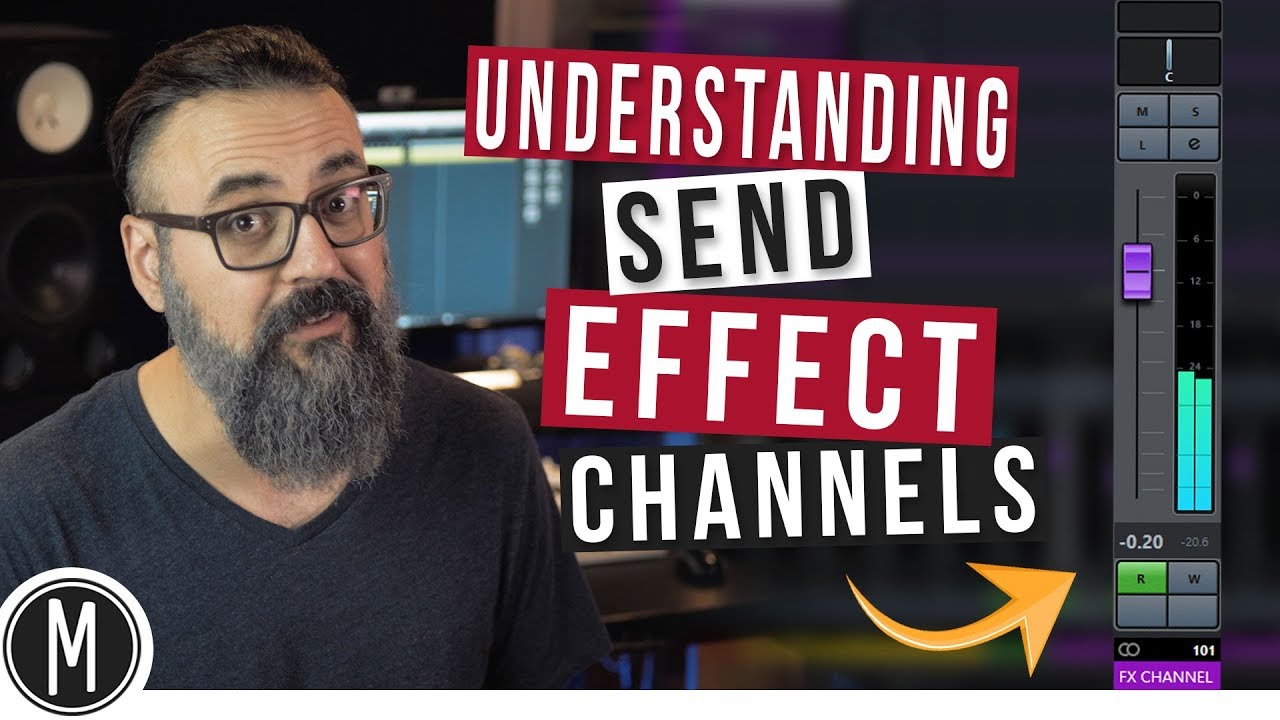
I think a good point to check is a video from Chris Selim about send effect channels:

If you prefer using reverb om inserts, then you also should think about to render tracks you are satisfied with. That will create a new track that contains the vocal incl,. the reverb, and you can also set to disable the original track after that.
That will cause that the reverb after rendering does not need to be processed anymore, and so it saves CPU capacity.
But if you want to change something after rendering, you need to re-enable the original track, change it, and re-render it. And do not forget to delete the “old” rendered track, as then a new track will be created.

That’s it for now, and I hope that helped you in order to understand the way you can improve your workflow,

1 Like

Thank you OldBigMan,

This is awesome, and to be honest I have already watched a couple of these videos, he is really informative!

I think you’re absolutely right, I was happy with the vocals at a certain point, and so I should get used to learning the process of rendering them all to audio, because so far I haven’t tried once.

I reckon doing that with the vocals and most of the instrument tracks will solve my CPU issues and free up my work flow, and so I’ll load up an earlier project save and take it from there.

I really appreciate you guys and all the help you give.

All the best,

Cliff